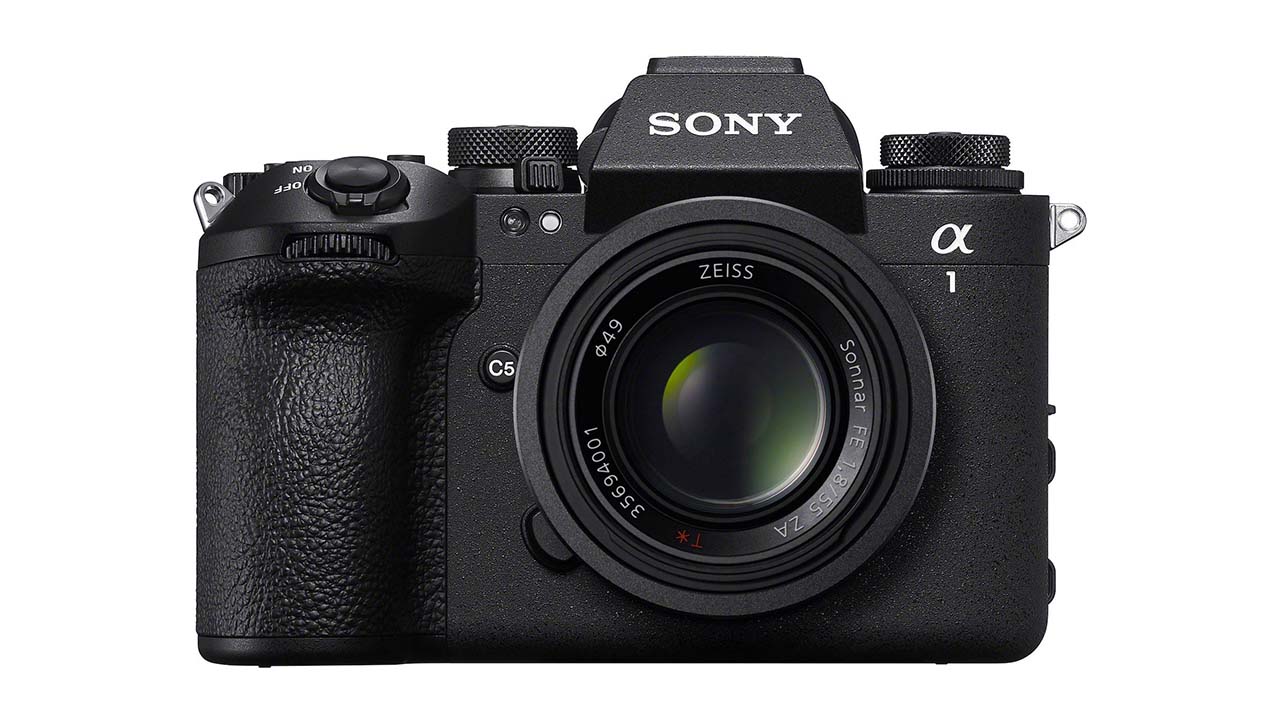
It might not have been out very long, but the Sony a1 II is already on v3.0 of its firmware and there are some useful new features added.
The Sony a1 II was only announced back in November last year, and already v3.0 of its firmware has been released onto the Sony servers. As updates go it's a fairly mild one, but there are some interesting new features that may go some way to sweetening the pill for anyone looking to buy one of the flagship units in the US. It was $6499 when it was released, it's now $500 more than that.
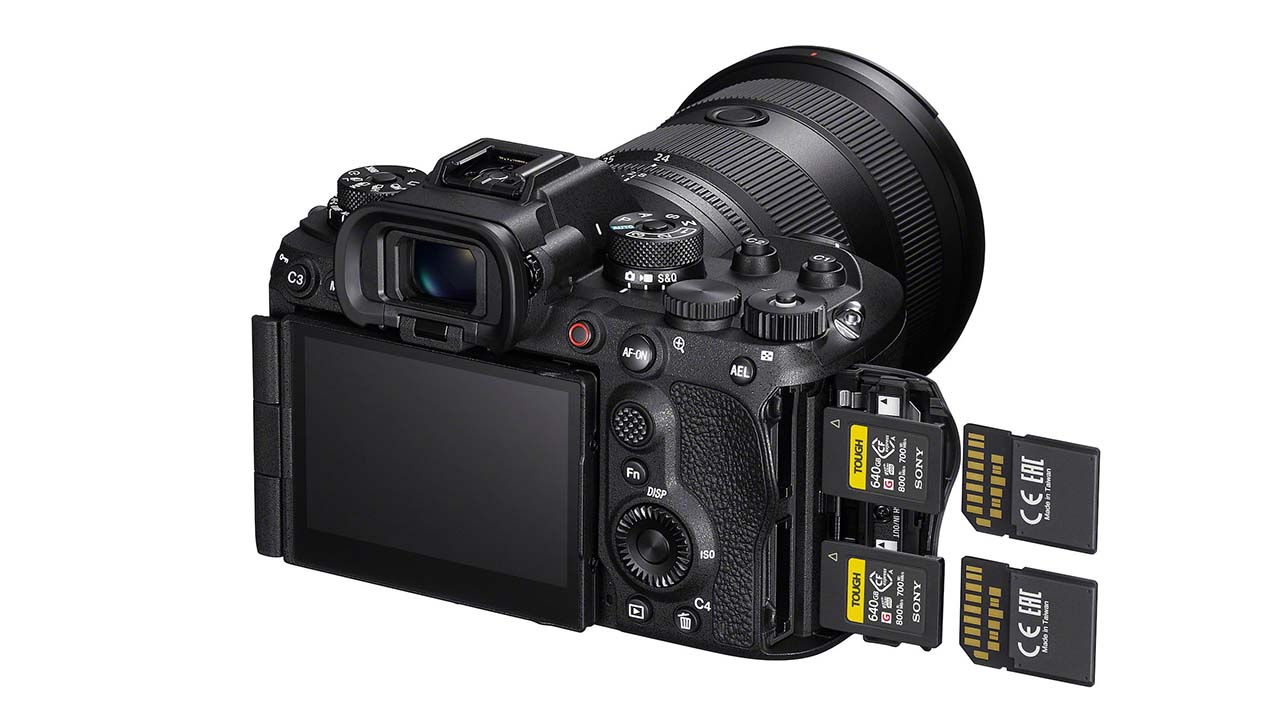
Highlight of v3.0 is probably the ability to simultaneously delete and rate images recorded on both Memory Card Slot 1 and Slot 2, which is going to speed up the workflow of anyone who is looking to juggle dual cards while shooting.
The ability to add OK/NG/KEEP flags to clips during or after movie recording is useful too and is going to help triage footage even before it gets to post. Another boon for anyone looking to organise large volumes of material is also the new ability to display folder names and file names during playback. Sometimes it's the little things.
The camera also now bows to the inevitable and will adapt the display layout when shooting horizontally and vertically.
Here's the full list of new stuff. Downloads here. Some of the following abilities require an additional paid license.
Benefits and Improvements
- Adapts the display layout of shooting information for both horizontal and vertical viewing
- Allows you to select whether to change the Shooting Mode, Drive Mode, and Focus Mode using the dial or through the menu
- Allows simultaneous deleting and rating of images recorded on both Memory Card Slot 1 and Slot 2
- Allows the display of folder names and file names during playback
- Allows you to add OK/NG/KEEP flags to clips during or after movie recording
- Allows you to cancel the scheduled transfer of selected images during FTP transfer
- Adds support for the following Transfer & Tagging settings:
- A setting to automatically schedule FTP transfer of protected still images from FTP Import
- A setting to automatically schedule FTP transfer of protected still images and videos from FTP Upload Preset
- A setting to automatically protect still images transferred via FTP from FTP Upload Preset
- Ver. 2.3.0 or later of the Transfer & Tagging setting is necessary for Android, and Ver. 2.3.1 or later is necessary for iOS.
The Transfer & Tagging setting may not be available in some countries or regions
- Supports the following Monitor & Control app functions:
- Focus map display
- IRIS operation bar display
- Ver. 2.3.0 or later of the Monitor & Control app is necessary.
The Monitor & Control app may not be available in some countries or regions
- Supports Scan and Tag, Photo Cropping, and Volume Photography Commands under the Volume Photography License
- Installation of a paid license is required for use.
- The provision of the license is scheduled to begin after August 2025.
- Services may not be available in some countries or regions.
- Updates the display of the shooting date and time to the user date and time (The built-in clock of the camera) instead of the server date and time when viewing images captured with the Write Digital Signature function set to On in the Camera Authenticity Solution
- Installation of a paid license is required for use.
- The timing for the provision of paid licenses to customers other than certain media outlets is yet to be determined.
- Services may not be available in some countries or regions. For more information, please visit the Authenticity Catalog Page.
- WPA and WEP functionalities are no longer supported. You will no longer be able to select WPA or WEP when connecting to Wi-Fi. Please use the more secure WPA2 or WPA3 security setting moving forward
- Improves the operational stability of the camera




Comments