2 minute read

Adobe's Anton Knoblach explains how Premiere Pro's new Generate Video, Soundscape and speech-cleanup tools speed up editing while creative decisions stay with the editor.
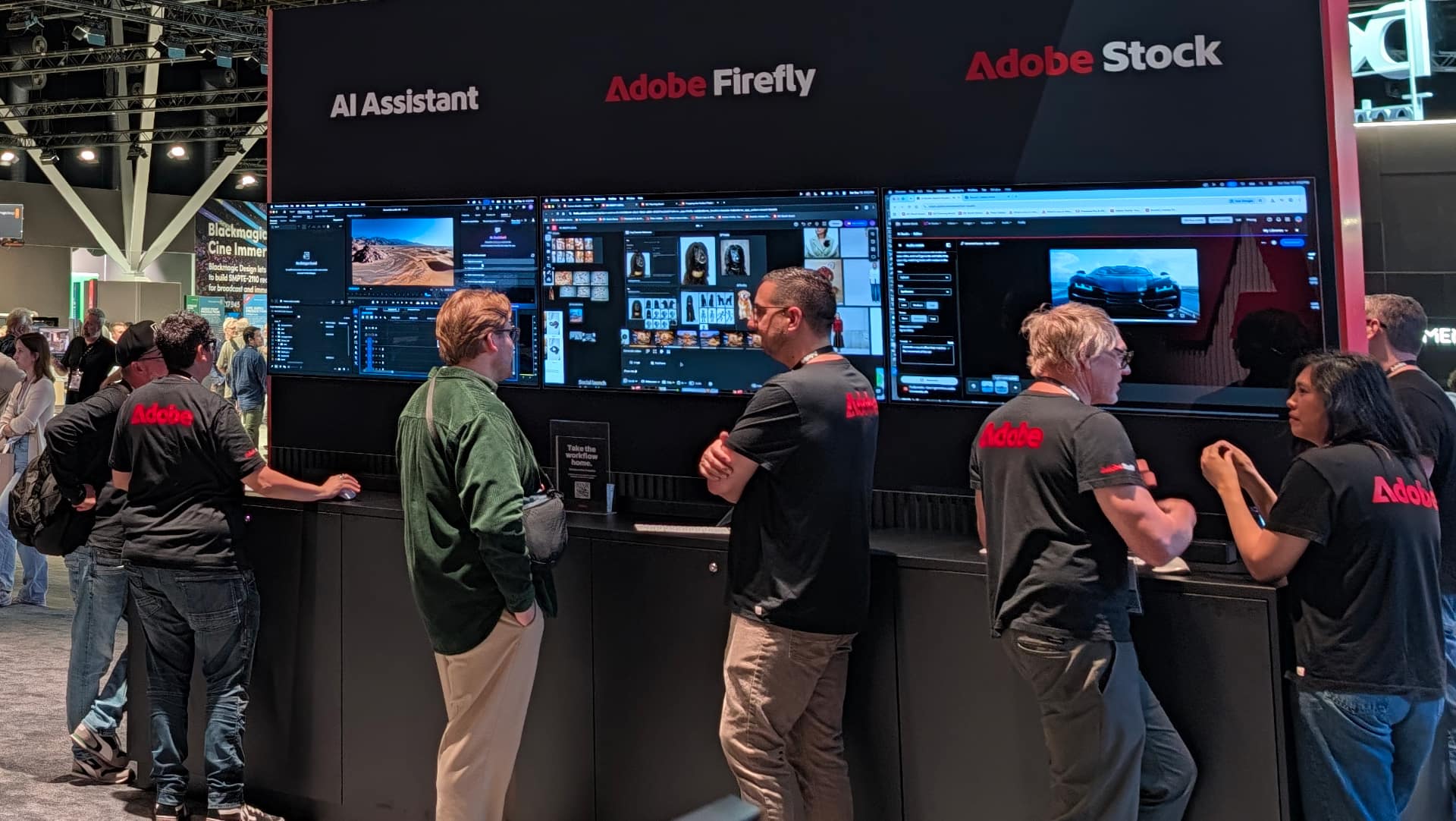
Adobe is steering Adobe Premiere into a new era of AI-assisted post-production and insists the goal is to remove the friction that slows editors down, rather than replace them.
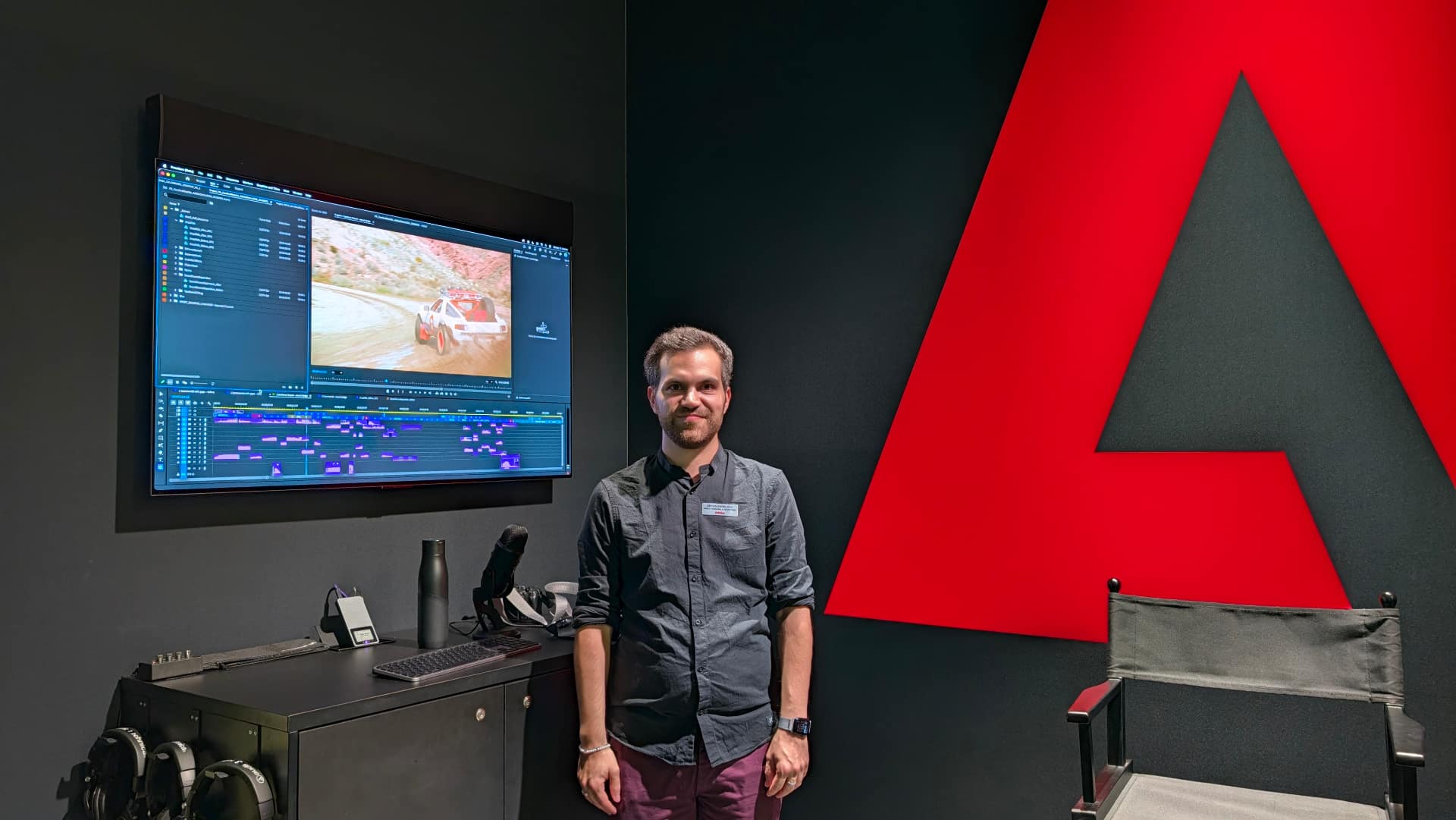
Product specialist Anton Knoblach sat down with RedShark to explain Adobe's approach to AI.
"It's really about finding ways to use AI in meaningful ways, solving issues that people have in real life," he said.
Editors might lose time hunting for missing shots, patching gaps, sourcing sound effects, or cleaning messy audio. Features incorporated into the software's latest version are intended to eliminate those interruptions by bringing generative media into the timeline.
 The headline feature in the latest release is Generate Video, which lets editors create entirely new shots without leaving Premiere.
"For example, I might have a commercial where every clip is perfect except one. In the past I'd have to search Adobe Stock, or abandon the idea, or send a team out to reshoot. Now I can generate that shot inside Premiere."
Premiere samples reference frames from the timeline so the generated clip matches the project's color grade, lens characteristics, lighting and aspect ratio. Editors can choose Adobe's Firefly model or partner engines including Google Veo, Runway, Luma and Kling.
Every generated clip is clearly tagged with a new icon, and Firefly-created assets carry Content Credentials, ensuring long-term traceability.
Knoblach also demonstrated how editors can now generate sound effects using their own voice as a timing reference. "Make a 'zip' sound, and Premiere produces a synced jacket-zip effect. Snap your fingers, and Premiere generates footsteps."
"It's my human performance and my human prompt," he said. "The machine takes that and makes something unique."
Premiere can also generate background music that is "commercially safe," meaning it won't trigger copyright flags on YouTube or streaming platforms. This is crucial for documentary filmmakers who often capture unwanted music in real-world environments.
A new Generate Soundscape feature analyzes the video and automatically creates ambience and effects like footsteps, wind or room tone timed precisely to the action on screen.
 Premiere also includes tools that solve problems editors once considered impossible:
Separate Crosstalk splits overlapping dialogue into isolated tracks, ideal for interviews where speakers talk over each other.
An Enhanced Speech function removes background noise, hum, and even copyrighted music captured on location.
"Editors can extract stems from a single audio clip, isolating speech, ambience, music and effects," Knoblach said. "These tools were among the most requested features from users, and they now sit directly inside Premiere's audio panel."
While early video-generation models required complex prompts, now "sometimes a one-sentence prompt can be great," he said. "Working creatives already have the vocabulary."
Adobe provides guidance for Firefly prompts, while partner models rely on their own documentation.
"The goal is to make prompting feel natural, or an extension of how editors already describe shots, moods and actions," he said.
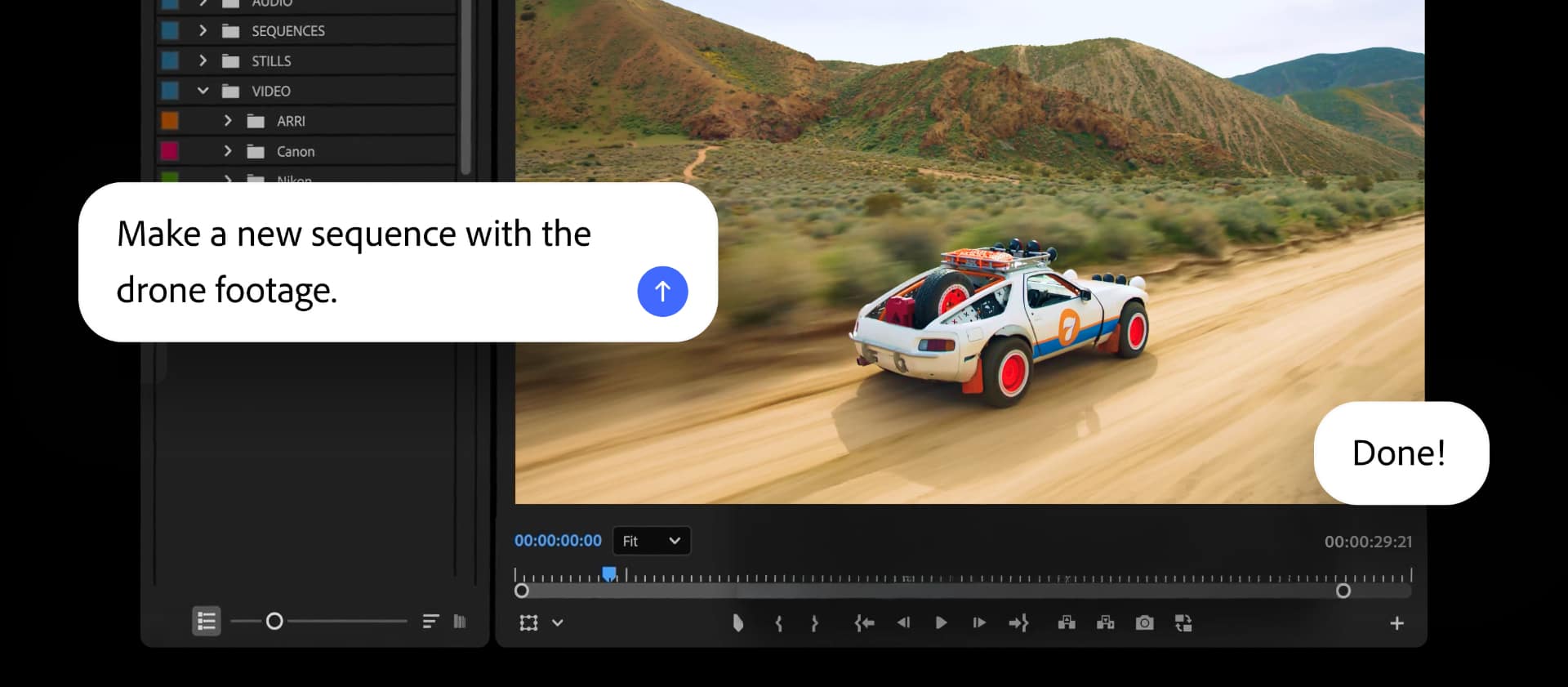
Adobe's AI assistant, now in Premiere beta, handles housekeeping tasks like sorting clips, tagging footage and organizing bins. "All the creative decisions remain with the editor," he concluded. "We are not trying to automate taste or artistic judgment."
Tags: Post & VFX Adobe Adobe Premiere IBC2026


RedShark 2020 @ All rights reserved.

Comments