
1 minute read
Advertisement
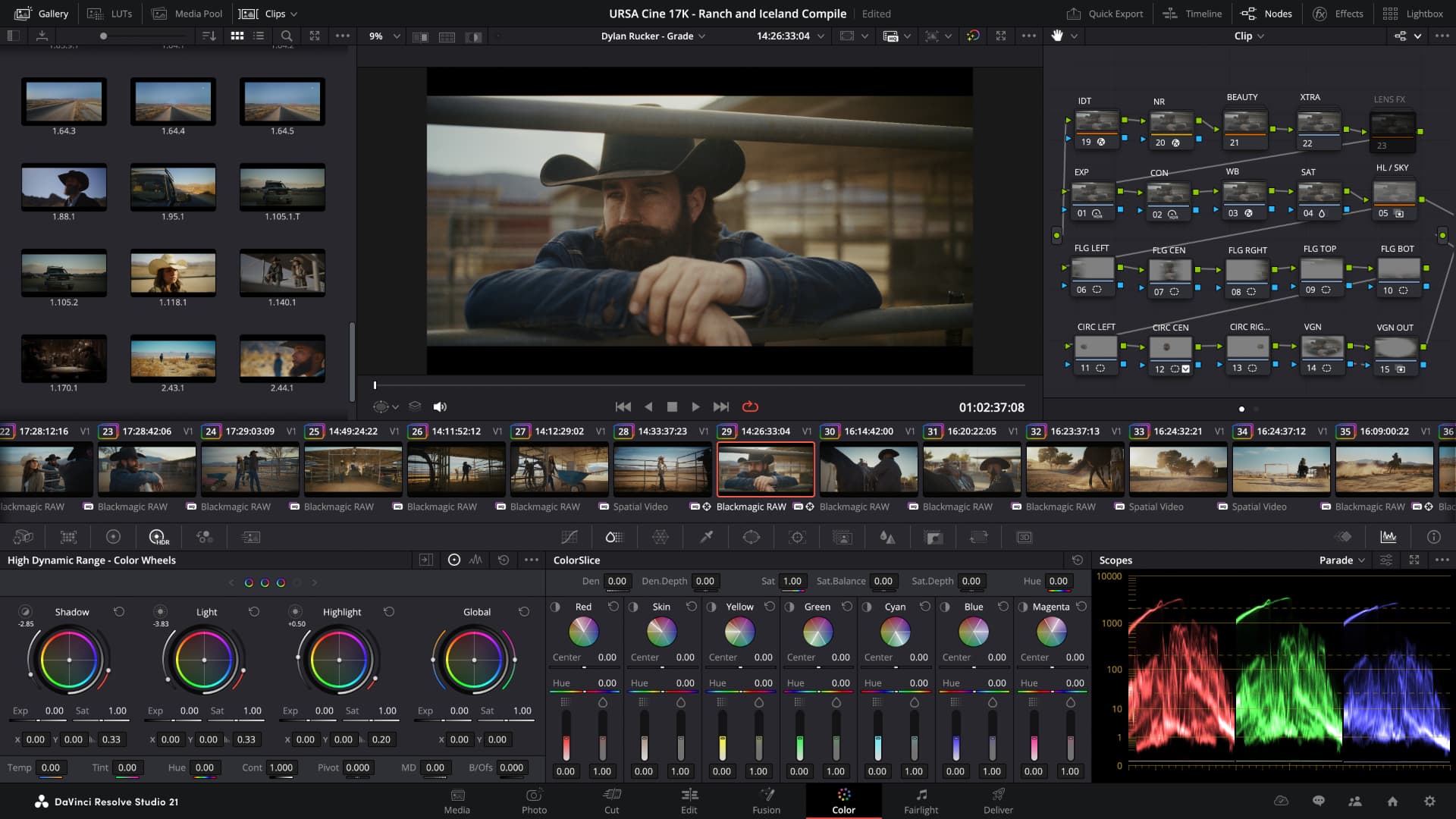
Blackmagic's fourth point release in the DaVinci Resolve 21.0.X line, 21.0.4, adds support for Sony FX5 X-OCN clips, the ability to relink proxy clips with different formats, and other tweaks.
The latest build of DaVinci Resolve 21 has just hit the Blackmagic servers. DaVinci Resolve 21.0.4 adds a few bits and pieces reflecting what's going on in the wider production ecosystem, as well as undertaking the usual bug squashing duties.
The free edition adds support for relinking proxy clips with different formats, support for additional X-OCN formats just as people start to work with the Sony FX5, the ability to use API scripting to review selected clips on the timeline and improved realtime playback on timelines with a large cache. As ever, the paid Studio version moves forward in lockstep, though without addressing an issue with H.264 software decoding on Windows (which, in truth, may not have actually been an issue with this version).
Fusion Studio, meanwhile, improves long path length support on Windows as well as general performance and stability updates.
As always, all downloads are available for free from Blackmagic Support. Here's the full changelog.
The following features have been added or updated.
Tags: Post & VFX DaVinci Resolve DaVinci Resolve Studio Fusion Studio

Written by Andy Stout
Advertisement
Advertisement
Advertisement
Advertisement
Advertisement
RedShark is a multiplatform online publication for anyone with an interest in moving image technology and craft. With over 50 contributors worldwide, full-time developers, editorial, sales and marketing staff, it is the go-to site for informed opinion and know-how for the quickly changing video, film and content creation industries.

RedShark 2020 @ All rights reserved.

Comments