
2 minute read
Advertisement
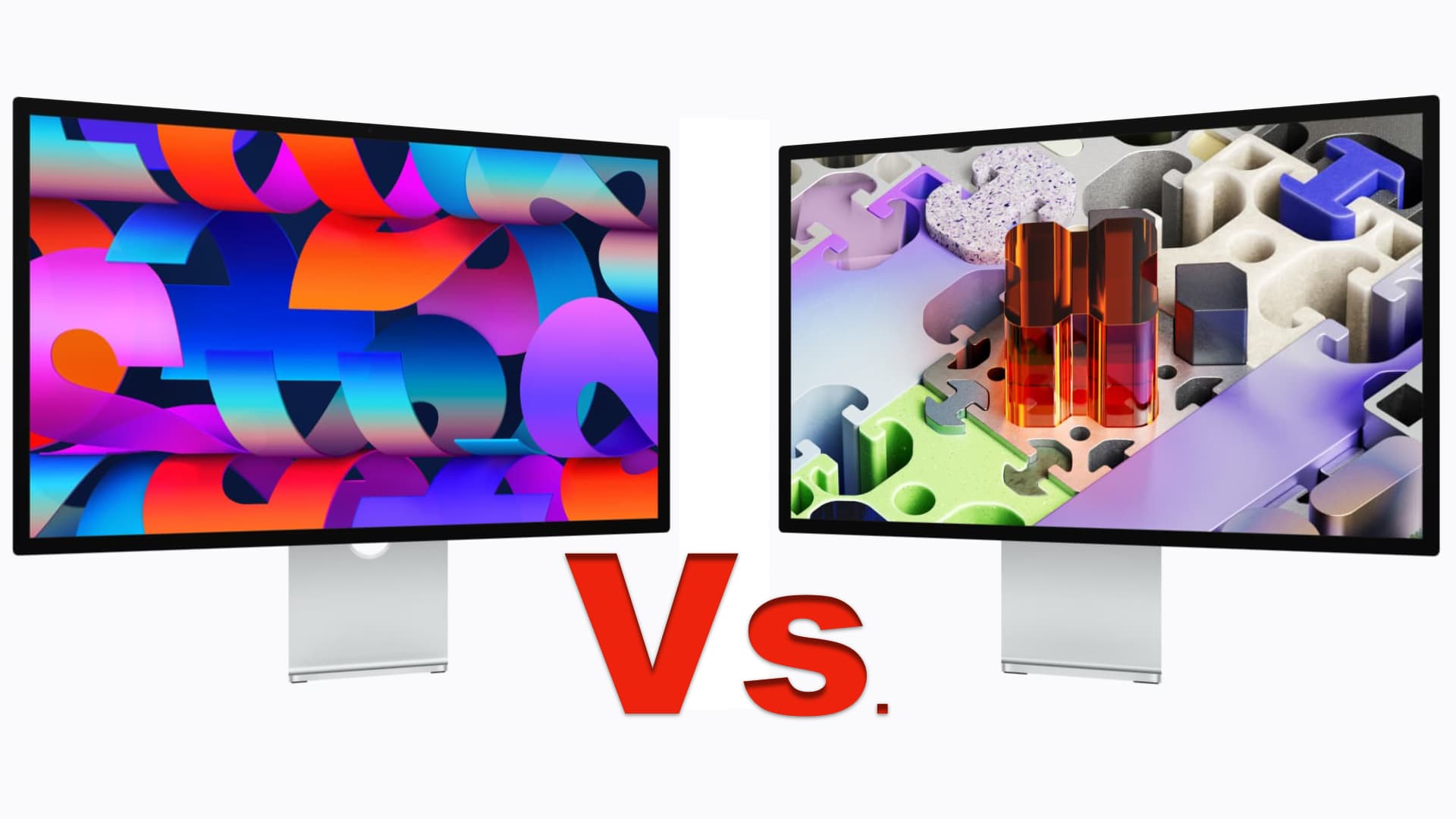
Apple's two new displays have a lot of similarities over and above the form factor. These are the differences between the two alongside an important caveat about 120 Hz support.
Apple has rather muddied the waters when it comes to the displays it now offers. The distinctions between the old Studio Display and the now-discontinued Pro Display XDR were obvious a 27-in versus a 32-in screen 6K and a wholly different look for the Pro Display. Plus the small matter of around $3500.
With the upper end model replaced by something closer to the new spec of the lower end model (if we can really call anything with a $1599 price 'low end') the choices have become a bit more opaque. Reaction to the new models has been mixed to say the least, with many unhappy at having to pay $1600 for a 60 Hz display in 2026, and much unhappiness about Apple's persistence in maintaining a single upstream connection.
As the information below shows there is also an important gotcha when it comes to the 120 Hz refresh rate of the new XDR. Only the M4 and new M5 chip support this in its base model. All others require the Pro version at a minimum and the M1 is unsupported even then.
Here are the differences between the two new models side-by-side.
| Feature | Studio Display | Studio Display XDR |
|---|---|---|
| Starting price | $1599 | $3299 |
| Screen size | 27 in | 27 in |
| Resolution | 5K (5120 × 2880) | 5K (5120 × 2880) |
| Pixel density | 218 ppi | 218 ppi |
| Backlight | LED | Mini-LED, 2304 dimming zones |
| Refresh rate | 60 Hz | 47–120 Hz (Adaptive Sync).* |
| Brightness | 600 nits | 1000 nits SDR / 2000 nits HDR; 1,000,000:1 contrast ratio |
| Color gamut | P3 | P3 + Adobe RGB |
| Camera | 12 MP Center Stage, Desk View | 12 MP Center Stage, Desk View |
| Audio | 3-mic array, 6-speaker with Spatial Audio | 3-mic array, 6-speaker with Spatial Audio |
| Connectivity | 2× Thunderbolt 5, 2× USB-C | 2× Thunderbolt 5, 2× USB-C |
| Host charging | 96 W | 140 W |
| Default stand | Tilt-adjustable (−5° to +25°) | Tilt- and height-adjustable (−5° to +25°, 105 mm range) |
| Height-adjustable stand | $400 add-on | Included |
| Nano-texture glass | Optional | Optional |
| Depth (default stand) | 6.6 in (16.8 cm) | 8.4 in (21.3 cm) |
| Depth (height-adj. stand) | 8.1 in (20.6 cm) | 8.4 in (21.3 cm) |
| Depth (VESA mount) | 1.2 in (3.0 cm) | 1.3 in (3.3 cm) |
| Weight (comparable stand) | 16.8 lb (7.6 kg) | 18.7 lb (8.5 kg) |
| Special modes | — | DICOM medical imaging presets (pending FDA review) + reference modes |
| Target use | Photo/video editing, coding, music production | HDR video editing, 3D rendering, diagnostic radiology |
* Mac models with M1, M1 Pro, M1 Max, M1 Ultra, M2, and M3 only support Studio Display XDR at up to 60 Hz.

Written by Andy Stout
Advertisement
Advertisement
Advertisement
Advertisement
Advertisement
RedShark is a multiplatform online publication for anyone with an interest in moving image technology and craft. With over 50 contributors worldwide, full-time developers, editorial, sales and marketing staff, it is the go-to site for informed opinion and know-how for the quickly changing video, film and content creation industries.

RedShark 2020 @ All rights reserved.

Comments