5 minute read

Final Cut Pro 12.3 adds Auto Mask, a rebuilt Match Color, Generate Captions and Edit Detection, as part of a wider Apple Creator Studio update out now.
Apple has updated Apple Creator Studio with new AI tools, deeper integration between apps, and feature updates across Final Cut Pro, Pixelmator Pro, Logic Pro, Keynote, Pages, Numbers, and Freeform.
We’ve put the full release notes below, but here are the headlines. As you would expect from Apple at this stage of the NLE release cycle, there are a lot of AI additions here. Generate Captions uses on-device AI to transcribe audio and place subtitles on the timeline, with options to animate style and adjust font, color, and position; it's available only in US English and requires a Mac with Apple silicon and macOS 15.6 or later, or an iPad with M1, A16, or A17 Pro and iPadOS 26 or later.
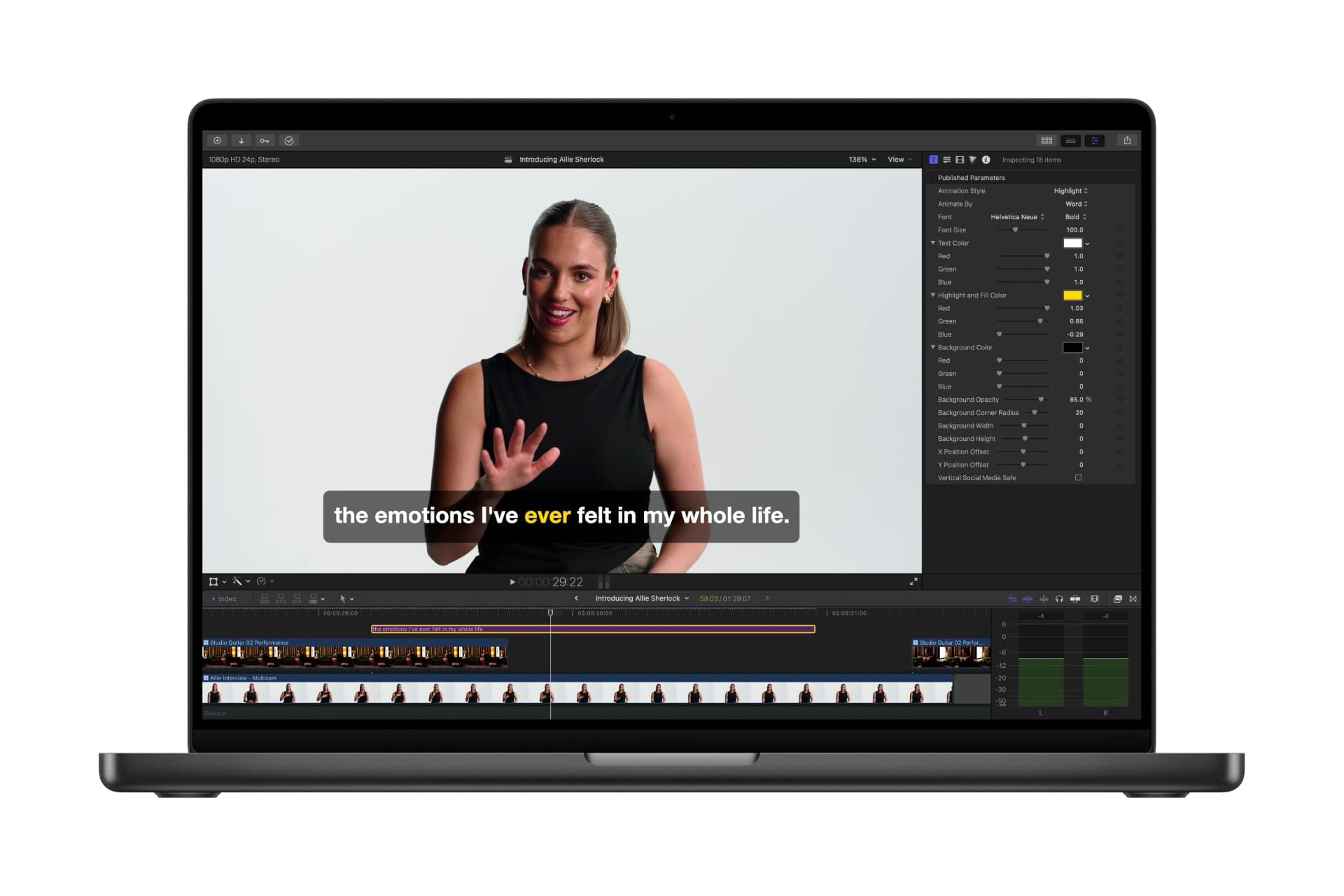 Edit Detection uses on-device AI to analyze rendered video and split it back into its original clips on the timeline, letting editors jump back into an edit or assemble a highlight cut without manually locating edit points.
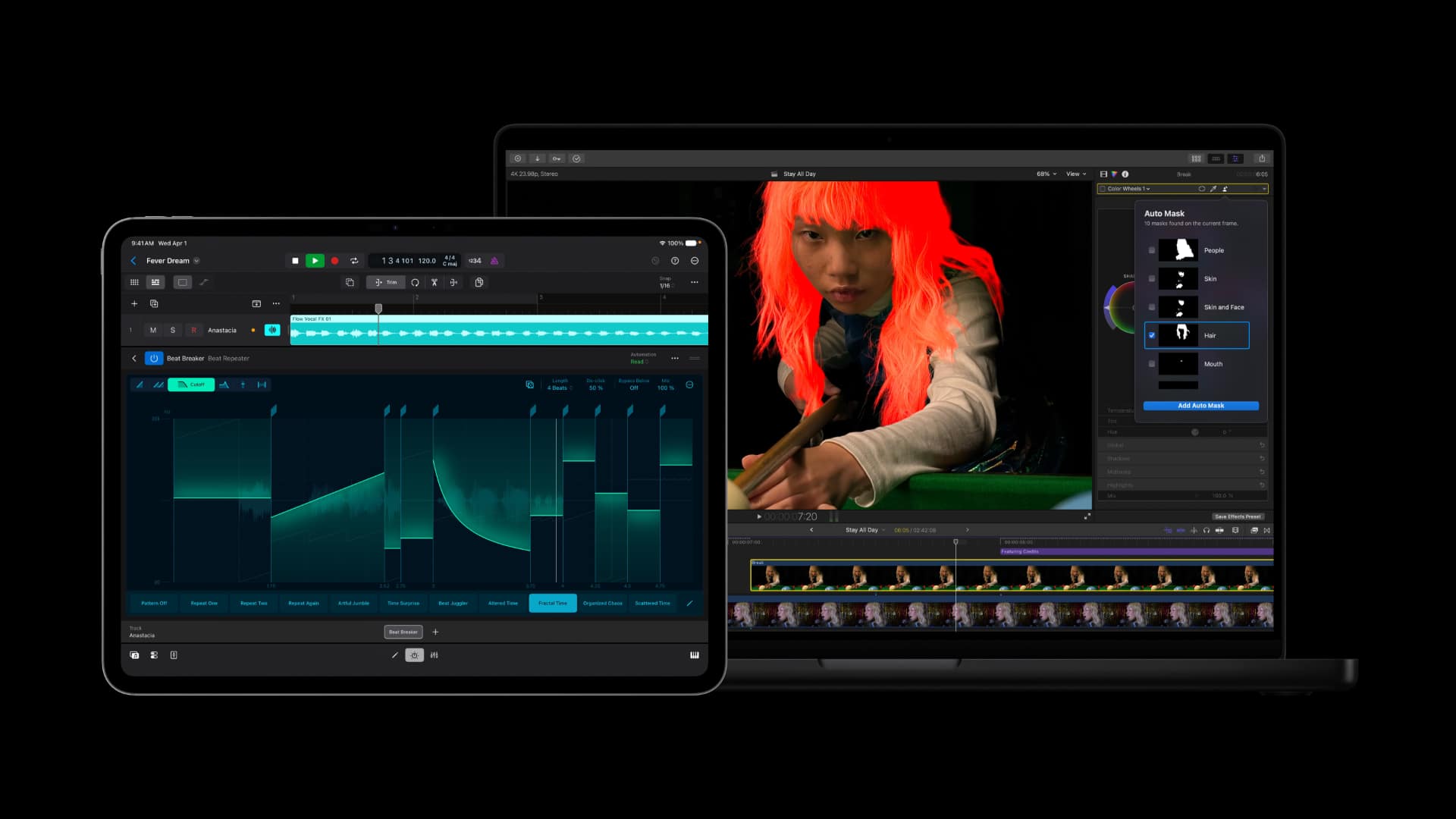
On Mac only, Auto Mask uses on-device AI to isolate elements such as skin, hair, sky, foliage, and clothing without manual tracking, and works alongside the existing Magnetic Mask tool.
Following the acquisition of Color.io just seven weeks ago, Match Color has already been rebuilt for more accurate color matching across footage and lighting conditions using a reference frame chosen by the editor, and Advanced Trimming allows frame-by-frame adjustment of incoming and outgoing edit points. This has gotten a few people excited, and is definitely going to be useful for quick reference-frame matching and batch grading within a scene. Here’s CineDream’s analysis.
It's still early days there with the integration of the Color.io dev team, so it's reasonable to expect to see more development in future releases. Final Cut Pro also adds new Creator Themes with support for multiple aspect ratios, dynamic titles, and customizable backgrounds, plus the ability to send a frame directly to Pixelmator Pro.
Final Cut Pro on Mac requires macOS 15.6 or later; on iPad it requires iPadOS 18.6 or later and an M1-or-later, A16, or A17 Pro chip.
Final Cut Camera, the free iPhone and iPad capture app, adds Clean HDMI Out for external monitors and recorders (requires iPhone 17 Pro), expanded ProRes support including ProRes LT (requires iPhone 13 Pro or later), and the option to disable digital zoom to keep every frame at full optical resolution.
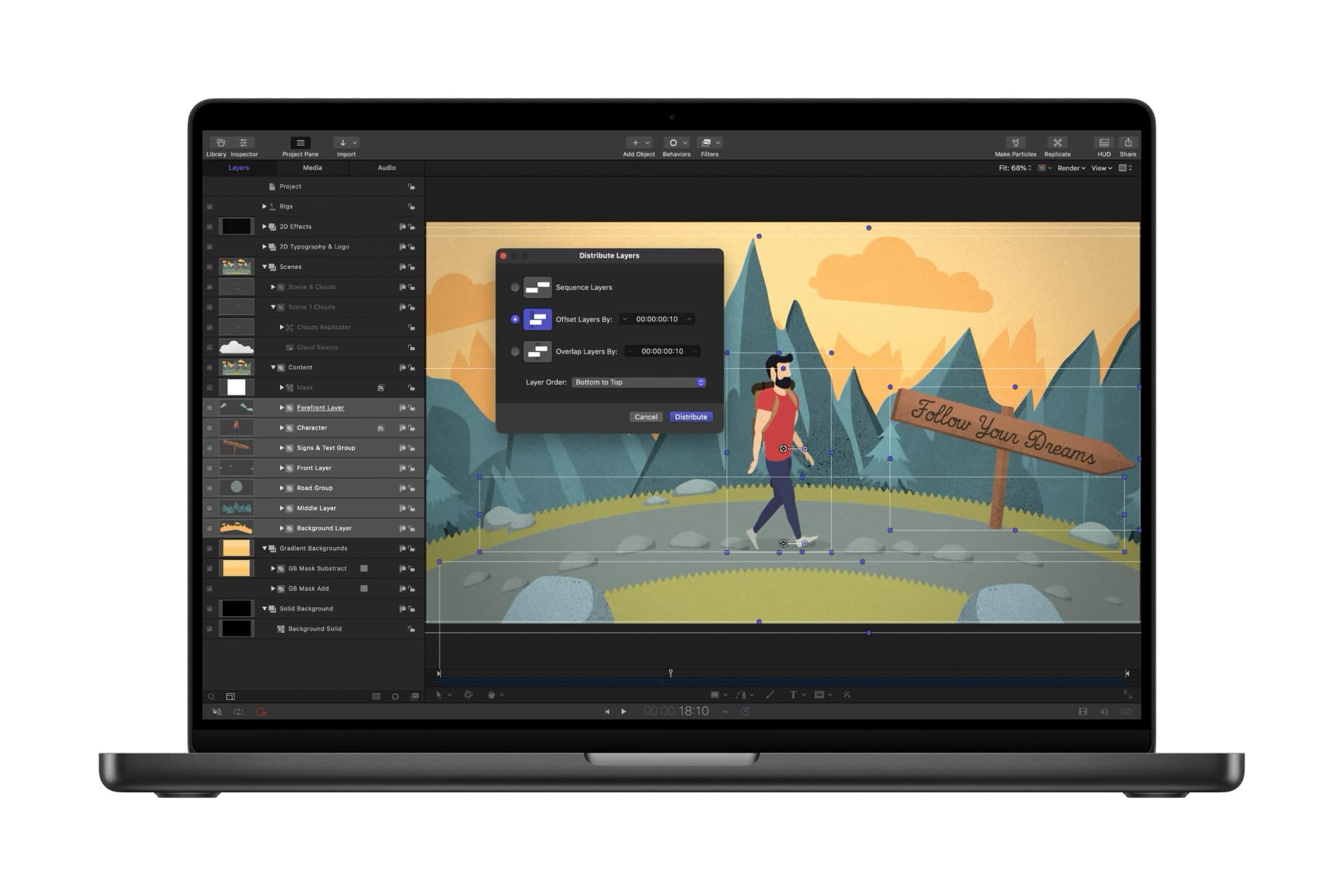 Motion (macOS 15.6 or later) adds native support for vector graphics at any resolution and Distribute Layers for faster animation setup. Compressor (macOS 15.6 or later) gains an Immersive Metadata Viewer, 180-degree Apple Projected Media Profile support for Apple Vision Pro, and an Anaglyph View for stereoscopic video preview.
Users can now open and edit any image placed in Keynote, Pages, or Numbers directly in Pixelmator Pro, with changes saved back into the document automatically; this requires macOS 15.6 or later, or iOS/iPadOS 18 or later, with some features requiring the 26 releases.
Pixelmator Pro, Keynote, Pages, and Numbers can all generate vector shapes, which are saved to a collection for later use. Pixelmator Pro also adds natural-language image generation and access to the Content Hub library of photos, graphics, shapes, and illustrations. Image and shape generation require an Apple Intelligence-capable device: iPhone 15 Pro or later, an iPad with A17 Pro or M1-or-later chip, or an Apple silicon Mac, running the 26 operating systems.
Keynote adds new transitions and builds. Pages on iPhone and iPad adds Auto-Hyphenate and Show Invisibles. Numbers adds the ability to hide or color-code individual sheets. With iOS 27, iPadOS 27, and macOS 27, Freeform adds shape generation, the ability to open images in Pixelmator Pro, Dark Mode, folders for organizing boards, and drawing support on Mac.
 Chord ID has been rebuilt for more accurate harmonic analysis, including extended chords and inversions, even when played on a distorted guitar or an out-of-tune piano, and Session Players respond to the resulting chord changes accordingly. A new Producer Project documents the complete session behind "Shoulda Never," produced by Khris Riddick-Tynes, preserving every multitrack recording, MIDI performance, and vocal take.
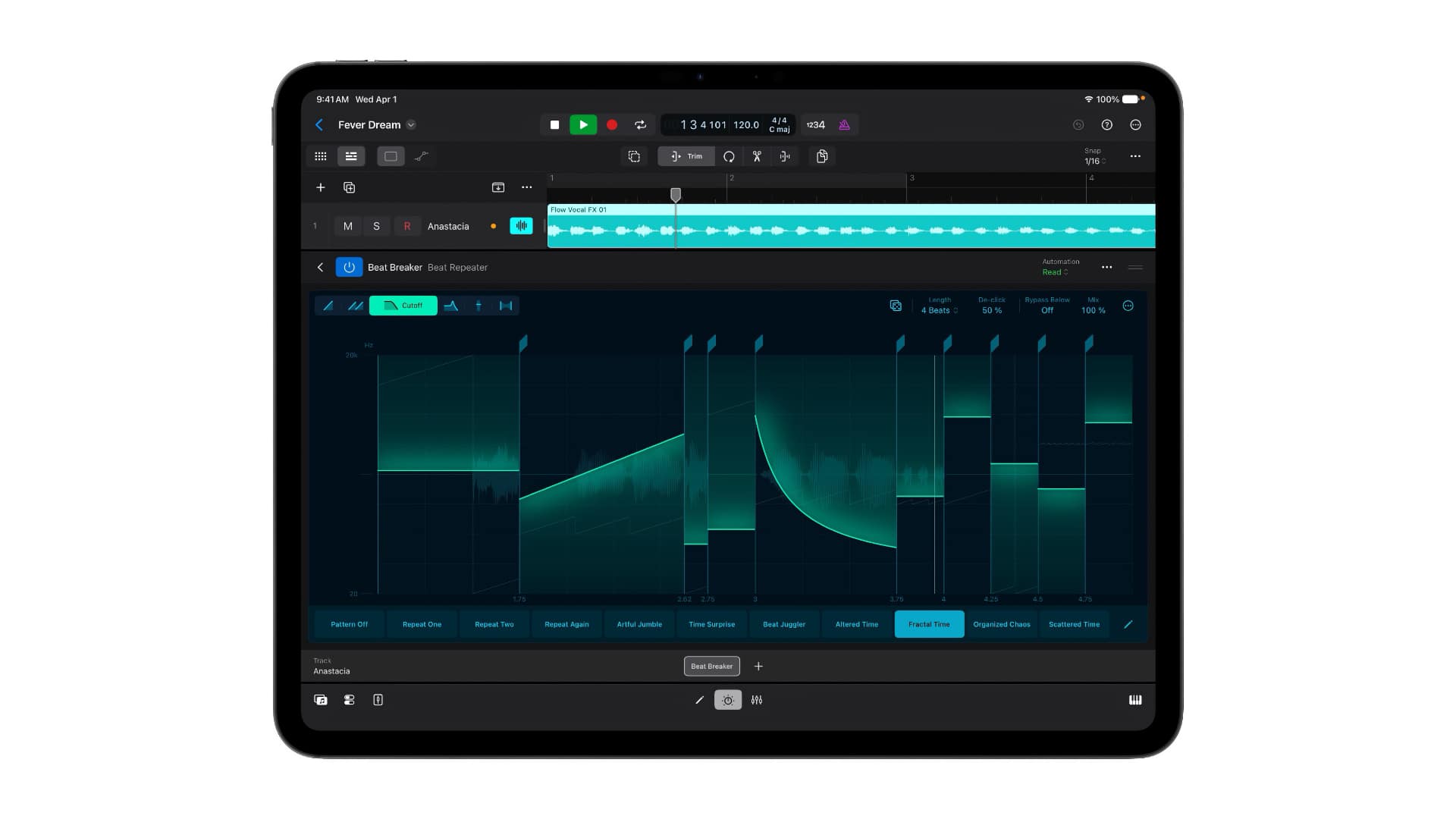
Alchemy, in Logic Pro and MainStage, adds a granular sync mode for sample manipulation, supported by the new Granular Alchemy Sound Pack of loops and presets. Beat Breaker, on Mac and iPad, adds new filter and pan modes and randomization controls. Logic Pro for Mac requires macOS 15.6 or later on Apple silicon; for iPad it requires iPadOS 26 or later and an A12 Bionic chip or later, with Session Players needing an M1 iPad or Apple silicon Mac.
The update is free for existing Apple Creator Studio subscribers and available today. New subscriptions cost $12.99 per month or $129 per year, with a one-month free trial; buyers of a new Mac or qualifying iPad (minimum 6 GB memory, A16, A17 Pro, or M-series chip) get three months free. Education pricing is $2.99 per month or $29.99 per year for students and educators. Up to six family members can share a subscription through Family Sharing.
One-time purchase versions remain available on the Mac App Store: Final Cut Pro ($299.99, macOS 15.6 or later), Logic Pro ($199.99, macOS 15.6 or later), Pixelmator Pro ($49.99, macOS 12 or later), Motion ($49.99), Compressor ($49.99), and MainStage ($29.99). Keynote, Pages, Numbers, and Freeform remain free with every new iPhone, Mac, and iPad.
Released June 30, 2026
Final Cut Pro 12.3 includes these features, enhancements, and fixes
Powerful intelligence features:
Tags: Post & VFX Final Cut Pro Apple Creator Studio


RedShark 2020 @ All rights reserved.

Comments