
2 minute read
Advertisement
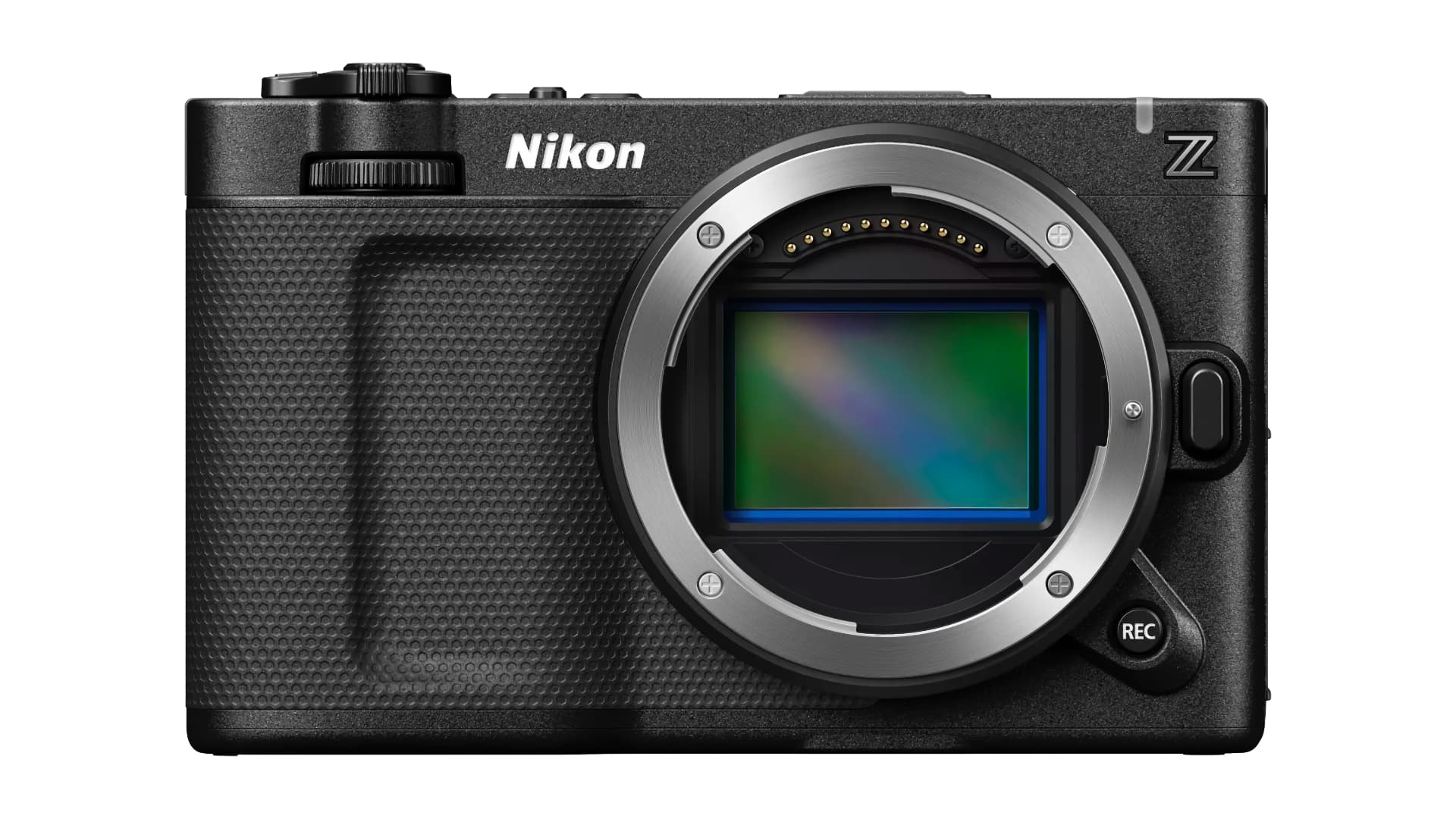
Nikon has released firmware version 1.10 for the Nikon ZR, taking recording times up to 6 hours as well as introducing some other valuable new features.
The headline news for the Firmware v1.10 update for the Nikon RED ZR is that it significantly extends the maximum continuous recording time from 125 minutes to 360 minutes (6 hours). There is a caveat here in that Nikon notes that achieving the maximum duration requires an external power source and specific recording settings (not RAW, for instance), but it unlocks the ability to use the camera on long-form shoots such as interviews, documentary work, and live events.
The update also makes the ZR a decent possibility for multi-camera shoots as it adds support for timecode input via a wired connection through the external microphone/line input connector. Nikon has also usefully adopted a RED-style file-naming convention, intended to simplify data management when working with multiple cameras.
Several additional usability updates are included. A new warning line can now be displayed in brightness information tools such as the histogram and waveform monitor when recording R3D NE video in Log3G10, helping operators judge exposure more accurately. The maximum number of LUTs that can be imported from a memory card has also increased from 10 to 50, providing more flexibility when selecting looks on location.
A Power-on lamp energy saver option allows users to choose whether the power-on lamp remains lit even when the monitor is closed, making it easier to confirm the camera’s status while avoiding unintended battery drain. In addition, the Video file type setting can now be set to R3D NE 12-bit (R3D) even when the camera is in AUTO shooting mode, which should enable simpler access to higher-end recording formats.
The full list of changes is below and the free firmware download is available via the Nikon Download Center.
■ Video Recording
■ Controls
■ Displays
■ Network
■ Other Changes

Written by RedShark News Staff
Advertisement
Advertisement
Advertisement
Advertisement
Advertisement
RedShark is a multiplatform online publication for anyone with an interest in moving image technology and craft. With over 50 contributors worldwide, full-time developers, editorial, sales and marketing staff, it is the go-to site for informed opinion and know-how for the quickly changing video, film and content creation industries.

RedShark 2020 @ All rights reserved.

Comments