
2 minute read
Advertisement
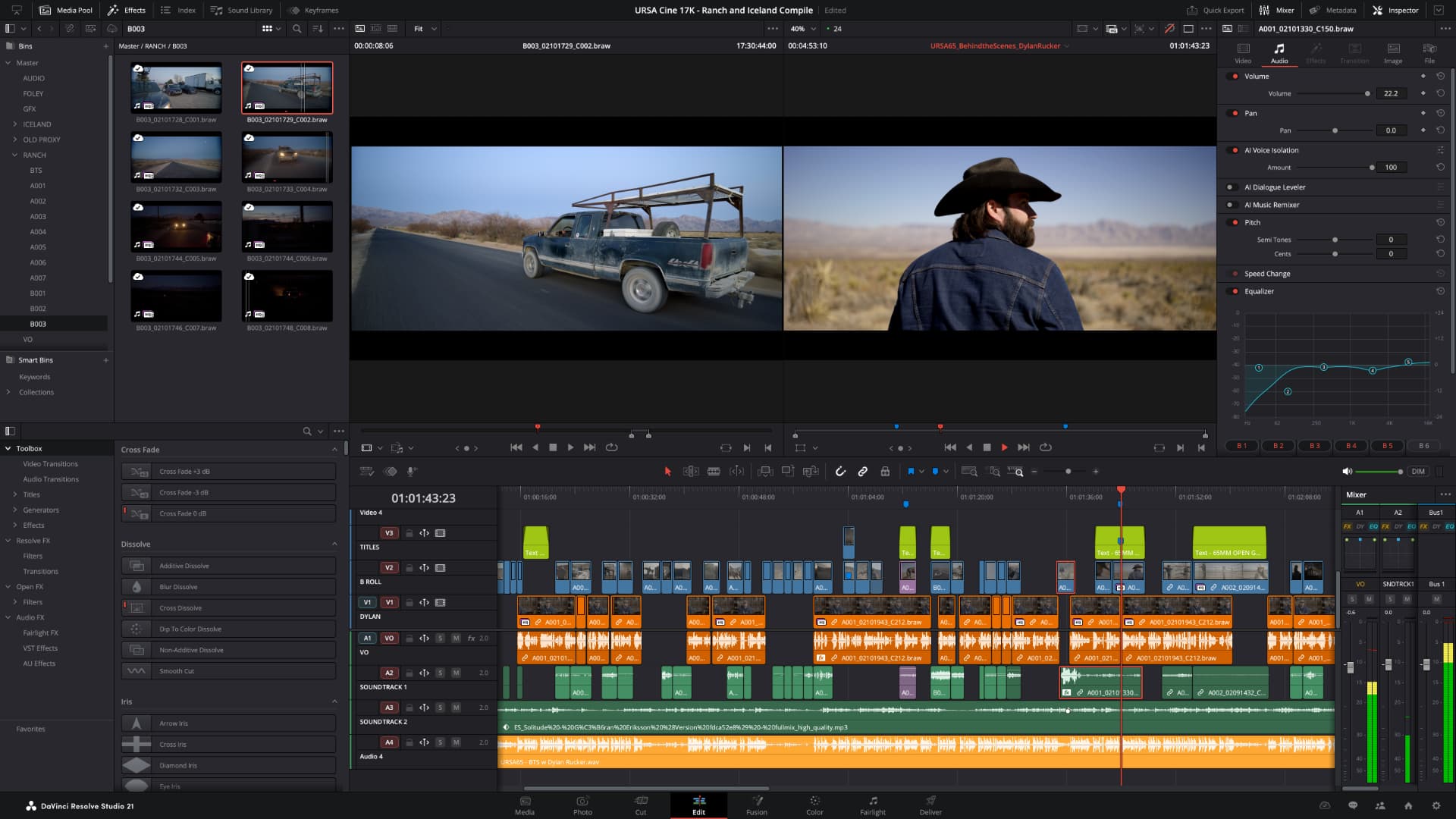
DaVinci Resolve 21.0.1 is out, fixing DNG and ProRAW color issues, Fusion dual screen layouts, and H.265 HDR rendering. It also adds support for Sony α7R VI stills and Affinity RGB 16-bit formats.
Blackmagic released the final version of DaVinci Resolve 21 in June, a record seven weeks after first announcing the new software at NAB. And, as you would expect with such a rapid release cadence, there have been a few bugs that need squashing.
Resolve 21.0.1 aims to do just that, with a decently long list of items that start with the word 'addressed', as well as some new functionality. Headlines are that it improves DNG and Apple ProRAW decoding, Fusion dual screen layouts and HDR metadata handling for H.265 HDR renders. The update also adds support for Sony α7R VI ARW RAW stills and Affinity RGB 16-bit formats.
The Resolve Studio 21.0.1 update, meanwhile, improves reliability when using AI CineFocus, and squashes a few more bugs specific to the paid version of the software. Check them out here.
Plus, as ever, there are also updates to Fusion Studio. This time around these include improvements for transform crosshair positioning after tracking, improved dual screen layouts, and general performance and stability improvements.
As always, all downloads are available for free from Blackmagic Support. Here's the list of all the new stuff.
The following features have been added or updated.
All of the above plus:
The following features have been added or updated.
Tags: Post & VFX DaVinci Resolve DaVinci Resolve Studio Fusion Studio

Written by Andy Stout
Advertisement
Advertisement
Advertisement
Advertisement
Advertisement
RedShark is a multiplatform online publication for anyone with an interest in moving image technology and craft. With over 50 contributors worldwide, full-time developers, editorial, sales and marketing staff, it is the go-to site for informed opinion and know-how for the quickly changing video, film and content creation industries.

RedShark 2020 @ All rights reserved.

Comments