
1 minute read
Advertisement
Blackmagic Camera for iOS 3.3 adds Apple Watch control, ATEM studio camera integration, and Focus and Zoom Demand support.
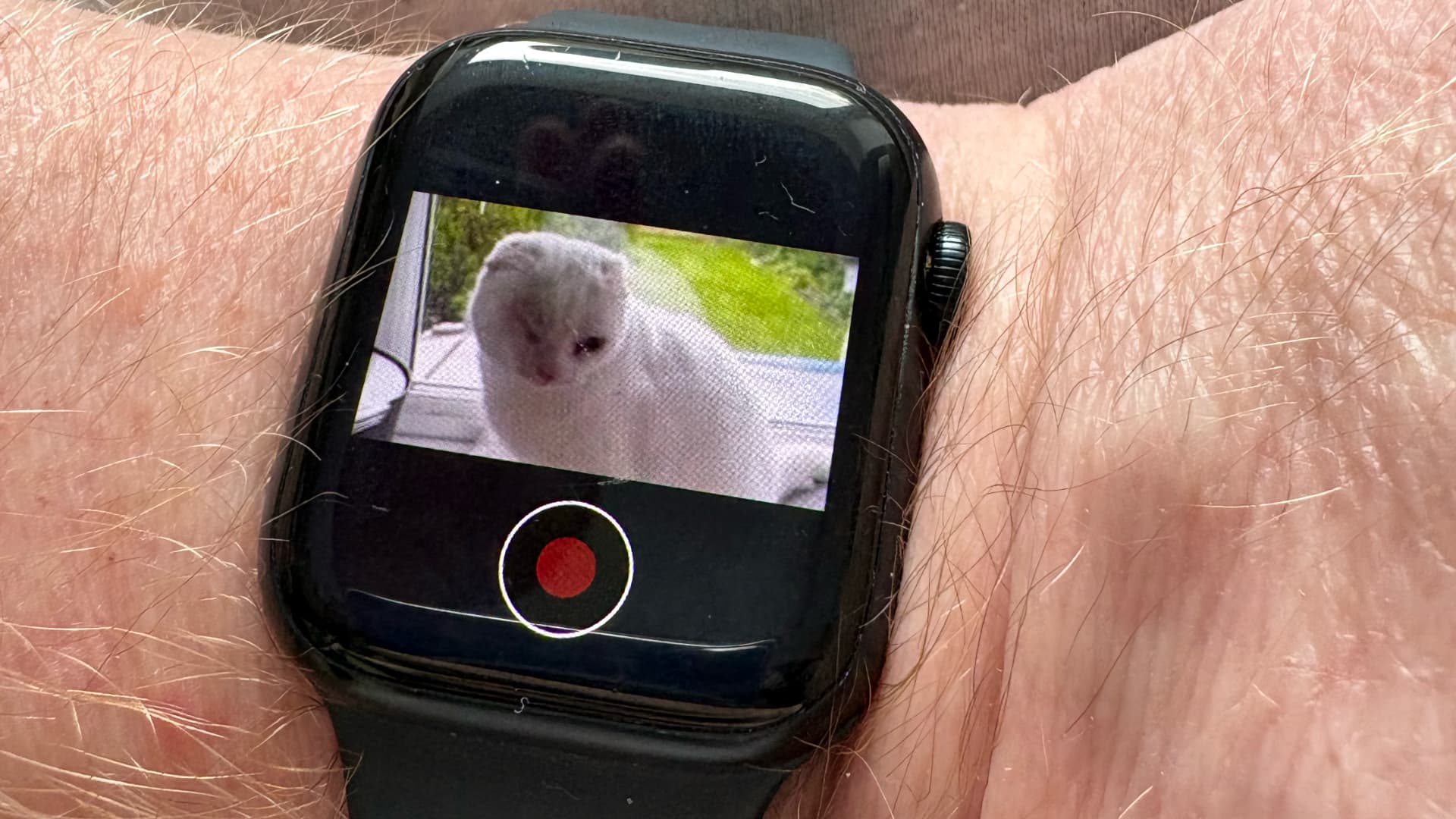
Blackmagic Design has released version 3.3 of Blackmagic Camera for iOS, adding a fair stack of new features including Apple Watch control, ATEM studio camera integration, and support for the Blackmagic Focus and Zoom Demands.
The new Apple Watch companion app lets users remotely control and monitor an iPhone from their wrist. Once set up, users can monitor framing and audio levels, start and stop recording, and adjust exposure, focus, zoom, and LUTs without touching the iPhone itself.
This is going to be one of those additions that quickly becomes indispensable and will be particularly useful when the phone is mounted out of reach or somewhere a tap would cause camera shake.
ATEM camera control has been added via the Blackmagic Camera ProDock. When connected to an ATEM Mini switcher, video, tally, and camera control all travel over a single HDMI cable. From ATEM Software Control, users can remotely adjust white balance, ISO, and shutter, trigger recording, and control focus and zoom. There's a built-in DaVinci primary color corrector for camera matching and creative looks during live production. For more demanding setups, an ATEM Micro Camera Control panel can be added.
The optional Focus and Zoom Demands connect to the ProDock via USB-C and can be daisy-chained. Each unit has two USB-C ports, and mounting hardware is included for attaching them to tripod handles. Buttons are customizable and assignable to different camera functions.
Other additions in 3.3 include full-screen portrait mode HDMI output, front camera portrait and landscape support without rotation on iPhone 17, and ProRes RAW stabilization support in iOS 26.1 and above.
Blackmagic Camera for iOS 3.3 is a free download from the Apple App Store.

Written by Andy Stout
Advertisement
Advertisement
Advertisement
Advertisement
Advertisement
RedShark is a multiplatform online publication for anyone with an interest in moving image technology and craft. With over 50 contributors worldwide, full-time developers, editorial, sales and marketing staff, it is the go-to site for informed opinion and know-how for the quickly changing video, film and content creation industries.

RedShark 2020 @ All rights reserved.

Comments