2 minute read

ASUS's new ROG Strix XG129C secondary display has potential that reaches well beyond gaming into any workflow that benefits from touch-control and extra screen real estate. And that is pretty much anything creative.
ASUS has launched the ROG Strix XG129C, a compact secondary display designed to sit beneath your main monitor and handle the peripheral tasks such as chat windows, hardware monitoring, streaming controls, and hotkeys that would otherwise clutter your primary screen.
Being a ROG product the initial primary focus is on gaming, but as recent converts to Stream Deck use here at RedShark, it's not hard to see any number of interesting ways this could be deployed with creative tools.
The panel is a 12.3 inch (31.2 cm) IPS with a 1920×720 resolution and a 24:9 aspect ratio (ASUS argues that the 24:9 format gives the screen more usable vertical area than similarly sized 32:9 panels, especially for monitoring things such as chatroom feeds, which is a reasonable point). Brightness is rated at 300 cd/m², contrast at 1200:1, and refresh rate at 75 Hz. Color coverage is 125% sRGB and 90% DCI-P3. These are decent numbers for what is basically a desk accessory.
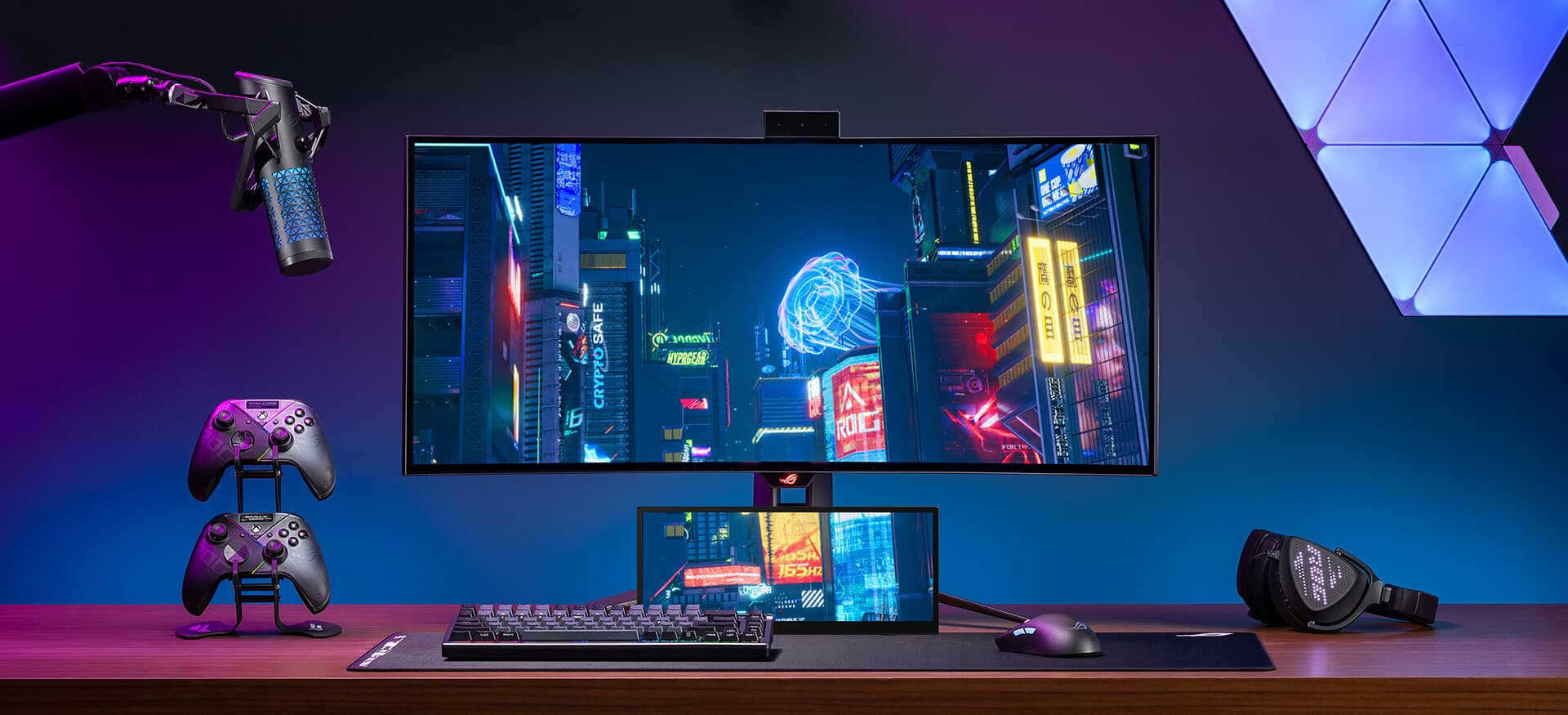 The XG129C covers 125% sRGB and 90% DCI-P3, strong figures for a secondary desk display
Touch is 10-point projective capacitive, which should let users navigate Windows, adjust the on-screen display, or fire off macros without touching a mouse. Its OSD settings can be controlled via touch with no buttons required.
Connectivity, as you would expect from a desktop accessory, is decent, and includes two USB-C ports (one with DisplayPort Alt Mode, one with 20 W power delivery) and HDMI 1.2. A single USB-C cable can carry power, video, and touch data simultaneously, provided the host device outputs at least 10 W and supports DP Alt Mode.
The unit weighs 0.56 kg (1.23 lb) with its adjustable kickstand and 0.51 kg (1.12 lb) without. There's also a 1/4 inch tripod socket on the rear for custom mounting.
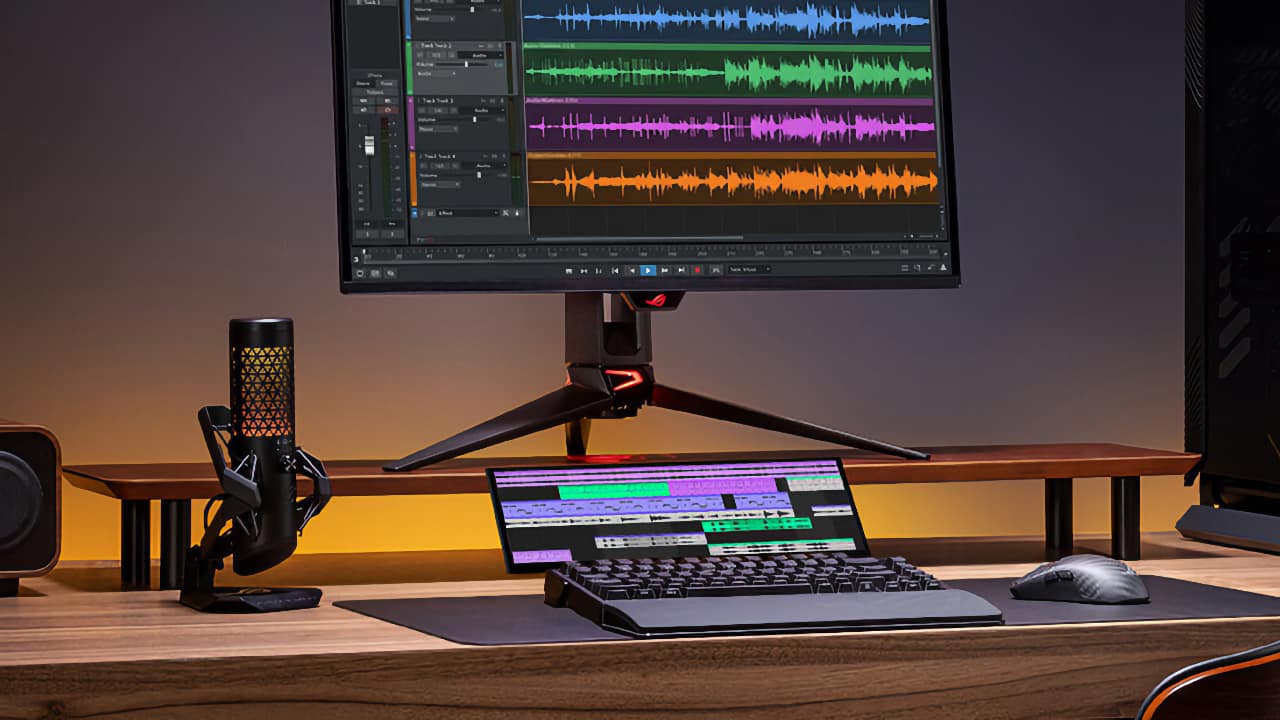 The ROG Strix XG129C's 24:9 aspect ratio and 10-point touch make it a practical control surface for audio and creative workflows as well as gaming
It's early days for this type of product line. The only similar product we know about is the Corsair Xeneon Edge, but most of us are still happily pressing buttons on Stream Decks. Even being able to load Virtual Stream Deck onto something as adaptable as this, while also having it monitor data from round the web in real-time, makes us think of reaching for our wallets, and that's before we get to anything application-specific.
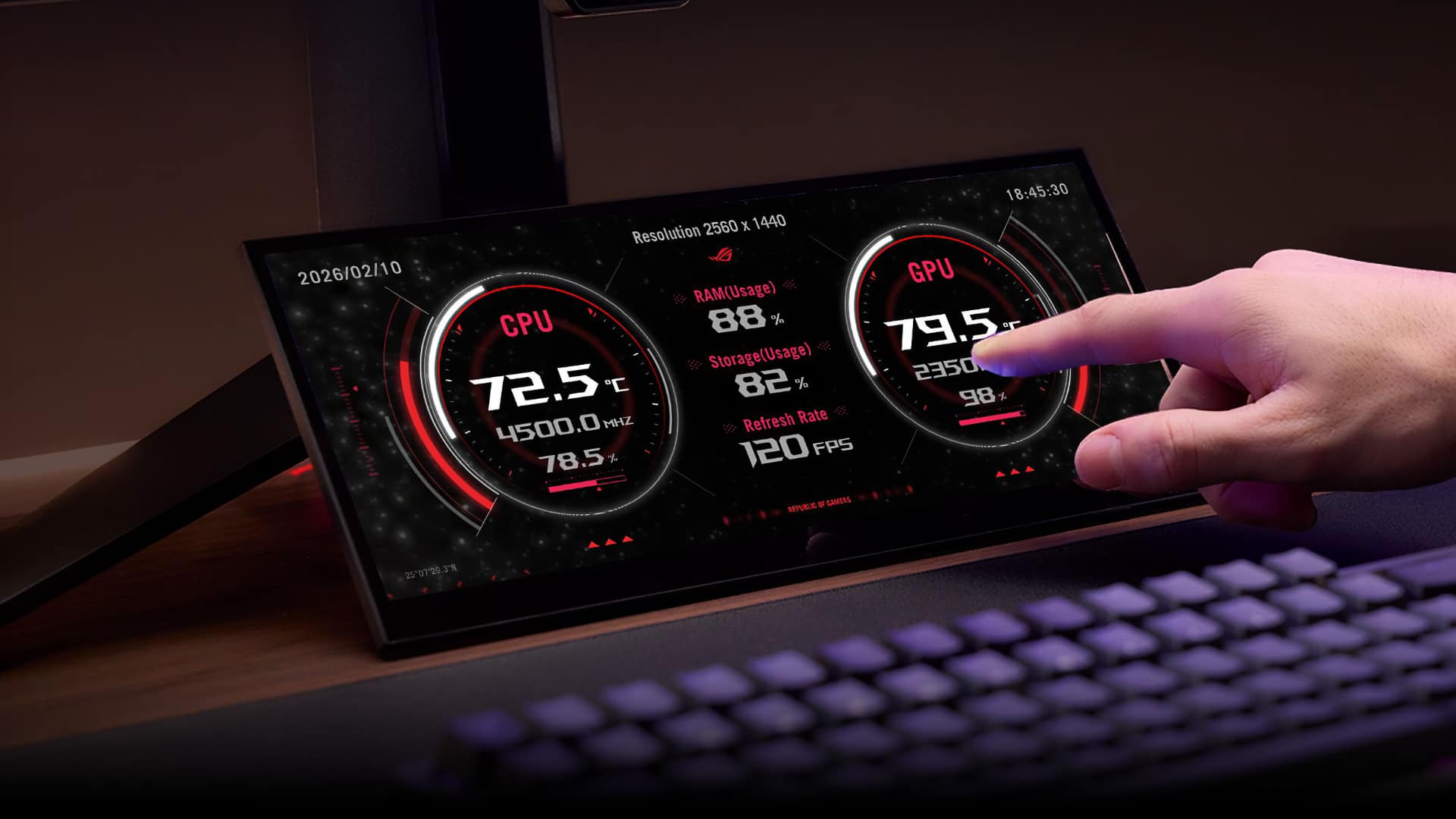
As it is, exclusive ROG SensorPanel themes provide real-time hardware dashboard tracking CPU temperature, GPU load, clock speeds, voltages, and more (the XG129C includes a bundled one-year subscription to AIDA64 Extreme). But you get the feeling there is a lot more potential to come. All we're personally waiting for now is full native touchscreen support in macOS.
Pricing is estimated at around $199, though ASUS has not confirmed an official US retail price or release date. European pricing is €239 including VAT; UK and other regional pricing has not yet been announced.
Tags: Post & VFX ASUS ROG


RedShark 2020 @ All rights reserved.

Comments