
1 minute read
Advertisement
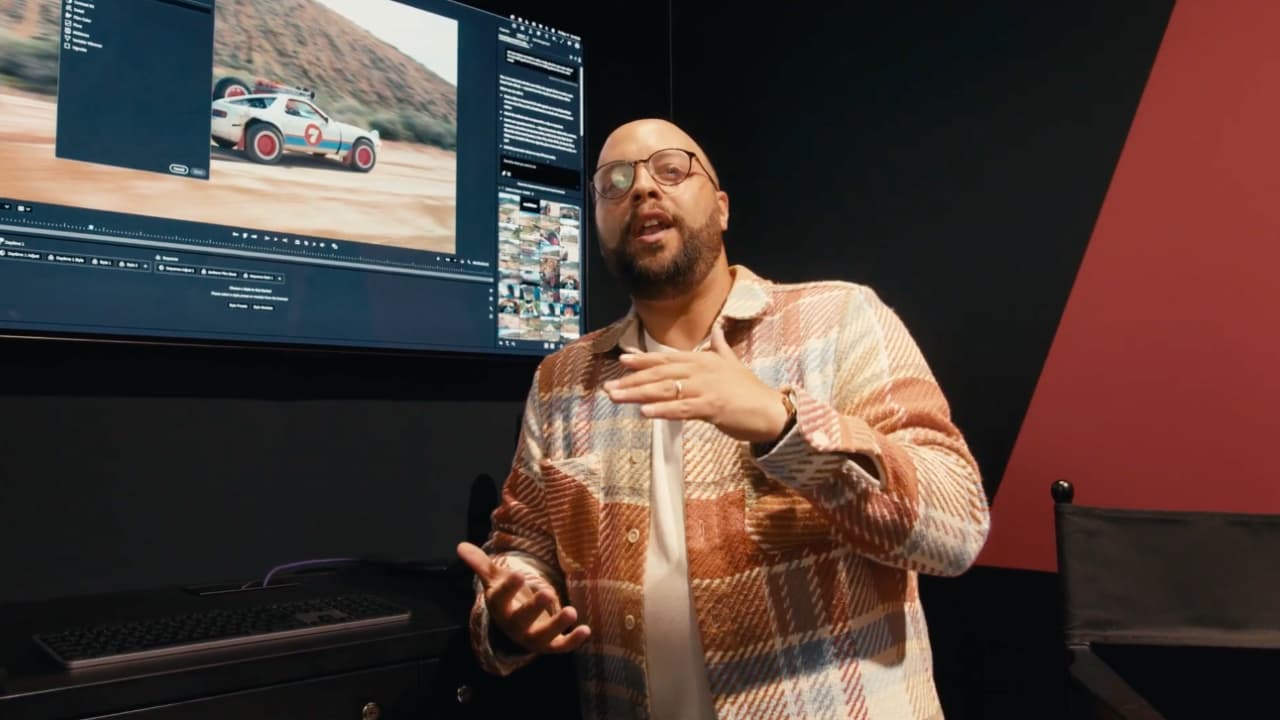
Adobe's Jason Druss demos Premiere Beta's IBC 2026 update: three new Color Mode modules, one-click Auto Color, HSL masks and a Tangent Wave 2 partnership.
"Wouldn't it be nice to know what your effect is going to look like before you put it on a clip or an adjustment layer?” asks Senior Product Marketing Manager, Video at Adobe, Jason Druss rhetorically. Why yes, says everyone watching. Yes, it would.
Which is one of the reasons why Adobe Premiere is still a fixture in editing rooms around the world even as it approaches its 35th — yes 35th — year.
Druss goes in-depth on man of the top new features found in the latest version. It’s a long watch, but it’s a good one. The bulk of the demo covers the latest developments in Color Mode, which was first released in public beta at NAB 2026.
Three new style modules made their debut at IBC: Midtones, a bidirectional curve tool for fine-tuning midtone luminance ranges; Variable Vibrance, which separates saturation from skin tones and allows independent control of each; and Vignette, featuring a transparent heads-up display with adjustable size, roundness, color and a softness control that adds photorealistic blur and chromatic aberration rather than simple darkening.
A new Auto Color tool balances exposure and white balance with a single click, and can be applied across a custom group or an entire sequence at once. New HSL and luminance masks allow colorists to isolate specific hue, saturation and luminance ranges for targeted grading, and a new skin tone indicator displays the full range of human skin tones rather than a single reference line.
Adobe also announced a hardware partnership with Tangent Color Control Surfaces, showing a working prototype of the Tangent Wave 2 console mapped to Color Mode. Have a look at it all below.
Video: Jesse Calis at Halate
Tags: Post & VFX Featured Adobe IBC2026

Written by Andy Stout
Advertisement
Advertisement
Advertisement
Advertisement
Advertisement
RedShark is a multiplatform online publication for anyone with an interest in moving image technology and craft. With over 50 contributors worldwide, full-time developers, editorial, sales and marketing staff, it is the go-to site for informed opinion and know-how for the quickly changing video, film and content creation industries.

RedShark 2020 @ All rights reserved.

Comments