3 minute read

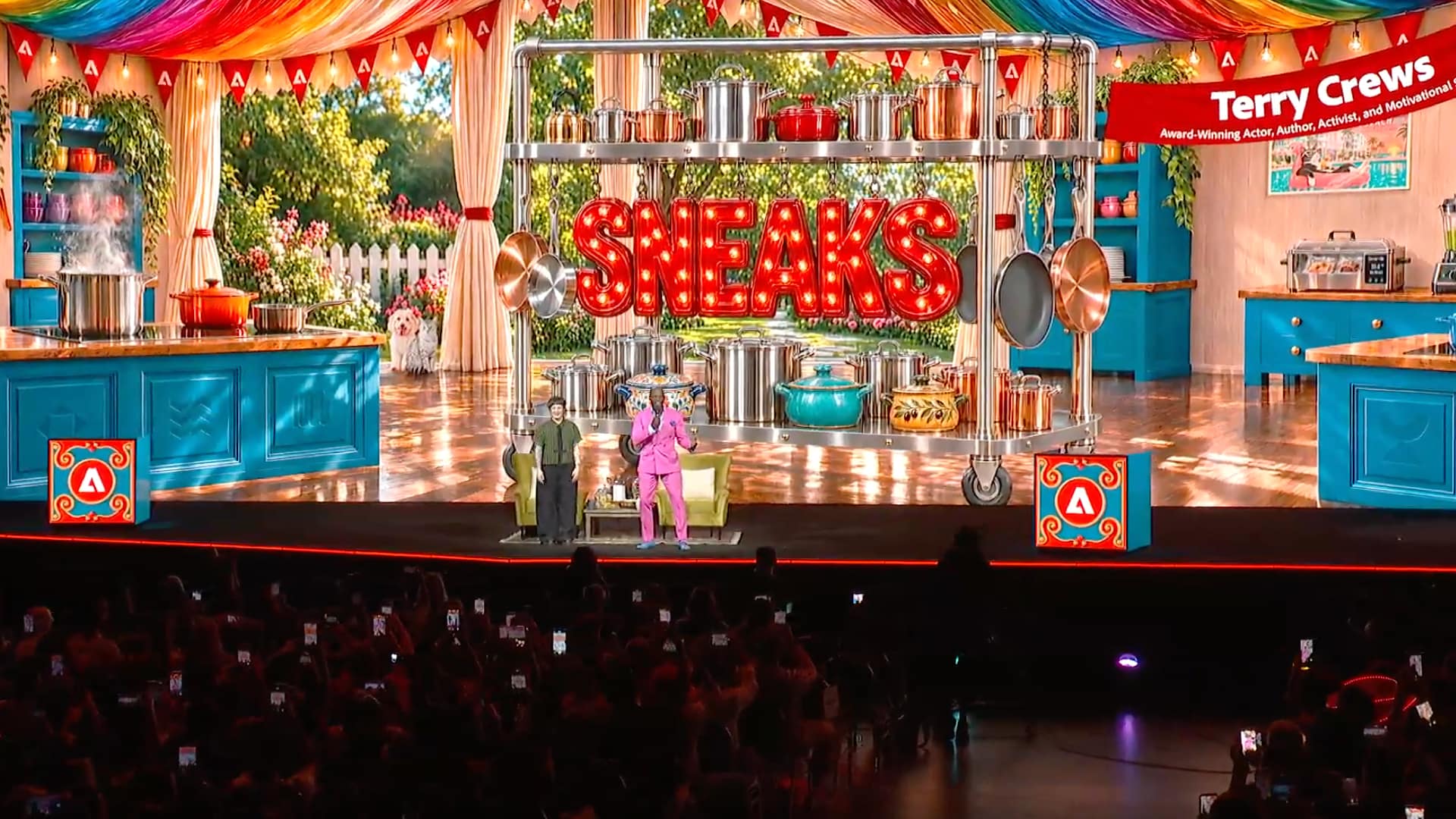
Adobe showed 10 experiments at MAX 2026 Sneaks. Project Deep Brush and Project Hands On are already open to try in the new Adobe Labs Playground.
Always one of the most popular sessions at Adobe MAX, and one closely watched by the rest of the industry as well, the MAX Sneaks sessions showcase new tools that are just inching off Adobe’s R&D drawing board. Some tend to come to market in the following year, some disappear without a trace, and some go on to change Adobe’s product lineup and everyone else’s too.
You get the picture: Sneaks is impactful. You can watch a replay of the live stream here, and below we have a quick run through of the 10 research projects on display.
We also covered the 2025 Sneaks and the 2024 rundown.
Terry Crews hosted this year’s session, and for the first time some of the projects can be tried hands-on in the new Adobe Labs Playground. Two of the below projects are already on there, suggesting that they might be further on the road to full deployment than others: Project Deep Brush and Project Hands On. Also in the Playground is Project Custom Filters, a new capability for Photoshop that Adobe is exploring. Adobe is inviting the creative community to explore these and share feedback, with new projects billed as coming soon. Judging by the descriptions below, these will be Project Screen Test and Project Sound Bender.
To absolutely no one’s great surprise, most of these seem to involve AI tools in at least some if not all of the process.
Editing video across multiple shots can mean repeating the same change again and again. Project Scene Sweep understands characters, locations, and scenes across a sequence, helping creators apply an edit consistently across cuts and camera angles. A creative decision is made once, then carried across a whole scene.
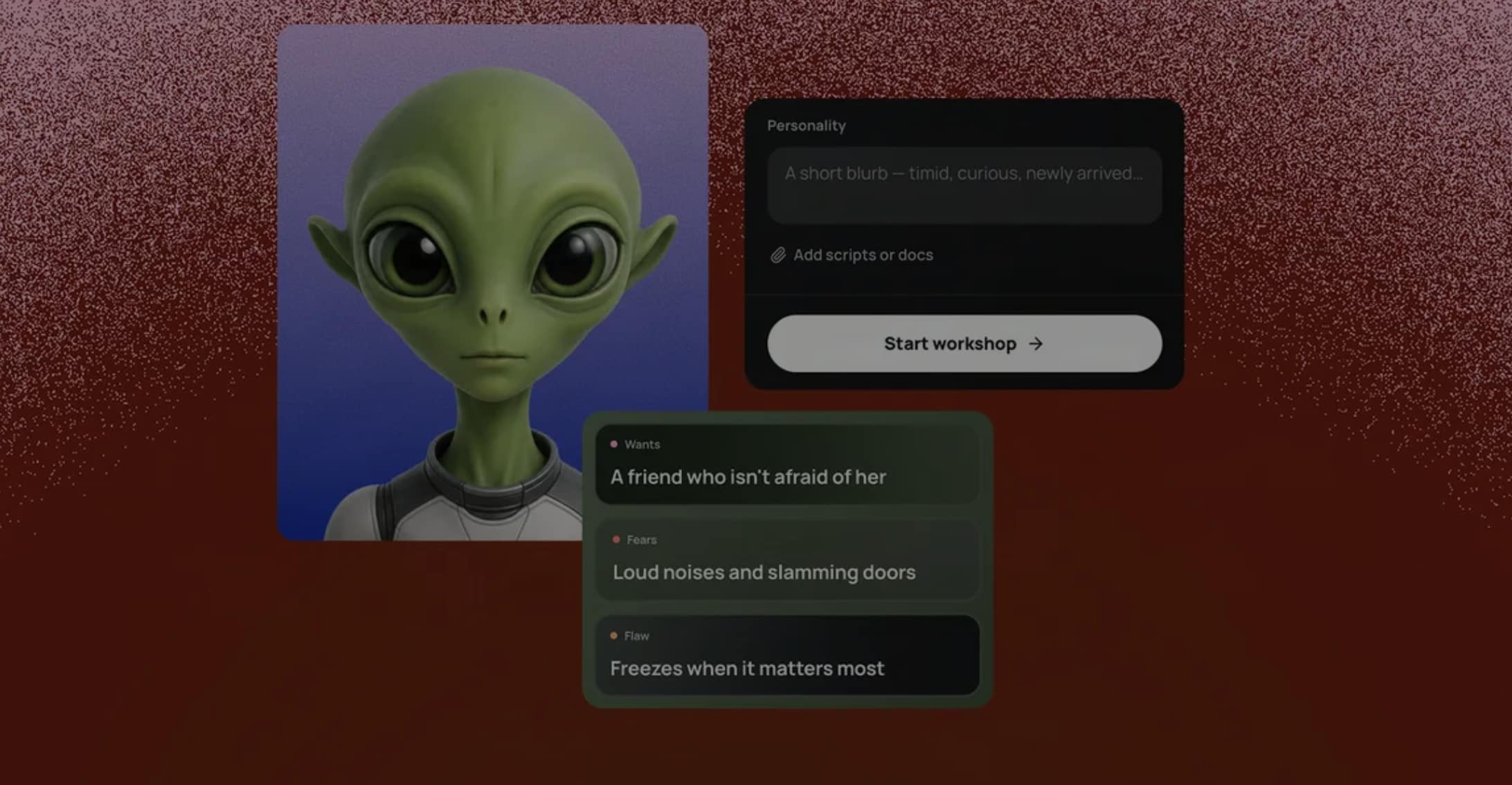 Project Screen Test lets creators develop a fictional character’s look, voice, and personality, then have a natural language dialogue with that character to explore who they are and how they might respond in different scenes.
Project Live Set lets creators change a subject, transform an environment, or redirect the camera as a scene continues.
A video prompt can describe what happens, but what about when? Project On Cue lets creators direct the timing of an action, like a flash of light or another event, in generated video. An editable timing signal can be drawn by hand or extracted from a video or piece of music, making it possible to bring motion and sound together on cue.
Project Sound Bender lets creators describe a sound and pull it out of a finished mix, then explore variations on an interactive canvas. Creators can shape a sound in real time, match its movement to a video, or start from a description and create something new.
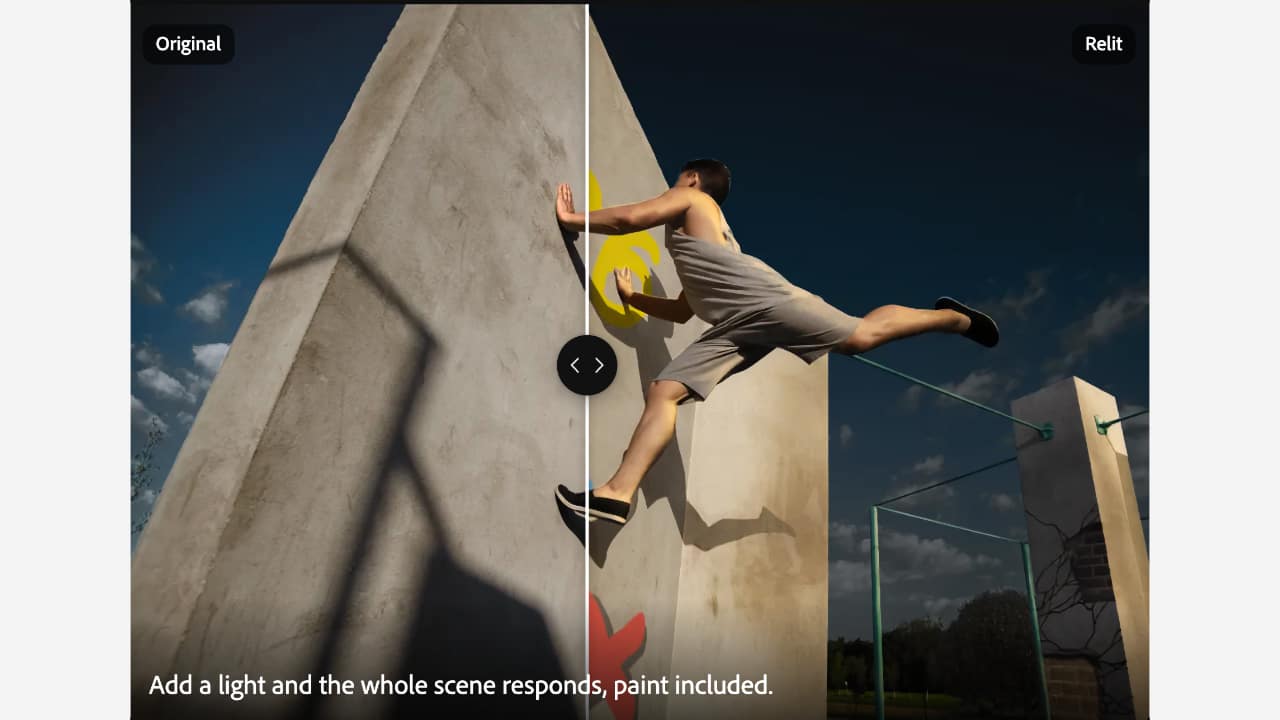 This is one you can experiment with now. Project Deep Brush uses AI to understand an image’s shape, color, and lighting. Brushstrokes can follow the contours of a surface, colors can be changed while preserving natural shadows, and light can be painted directly into a scene.
Ever wish you'd framed something differently? Project Sight Span transforms an image into a navigable environment that creators can step inside and explore, finding new angles and composing shots beyond the original frame.
 Project Hands On uses AI to understand what’s in an image and creates controls directly on the canvas so creators can manipulate elements of a scene by hand.
Project Rinse Repeat captures the edits made in one part of an image and applies them to another, adapting them to the new area. Because the edits are recreated with native Photoshop tools, they remain editable.
Project Link Up explores how a creator’s gestures can express intent and bring design elements together. Drag a car into an illustrated parking space, for example, and the project adapts its perspective, scale, and style to fit the scene. The result is editable vector artwork.
Adobe says that approximately half of the projects shown in any given year go on to feature in final software. Which of this year’s projects will is, of course, as yet unknown. But one of the goals of Sneaks is to gauge reaction to new tools and techniques. Judging by the audience reaction to Project Deep Brush and Project Hands On, not to mention their debut in Adobe Labs Playground, chances of them appearing in full down the line would seem to be pretty high.
Tags: Post & VFX Adobe MAX Adobe Sneaks


RedShark 2020 @ All rights reserved.
Comments