2 minute read

Two new beta workspaces in Firefly take an idea to planned scenes and shots, then on to an assembled short video.
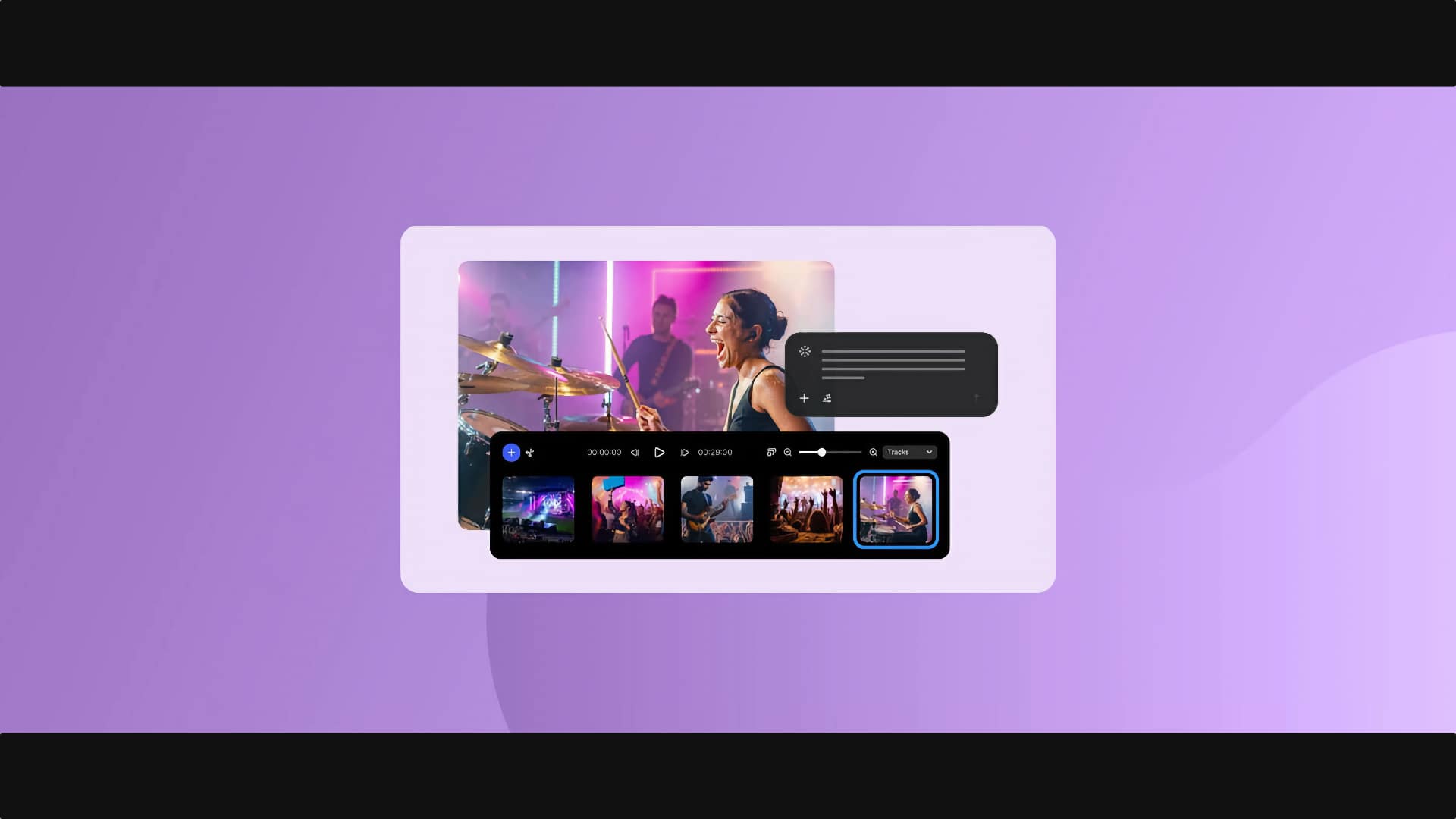
Adobe has added two beta workspaces to Firefly at MAX 2026 that between them cover the journey from idea to short video. Build a story, found under Video in the Firefly menu, turns a prompt into a structured visual story. Assemble short video then offers a simplified, single-track workspace for arranging the clips.
For anyone who pootled around with prompts in the early days of AI, the rate of change is jaw-dropping. Users can now describe an idea to the Firefly AI Assistant, which asks for a target duration and optional details on characters, locations, objects, and creative direction.
It then proposes a look, a sound approach, the number of scenes and shots, and the characters, locations, and objects involved. Once the proposal is accepted, the assistant saves those characters, locations, and objects as elements to keep them consistent across shots, wires them into the relevant shots, writes a beat description for each, and generates a first frame.
Shots appear as cards grouped by scene, each showing its first frame. Frames and beat descriptions can be refined in the Shot editor or by asking the assistant, and clips can be generated card by card or for every card at once with Generate all. The finished sequence can be downloaded or opened in Timeline (beta) for further editing. One catch: resolution and aspect ratio can’t be changed for any shot once frames are generated.
The Creative Agent behind the assistant also gains Plan Mode, a Model Selector, and saved preferences for formats, colors, brand guidelines, characters, and products.
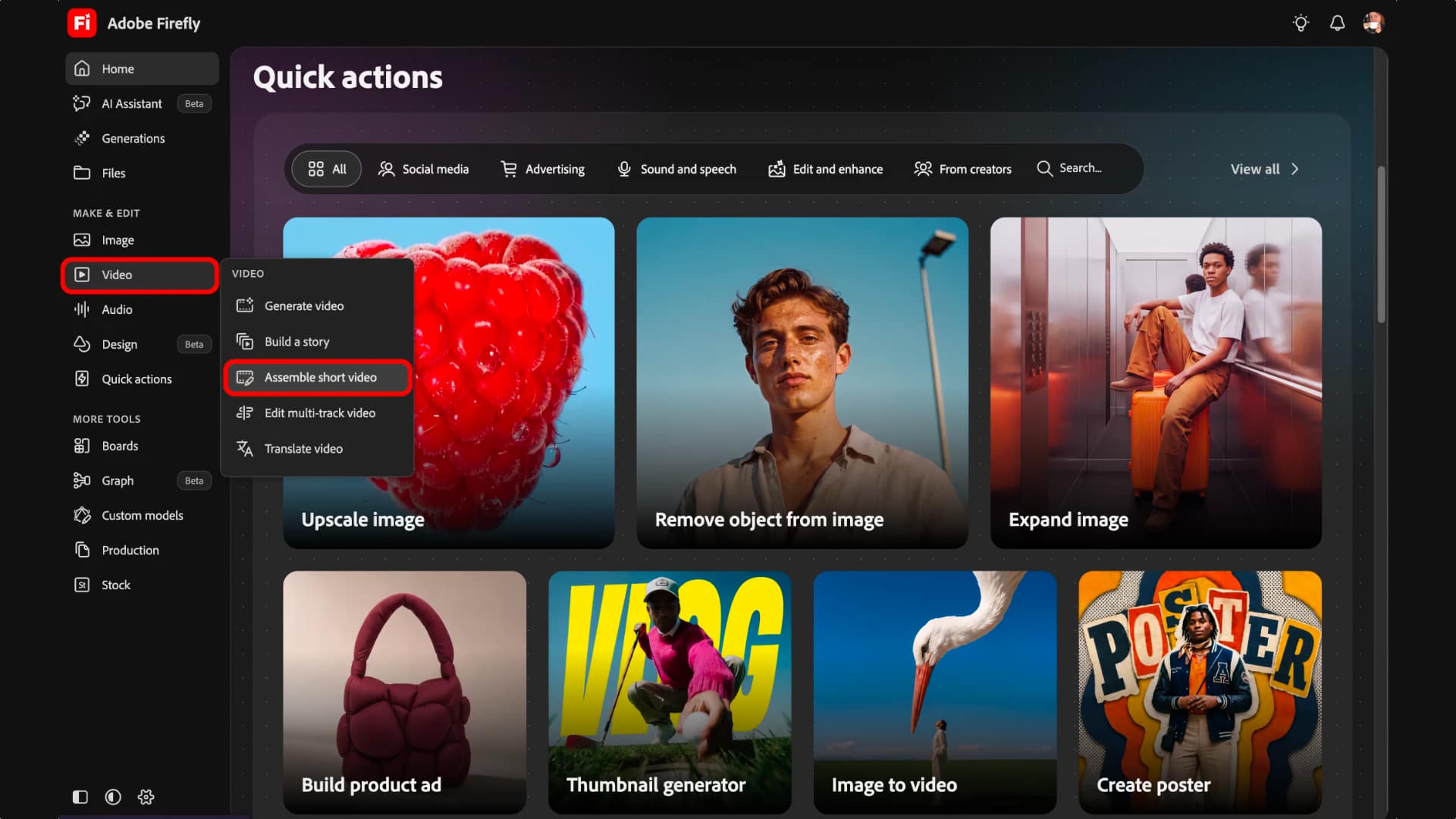 Assemble short video is a lightweight workspace for generated or imported clips on a single track. Users can trim, split, and rearrange clips, adjust the volume of individual clips, detect cuts, and change the aspect ratio. Selected clips can be regenerated from a text prompt, with an optional reference image, and a cost indicator shows the generative credits required before generation starts. Regenerated versions appear as takes to compare, and the sequence can be sent to Timeline (beta) for multi-track editing.
It can be reached from Video > Assemble short video, after a Quick Action workflow, or from the AI Assistant after generating with an omni model.
These new tools extend a year of Firefly video work. The browser-based video editor was announced in private beta at MAX 2025 and opened in public beta that December, Quick Cut added automatic first-draft assembly in February, and Adobe announced storyboard-to-video generation in June.
Both tools are in beta, and Adobe’s help pages say neither is available to Creative Cloud for Teams or Enterprise users. Build a story works only in Chrome and Edge on desktop, doesn’t support viewports smaller than 1080 x 700 pixels, and takes clips only from Adobe cloud storage’s generation history, not direct uploads. That leaves Build a story limited in scope for now.
Tags: Post & VFX Adobe MAX Adobe Firefly


RedShark 2020 @ All rights reserved.

Comments