
<img src="https://certify.alexametrics.com/atrk.gif?account=43vOv1Y1Mn20Io" style="display:none" height="1" width="1" alt="">

Sony Updates FX3, FX3A, & FX30 Firmware, Adds BIG6 Home Screen

The Sony FX30 gets updated to ver 6.0 software, while the FX3 is bumped up to ver 7.0
2 minute read
The Sony FX30 gets updated to ver 6.0 software, while the FX3 is bumped up to ver 7.0
Sony Updates FX3, FX3A, & FX30 Firmware, Adds BIG6 Home Screen
3:58

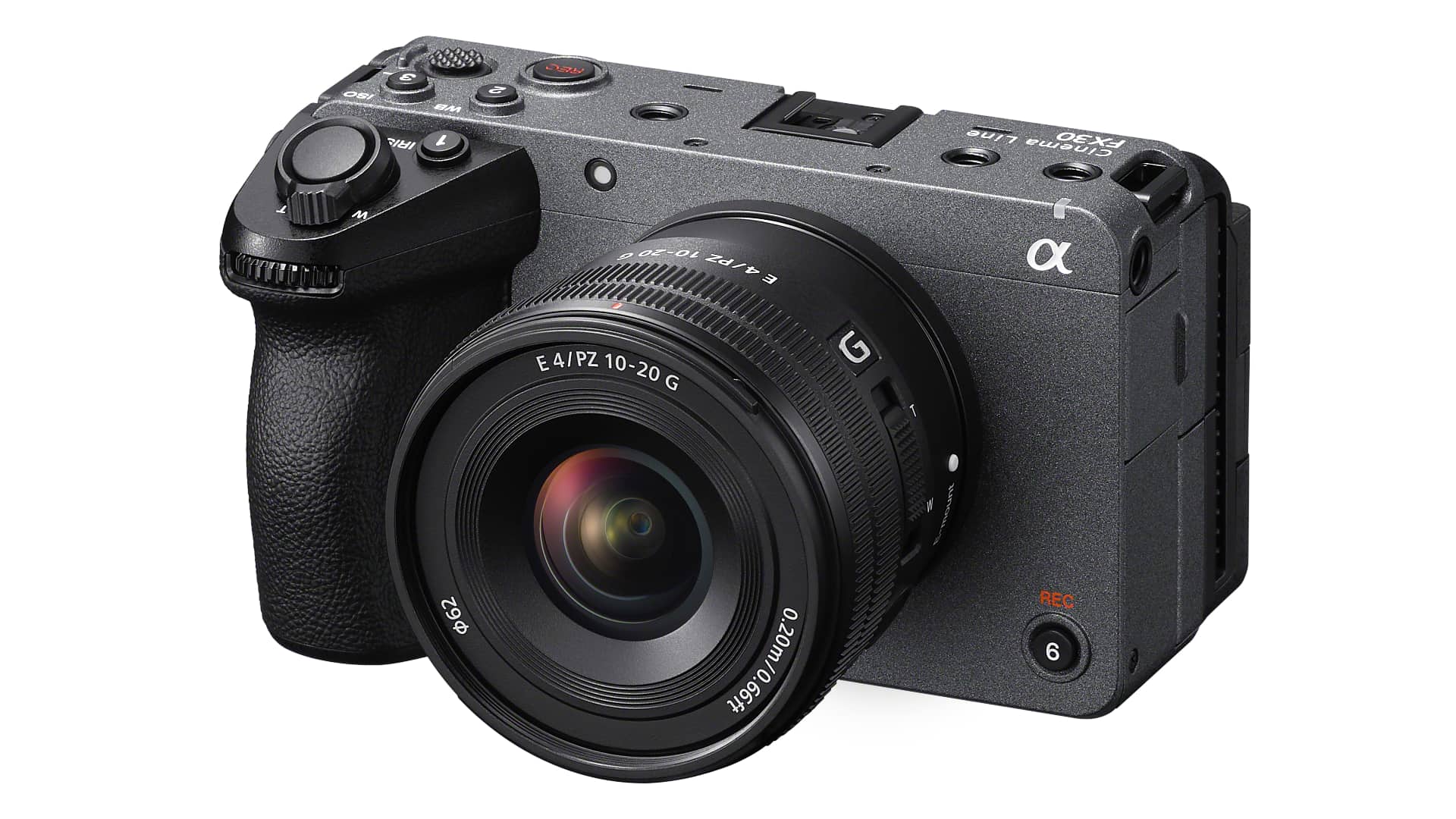
Sony has released major firmware updates for the FX3, FX3A, and FX30 cameras, bringing their interfaces in line with the wider Cinema Line.

As promised late last year, Sony has updated the firmware on the FX3, FX3A, & FX30 cameras to standardize the user experience and operational menu across its Cinema Line cameras. The update was originally scheduled for September 2025, so it's actually hit the servers a few days early.

Introducing the BIG6 Interface 

Sony showcased some of the details of the BIG6 home screen on YouTube when it launched the FX2 in May. 

Developed for high-end CineAlta cameras such as the VENICE, it allows you to easily monitor six essential parameters in MOVIE mode: FPS, ISO, Shutter (speed/angle), Aperture or ND Filter, Look, and White Balance. The idea is that it helps contribute to smooth, intuitive operation, as well as providing quick access to Variable/Fixed parameters.

There's some other interesting stuff in there too, notably 1.5x and 1.6x magnifications being added to the De-Squeeze Display, unlocking external recording of BRAW, and the ability for the optical density of pre-registered ND filters to be recorded in the metadata.

How to Install: Important Upgrade Steps

One thing worth pointing out up front is that the upgrade paths do have some complications and you need to make sure you are on the latest version before installing the new one. That's Ver. 2.04 or Ver. 2.05 for the FX3, and Ver. 1.05  for the FX30. It reads like bad things may happen if you don't. Check Sony Support for details. You can download the software update using the Creators' App available in the App Store and Google Play.

New  FX3, FX3A, & FX30 Firmware in Detail

The upgrades are consistent across all three cameras so there's only the one list.

  • Adds a home screen (BIG6) where you can easily review the shooting settings and equipment configurations when shooting movies
  • Adds a Fixed/Variable mode that supports S&Q shooting settings by directly specifying the shooting frame rate without needing to set the S&Q mode
  • Adds support for the Focus Magnifier and Auto Magnifier in MF settings while using the Bright Monitoring feature
  • Adds 1.5x and 1.6x magnifications to the De-Squeeze Display
  • With RAW video output via HDMI, external recording of Blackmagic RAW has become possible
    • We recommend checking with Blackmagic Design regarding the corresponding Blackmagic Design products.
  • Allows the camera to automatically recognize the USB-LAN conversion adapter (sold separately) and connect to the network when powered on
  • Allows the remaining capacity of both storage devices to be displayed during movie recording when using Simult. or Auto Switch Media (Relay Recording)
  • Allows the optical density of pre-registered ND filters to be recorded in the metadata
  • Allows the filtering of camera images for smartphone transfer and FTP transfer using Clip Flag
  • Allows the direct upload of camera videos to Creators' Cloud based on OK/NG/KEEP flags
    • Settings must be adjusted in the Creators' App in advance. For more information, please visit the Creators' App support website.
    • Ver. 3.1.0 or later of the Creators' App is necessary.
    • This service may not be available in some countries or regions.
    • For more information, please visit the Creators' Cloud support website.
  • Supports the following Monitor & Control app functions:
    • Manual framing function
    • Attach Clip Flag
      • Notes:
      • Ver. 2.4.0 or later of the Monitor & Control app is necessary.
      • The Monitor & Control app may not be available in some countries or regions.
  • The Security (IPsec) functionality is no longer supported. Please enable and use Access Authen. as it provides more secure protection
  • WPA and WEP functionalities are no longer supported. You will no longer be able to select WPA or WEP when connecting to Wi-Fi. Please use the more secure WPA2 or WPA3 moving forward
  • Improves the operational stability of the camera

Tags: Production Sony Firmware Sony FX30 Sony FX3

Comments
