2 minute read

Plenty of new tools to like in Adobe Premiere 25.6, all of which are designed to keep editors in the flow. And, as you may have already noticed, it's officially now dropped the 'Pro' from the name.
It should be pointed out fairly quickly that this does not mean that Adobe is abandoning the pro video editing market. Not at all. As the company's Kylee Peña explains: "We’re simplifying the name to Premiere – the same pro-level editing you know, now spanning desktop, iPhone, and more devices to come."
The change seems to be working its way through the Adobe sites, with text switched but some headlines and graphics taking a bit longer. There's certainly no shortage of new pro level features with Premiere 25.6, though (and we have to say that Peña's 'more devices to come' also sounds suitably intriguing).
Here's what's new. Much of this was announced at Adobe MAX 2025, but this is confirmation that it's out of beta and into the final, now-shipping release.
The new Audio Search in the Search panel means that you can simply describe what you’re looking for, and Premiere will find it across all your open projects. It's not just audio that's been beefed up either. With Find Similar, Premiere will surface clips that are visually similar in a click. So, if you're looking for a different angle or some matching b-roll, click the Find Similar button (or right-click on results in the Search panel) and Premiere will surface the right footage for you.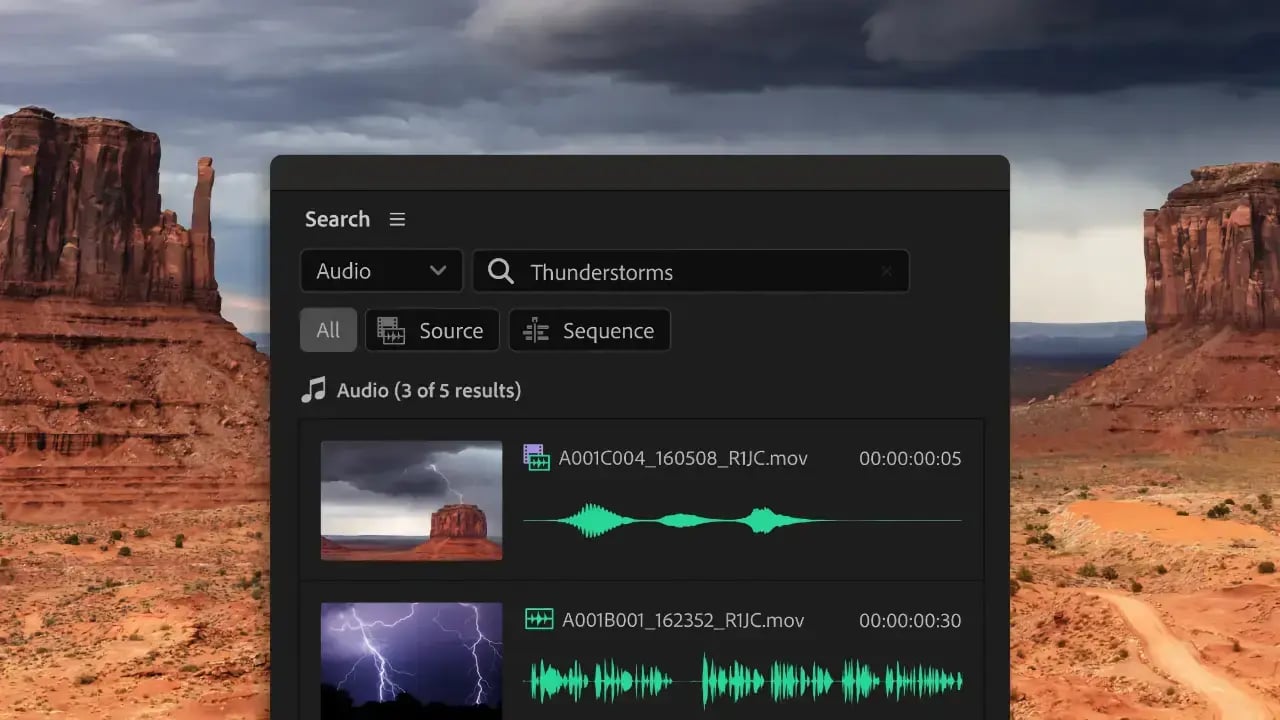
The new Censor Transcript functionality lets you bleep, mute, or add a sound effect in one pass — even add your own custom sound effects. Flagged words or phrases are handled by Premiere in every instance across your whole project. Also, the Amplify effect is added to lower the original clip volume, so any audio keyframes won’t be impacted.
Generate video on the newly designed Firefly website using the commercially safe Firefly Video Model, or switch to one of Adobe's partner models from Google, Runway, or Pika. Then simply right-click the footage to send it to Premiere without needing to manually download and import it.
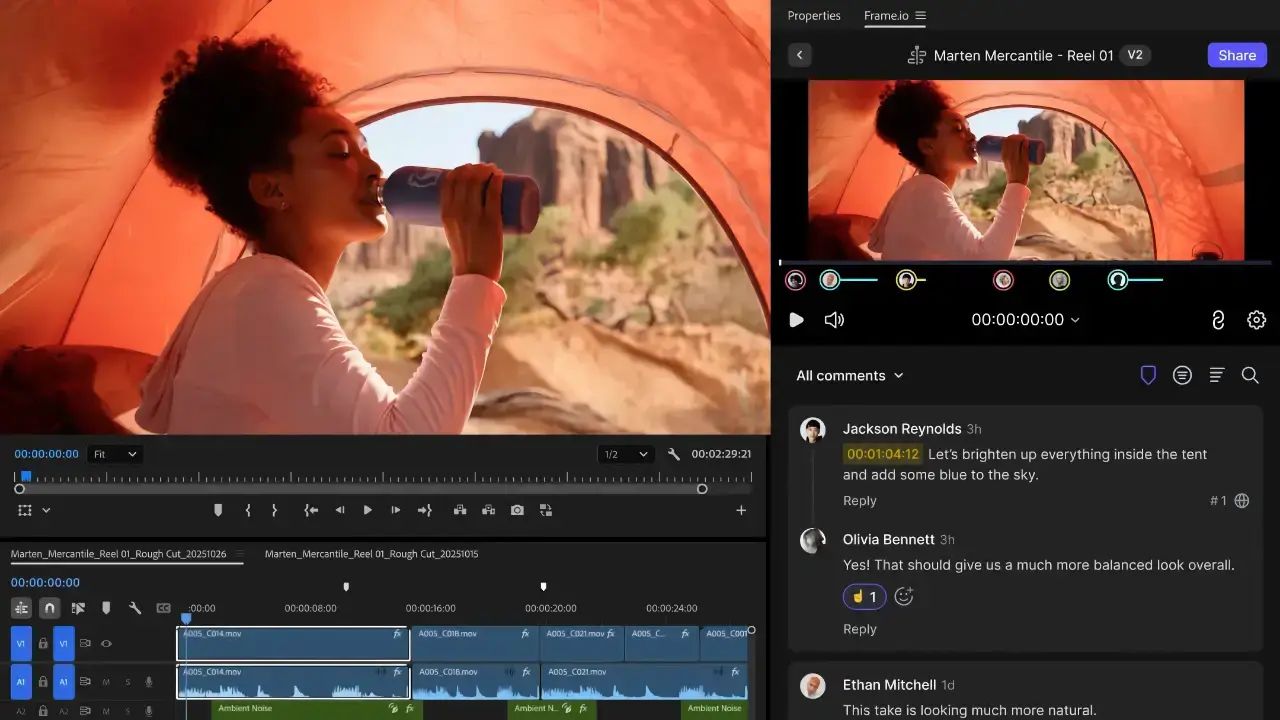
Ingest assets, share cuts, and sync notes without ever leaving Premiere with the new Frame.io V4 panel. Need to export a sequence? Versions automatically stack in Frame.io, which is handy. Feedback shows up right on your timeline, and notes stay live as you keep editing, creating a smoother loop between you and your team.
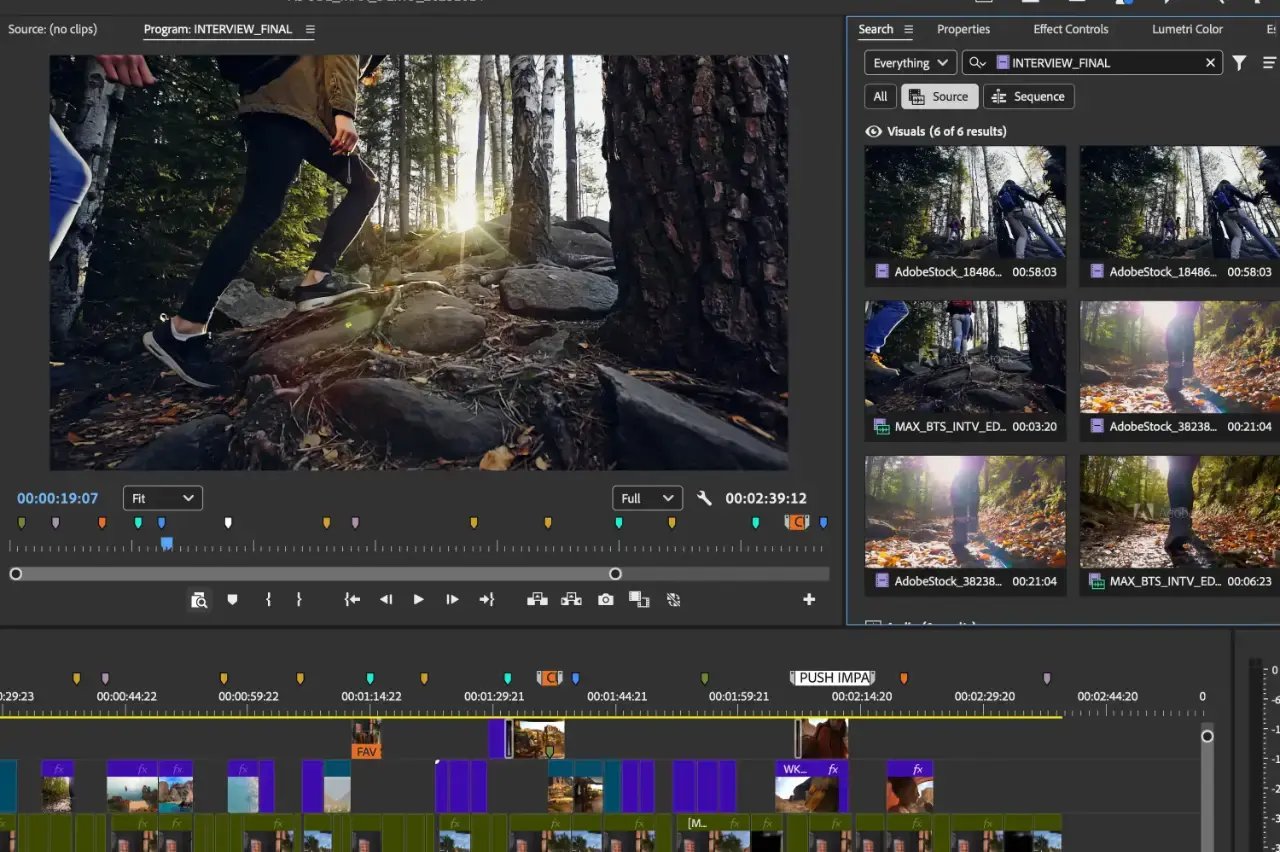 There are not just new features, there are plenty of optimizations too. Clip thumbnails stay visible while you edit, even giving you live feedback as you ripple or roll. And shuttling playback just works, says the company, with no stutters, no flickers, and no pops.
Native N-RAW support allows you to use the latest cameras from Nikon, meaning something like the new Nikon ZR can fit seamlessly into your workflow and even allow you to manipulate the raw camera settings as if you’re still shooting.
Adobe says that Adobe Stock is now even more integrated inside Premiere than before, and is also happy to point out that with the appearance of Premiere on iPhone you can start off editing in the field and finish on the desktop later.
Premiere 25.6 is available now in the Creative Cloud app. Prices start at $22.99 a month. Check the Adobe pricing page for more info (there's also a current Black Friday 50% off the first year of Creative Cloud Pro that gives you access to all the company's other apps as well for $34.97 a month).
Tags: Post & VFX Adobe Premiere


RedShark 2020 @ All rights reserved.

Comments