2 minute read

Free updates to Portkeys monitors bring expanded camera control across Sony, Canon, Nikon, Panasonic, and Blackmagic Design bodies, a wireless one-to-many collaborative control system, Log Stops improvements, and Calman color calibration.
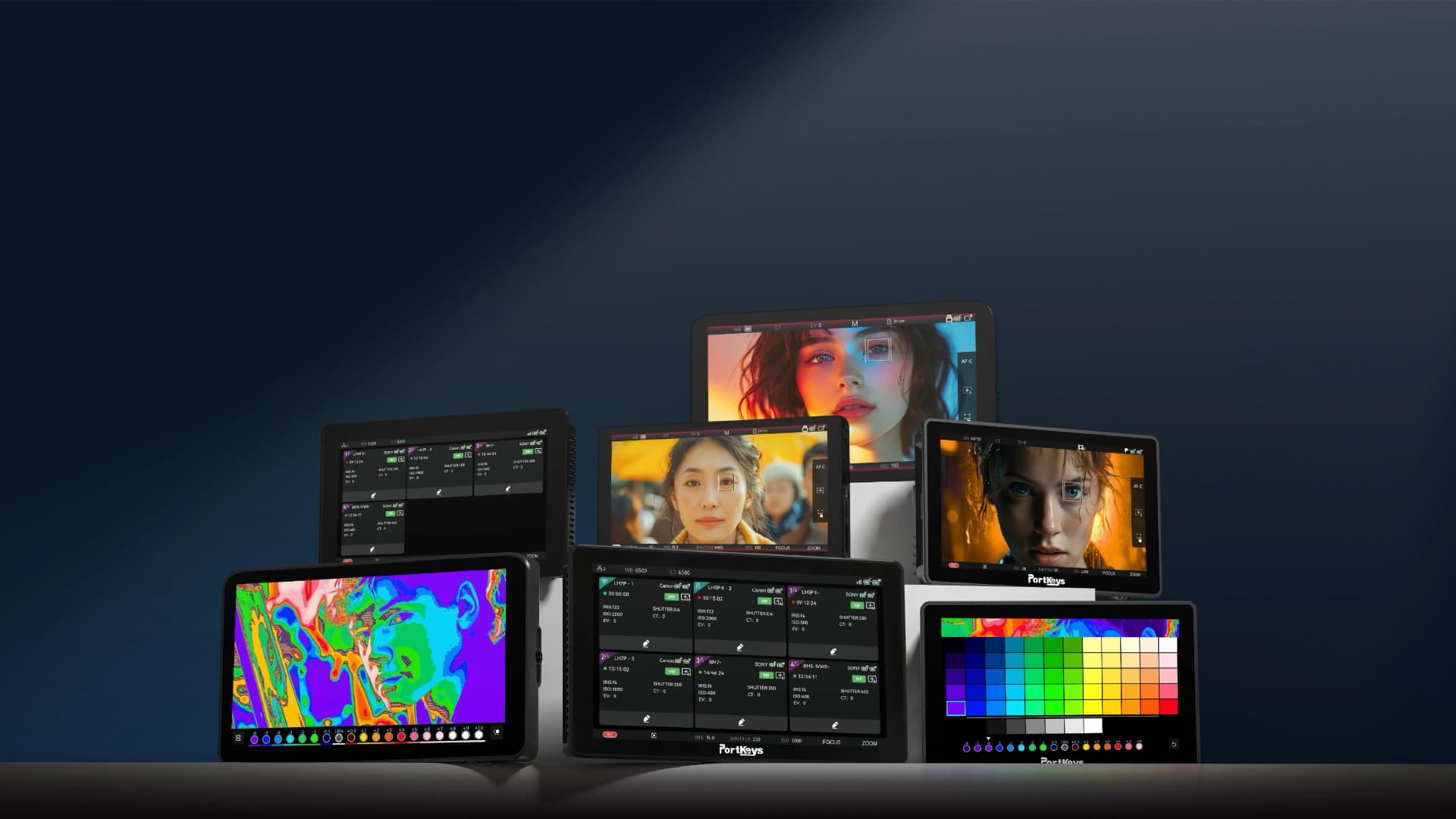
Portkeys has released a significant firmware update across nine of its monitors, covering the LH7P, LH5P II, BM5IV, BM7 II DS, LS7P, and LH5C series. The updates are free and available now from the Portkeys firmware page.
WiFi and USB-C camera control has been extended to a wide range of new bodies. Sony gains WiFi and Type-C control for the A7M5 and A9 III, plus WiFi control for the FX6 and PXW-Z380. Canon adds full WiFi and Type-C control for the EOS R5 II, EOS R6 III, and EOS R1, with WiFi control for the EOS C50, C400, and C80. Nikon picks up WiFi support for the ZR, Z8, and Z9. The Blackmagic Design PYXIS 6K gains Bluetooth control and resolution adjustment, while the Panasonic Lumix GH7 adds wired control support.
Sony FX3, FX30, and FX2 users can now switch between shutter angle and shutter speed directly from the monitor. There's also new direct ND filter control for the ARRI Mini, Canon EOS C80, Canon EOS C400, and Sony FX6.
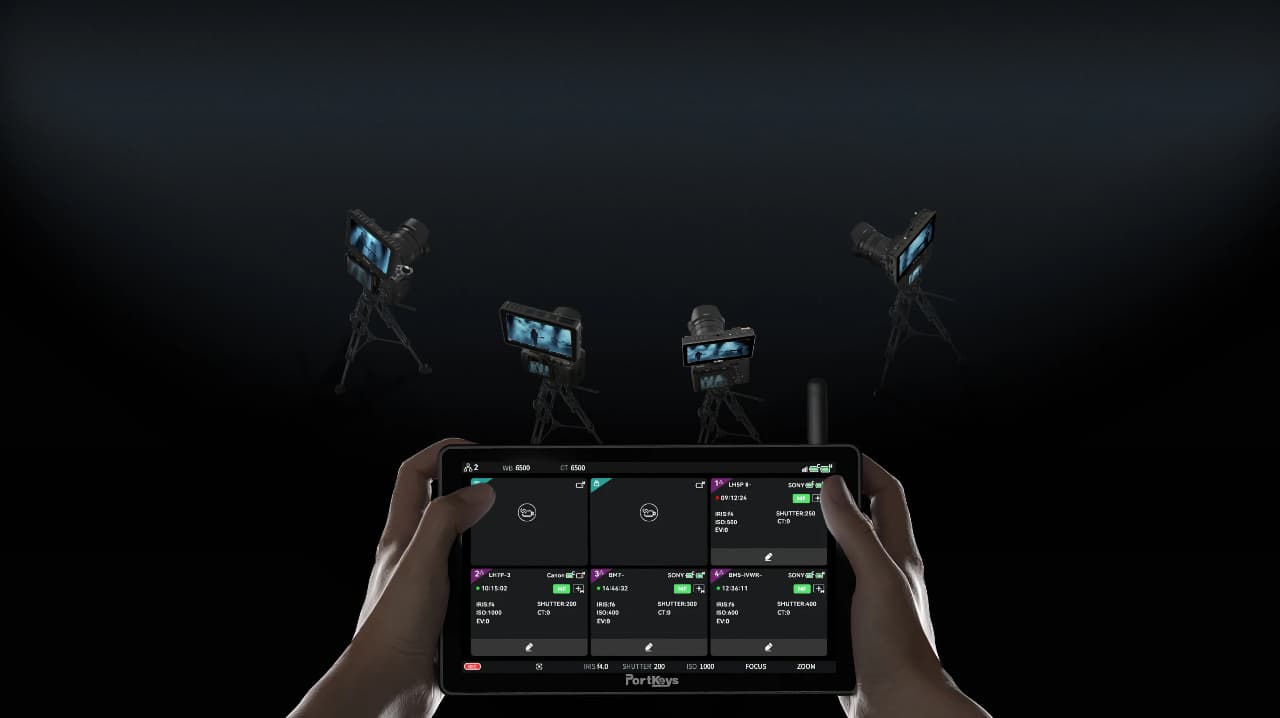 One of the more useful additions for multi-camera shoots is the new collaborative control system. Setting one Portkeys monitor as the "master" lets you wirelessly control up to four other compatible Portkeys monitors within a 50 m (165 ft) range, adjusting settings, pulling focus, and triggering synchronized recording across all connected cameras from a single point. This looks to be an eminently practical answer to the cable-routing headaches of complex setups, as well as a bit of a current differentiator over other systems on the market.
There's one caveat worth noting: when this mode is enabled on the LS7P, WiFi connection to the Sony A7M5, FX6, and PXW-Z380 is unavailable.
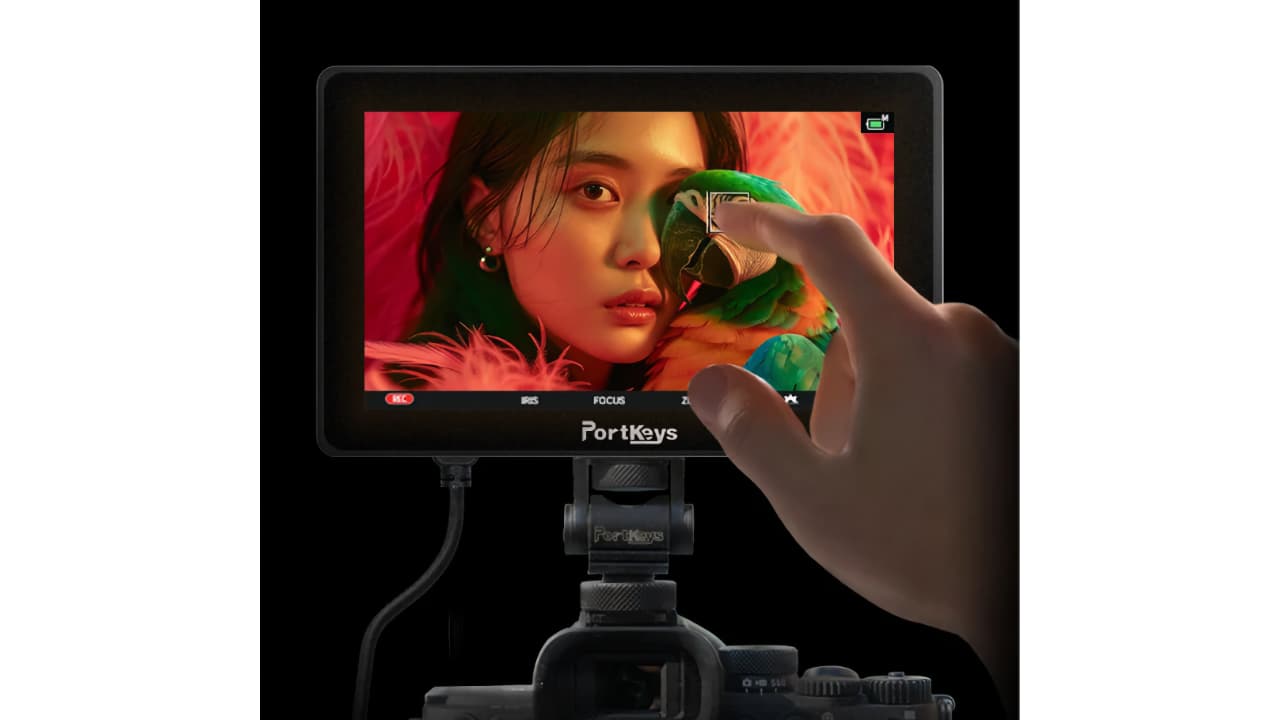
Touch Focus Tracking Frame support has been added for Sony and other supported cameras, letting operators select and move the camera's autofocus tracking box directly on the monitor's touchscreen, without having to reference the camera's own rear screen.
The Log Stops exposure tool maps image luminance against a camera's actual LOG profile and divides it into customizable exposure zones. This is an already useful feature and now receives further development. New additions include automatic Sony camera LOG data synchronization, the option to hide charts while retaining the underlying analysis, pre-LUT detection, faster LUT loading, on-screen LUT file name display, and color bars within the Log Stops interface. Dynamic Range control has also been added to System Settings. Currently, automatic LOG detection supports Sony cameras only, but Portkeys says more brands are to follow.
Select models gain a new Calman-compatible color calibration tool, supporting major color probes from Datacolor, Jeti, SpectraCal, and X-Rite.
Other changes include fully customizable crosshair, guide frame, and grid line dimensions; a black color option for overlays to prevent white lines blending into bright backgrounds; Italian language support; the anamorphic and image flip functions relocated to a dedicated Function page; pinch-to-zoom added to the function list; and an auto screen-off feature when no input signal is detected.
The update applies to: LH7P V1, LH7P V2, LH5P V3II, LH5P V3III, LH5C, LS7P, BM5 IV, BM5IV WR, and BM7 II DS.
Note that the LH7P ships in two hardware variants (V1 and V2) which cannot be cross-upgraded; Log Stops functionality is exclusive to V2. This is a cross-version upgrade that triggers a forced device reset, so back up your data before updating.
Tags: Production Wireless video Portkeys On-set monitoring


RedShark 2020 @ All rights reserved.
Comments