
1 minute read

Nice Touch has released V2 of its AI edit assistant, adding a content-aware edit engine, steadier multicam and 18-language support inside Adobe Premiere and DaVinci Resolve.
Nice Touch has launched V2 of its AI edit assistant, saying that it is a full rebuild, shaped by more than 300 conversations with editors, producers, production supervisors and studio owners.
Nice Touch was founded by Matthew Cooksey and Paul Simon, who spent twelve years building Circus Street's video production operation into a roughly 200-person business that was acquired by QA for £50m.
“We built this sitting inside Premiere and Resolve rather than alongside them because that's the workflow we lived ourselves,” says Cooksey.
We’ve not covered it before, so it’s worth a quick recap. Nice Touch works inside Adobe Premiere Pro and DaVinci Resolve, analyzing a project's footage, transcribing it with word-level accuracy and speaker separation, and taking direction in plain language. Editors describe the cut they need and it builds it directly into the timeline as real, editable clips, cuts and markers.
One of its key USPs is that it doesn’t touch the creative calls. The company says that two things came back consistently from those 300 or so conversations: existing AI tools meant leaving the edit, running a process somewhere else, and importing the result back in, which is a process that can slow down any workflow, And there was a line in using AI that editors did not want crossed.
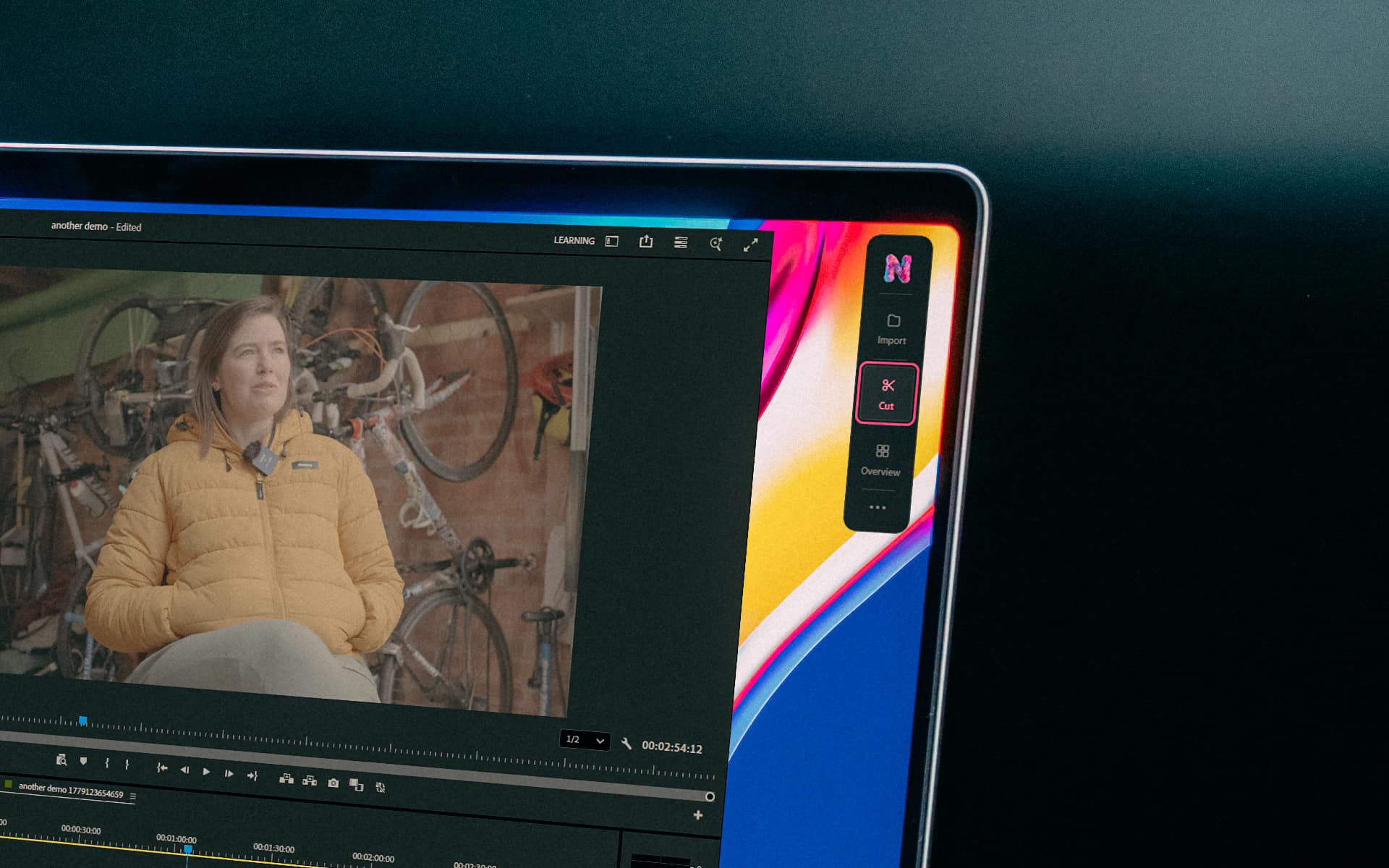 New in V2 is an edit engine that reads the type of content it has been given, treating interviews, podcasts, panels, pieces to camera and multi-speaker sessions differently, along with multicam built from the original angles so sync holds across every revision. Analysis and transcription run across 18 languages, and it now features a plain-language interface that shows its plan before committing any changes.
Editors can ask it to pull selects and build a stringout, strip out double takes and dead air, cut to a script line by line, run a multicam pass, or pull cutdowns for social. From there, they keep directing the material: changing length, swapping a take, tightening a section and, from the sounds of it, always remaining in control. Given the tension of ease of use and unease of purpose that AI can add to the creative process, that seems a good balance to strike.
A free five-day trial includes 2000 credits with all features unlocked. Paid plans are $65 a month for 7000 credits (Pro) and $320 a month for 40,000 credits (Ultra), with optional pay-as-you-go top-ups.
Tags: Post & VFX Editing Nice Touch


RedShark 2020 @ All rights reserved.

Comments