3 minute read

Eddie AI’s latest update shows a plan before any paid run and adds a Resolve Studio panel. It also imports After Effects templates.
As you would expect with NAB Show New York kicking off tomorrow, Eddie AI has added a whole raft of new features to its app that make it even more productive than before.
It’s also dropped some new features in the past 24 hours aimed at the enterprise customers it is obviously looking to talk to at the Javits Center. More about those in the video below, but highlights are bring-your-own keys with Anthropic (Claude), OpenAI (ChatGPT), and Google (Gemini), on-premises running, customer IP ownership, no training on customer data, and SOC 2 Type I and II audits with GDPR certification.
These all join an impressively long list of updates.
With concern rising about the costs of running AI tools, the ability to plan first is going to be a real boon. Prompts that will spend credits now return a plan that lists each step and which steps cost credits. You can approve it, change a step, or drop one, and nothing runs or is charged until you approve the list. Where a step involves a choice, such as a color grade, Eddie shows options as stills from your footage.
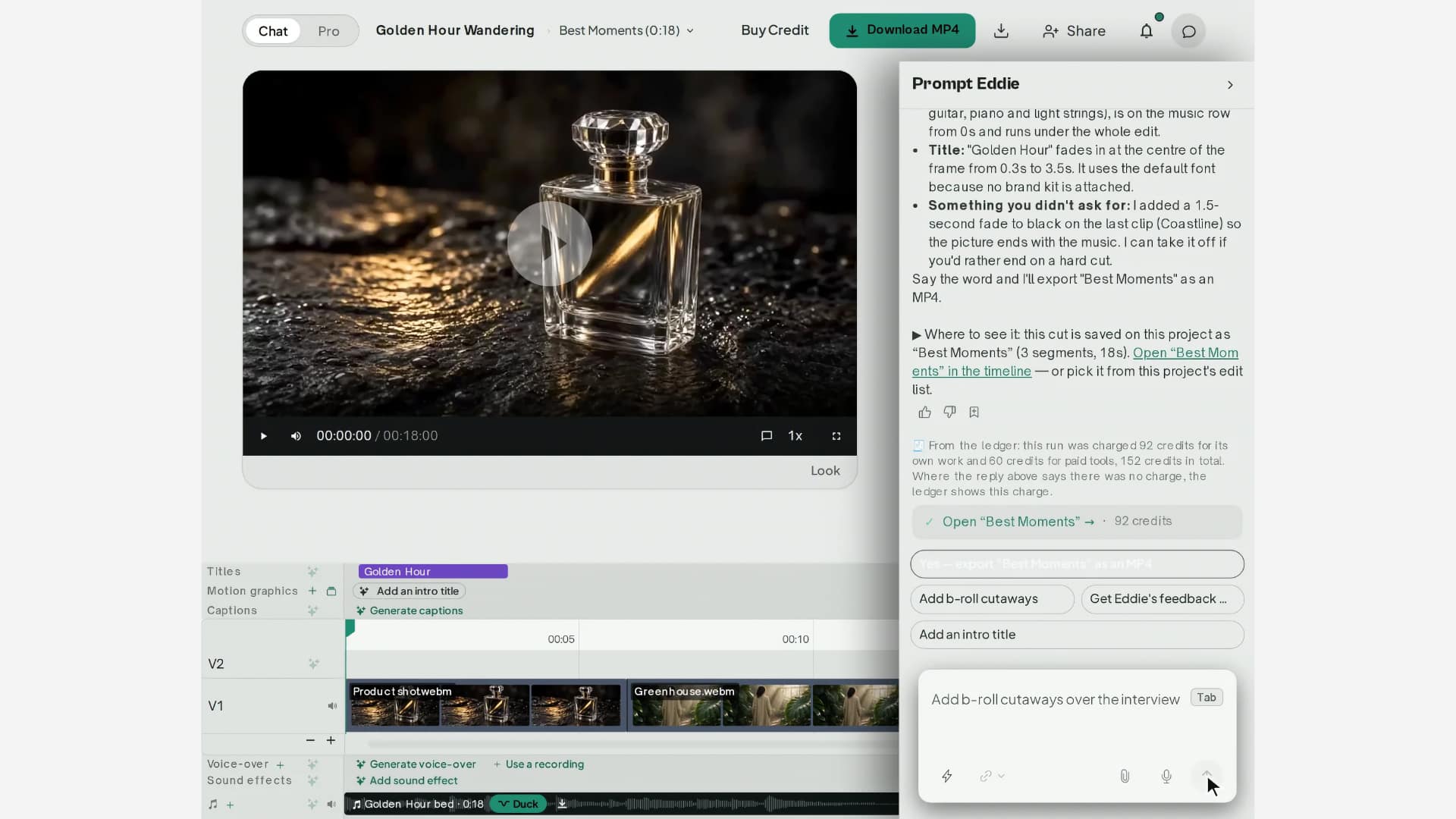 After Effects projects and Premiere motion graphics templates can be imported, and Eddie fills in the text and renders them in your design. It asks for any font it lacks. Brand kit headline and body fonts, colors, and logo apply to every graphic, and the motion-graphic brief shows all three before rendering. Brand fonts also apply to titles, captions, and template graphics. Thirty motion-graphic templates can be filled by named slot, placed at the playhead, and shared or copied between workspaces.
In desktop releases 4.0.38 to 4.0.43, interview cuts mixing Premiere multicam picks with plain clips rebuild as switchable multicam clips pointed at your masters (update the Premiere panel and restart Premiere). Clips with no audio import normally. The Import screen shows recent projects with thumbnails and last-opened times, and starring pins a project.
Other links into other packages include a panel for DaVinci Resolve Studio (Workspace > Workflow Integrations > Eddie AI AE) that browses bins, imports footage, timelines, and multicam clips, and sends edits back as a new timeline. It installs from Help > Install Resolve Studio Panel… with Resolve closed, and the desktop app updates it on launch while Resolve is shut. It requires Resolve Studio from Blackmagic Design’s own installer. Sign-in and editing in the panel are not included.
And a “Source clips” export (Export menu, Footage logs) produces a Final Cut Pro browser event relinked to camera originals, carrying clip names, notes, keywords, Favorite ranges, and Rejects. You can include all clips or only labeled ones, and choose FCPXML 1.13 or 1.14. It can also be requested in chat, with the price shown first. Corrections to start timecode, frame rate, or frame size now carry into A-roll and B-roll footage logs and relink to camera originals.
The timeline also now names itself after the footage in the open edit (podcast, interview, property tour). Unused lanes fold away, and any lane with content shows. Track IDs, tool vocabulary, and NLE export track names are unchanged.
Thirteen single-job pages have been added. These are take out silences, take out filler words, add animated captions, translate subtitles, dub into another language, cut a podcast into clips, edit by transcript, add B-roll, add background music, resize to vertical, clean up audio, balance speaker volume, and match a reference image to a LUT. Drop a file on a page and Eddie imports it and starts the job with the brief composed from the page and its options. Your file and options persist through sign-in.
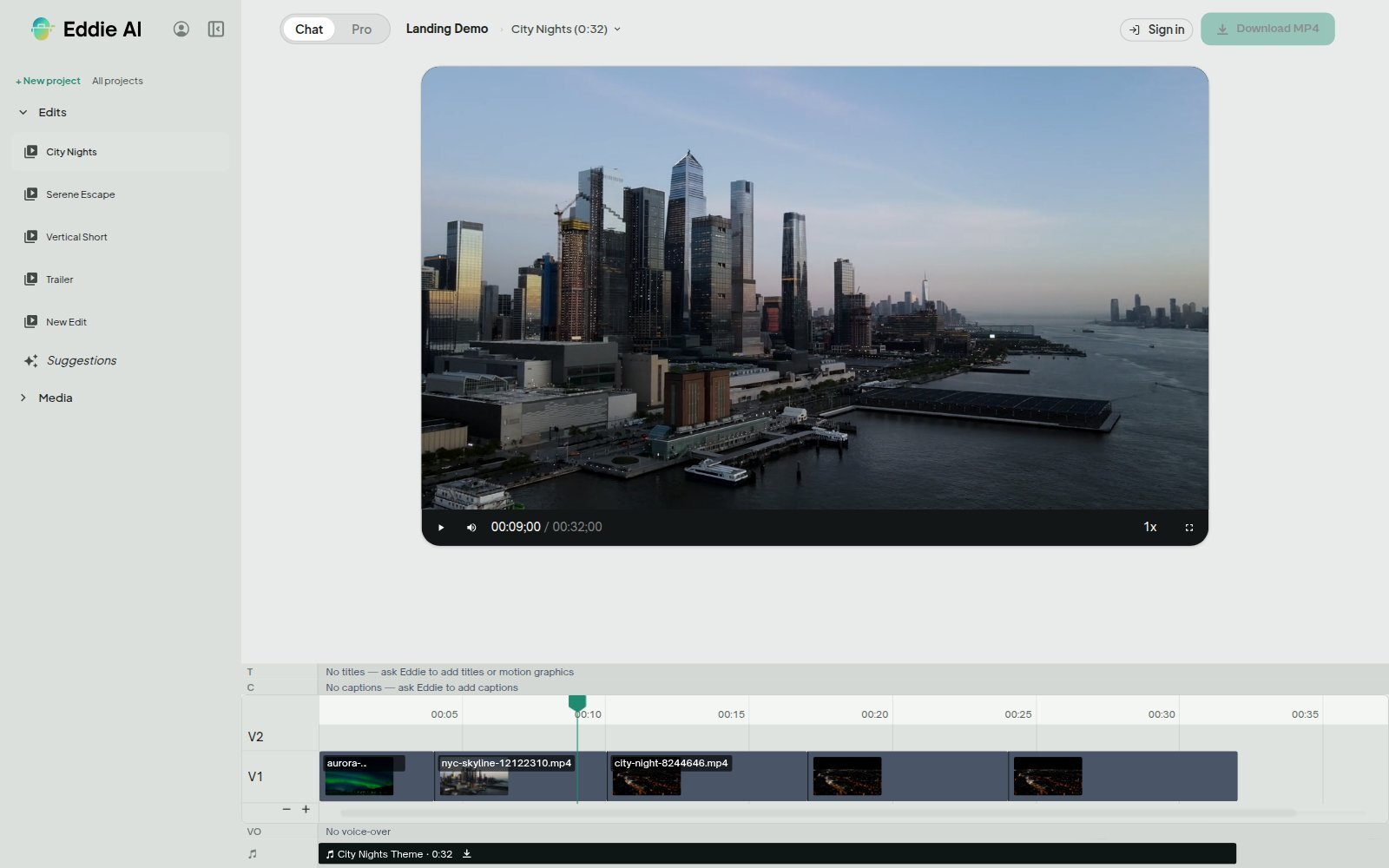 On the audio front, each clip’s audio has its own waveform row under the picture, measured once on the server from source peaks. You can trim, split, set volume, mute, drop a clip’s audio from the edit, or restore a removed pause.
One of the surprising gaps with many AI packages is the number of insights you can get into what is being worked on. With Eddie, a new workspace menu row shows hours saved, projects run, edits exported, streak, and a shareable monthly card. Team workspaces add team totals, remaining credits with projected duration at current pace, and each member’s hours saved and edits made. Nothing ranks editors or benchmarks teams, which should help allay fears of Big Brother-esque intrusion. Personal workspaces see blurred numbers.
Eddie’s update also includes a run of smaller changes. Up to 100 mid-clip silence cuts can be made in one request, with a single undo. Razor cuts are free, and a batch of sound effects is quoted once, with a repeated sound charged once. Uploaded files can be moved to another of your projects after a dry run, with an undo. Fades can run up to six seconds, at most half of each clip they touch. They are an opacity ramp in Eddie’s rendered video and are not carried into Premiere, Resolve, Final Cut Pro, or OTIO exports. Project-wide transcript exports arrive in parts.
Tags: Post & VFX Eddie AI


RedShark 2020 @ All rights reserved.

Comments