1 minute read

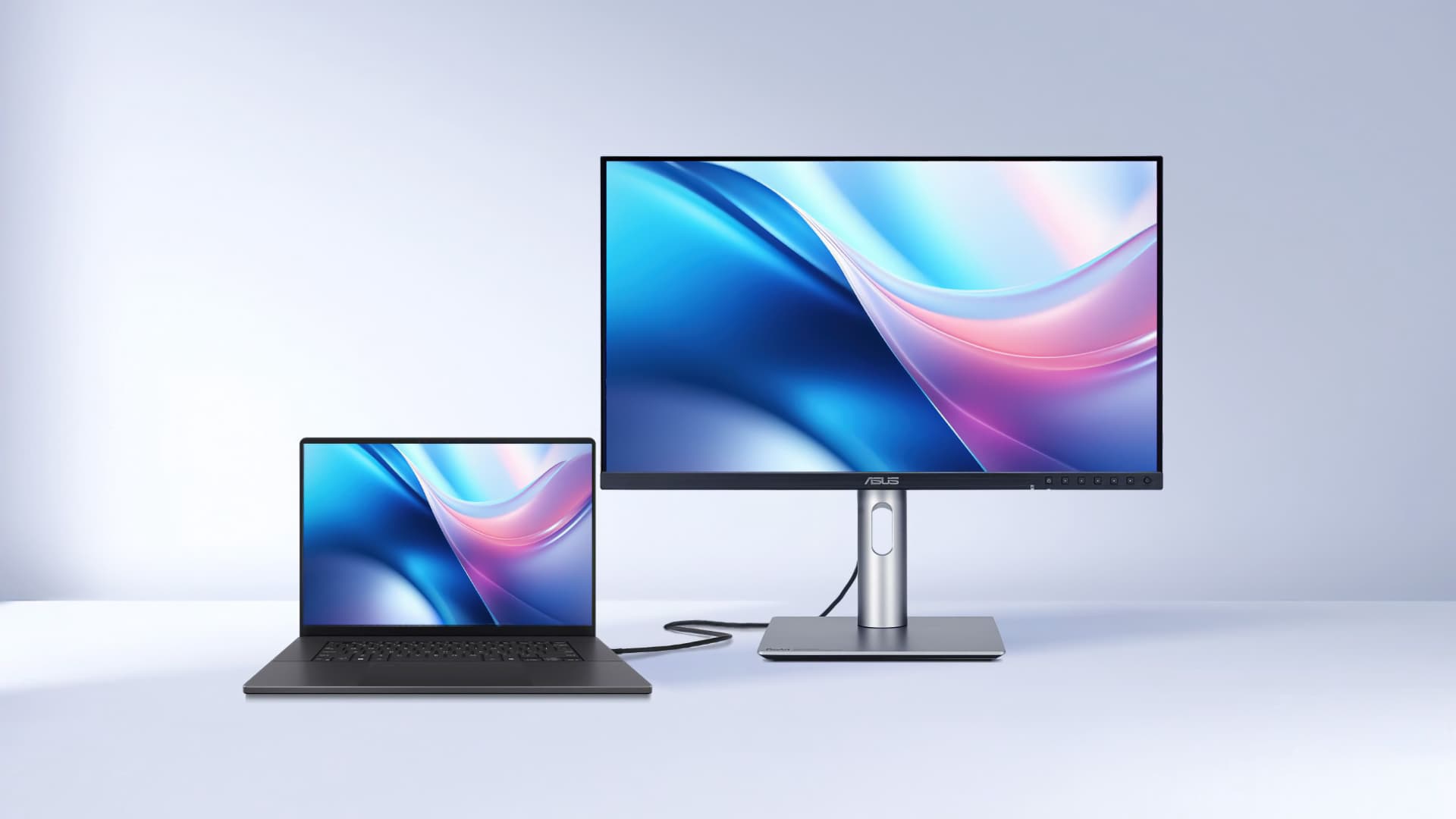
ASUS has further enhanced ProArt's usefulness for Mac users with new firmware-enabled features for selected ProArt displays.
ProArt displays have always been a sound choice for Mac users that are either docking a laptop or have a Mac mini or Mac Studio in need of a screen. They're high resolution, have a high pixel density, boast up to Delta E<1 color accuracy and support for wide color gamuts, including up to 99% DCI-P3. They also have an impressive range of connectivity options that mean they can often function as USB hubs, allowing connected peripherals to be shared without a separate docking station.
New firmware enabled features (see the compatibility list below) now add to select ProArt displays' Mac-friendliness.
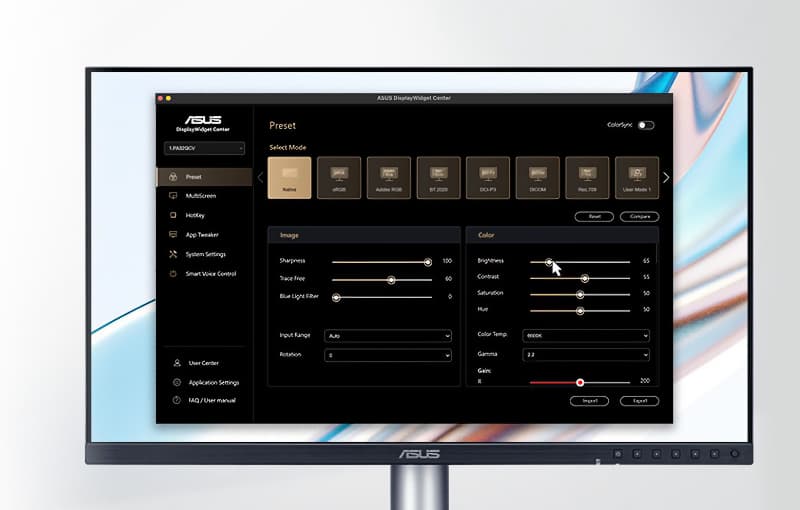 One of those simple things that can make a difference in day-to-day operation. ASUS DisplayWidget Center software for macOS provides an intuitive interface that allows users to easily adjust monitor settings. These include brightness, contrast and color temperature.
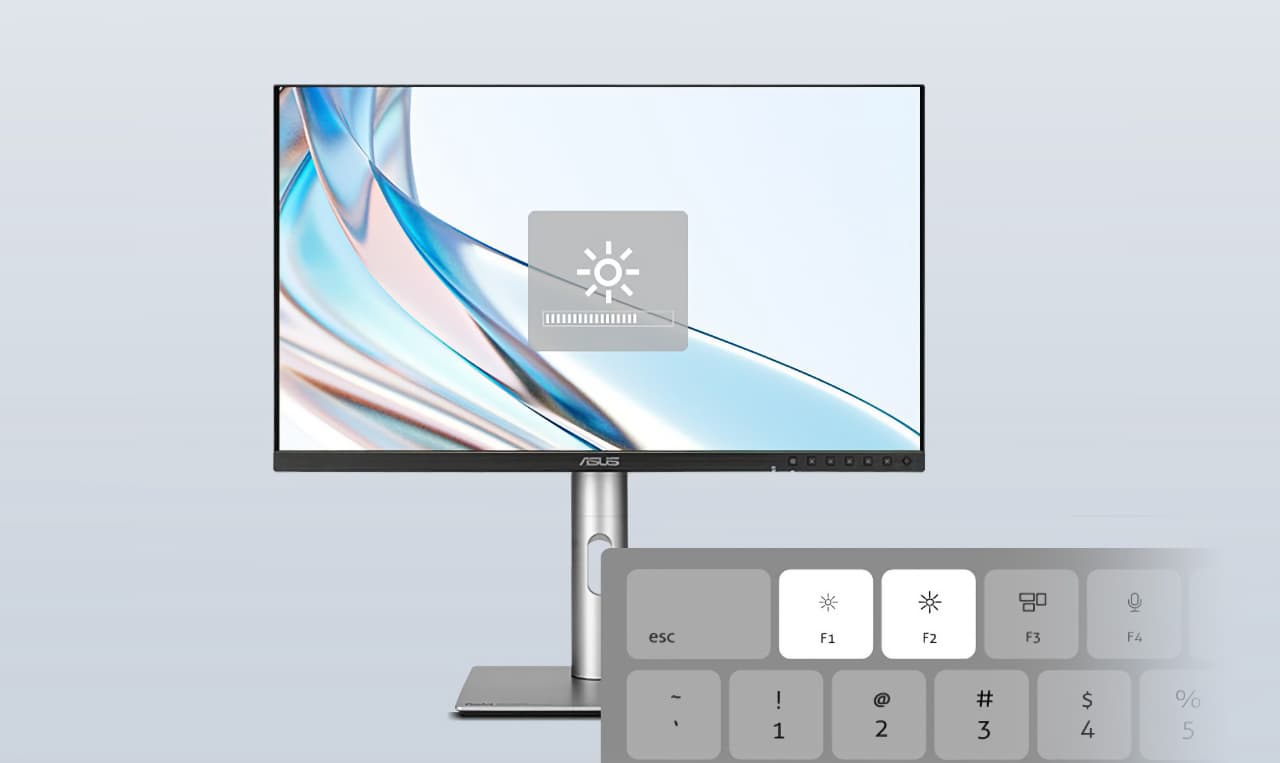
The ASUS DisplayWidget Center also enables users to adjust the brightness of the display directly via the MacBook shortcut buttons.
New M Model P3 color settings are designed to align ProArt display color output with connected MacBooks, helping ensure consistent color accuracy across both screens. This is vital when it comes to color grading, not to mention video editing, and means users can throw their work onto a larger monitor with confidence that what they see on the larger screen is what they would see on their MacBook
ASUS DisplayWidget Center runs directly on the latest ProArt monitor models once the software is installed. The earlier models listed below require a firmware update: PA16USV, PA24ACRV, PA248CRV, PA248QFV, PA27ACRV, PA27JCV, PA27UCGE, PA278CFRV, PA278QGV, PA279CRV, PA32KCX, PA32QCV, PA32UCDM, PA32UCE.
Meanwhile, the PA278CGRV, PA279CRV, PA27JCV, PA32QCV, and other new ProArt monitors support M Model P3 color, though certain models — such as the PA279CRV and PA27JCV — require a firmware update to enable it.
Tags: Post & VFX Monitors Apple ASUS ASUS ProArt


RedShark 2020 @ All rights reserved.

Comments