
1 minute read
Advertisement
Aputure's Sidus Link Pro 2.4 introduces Action Panel, a lockable full-screen operator view, and brings the lighting control app to Mac for the first time.
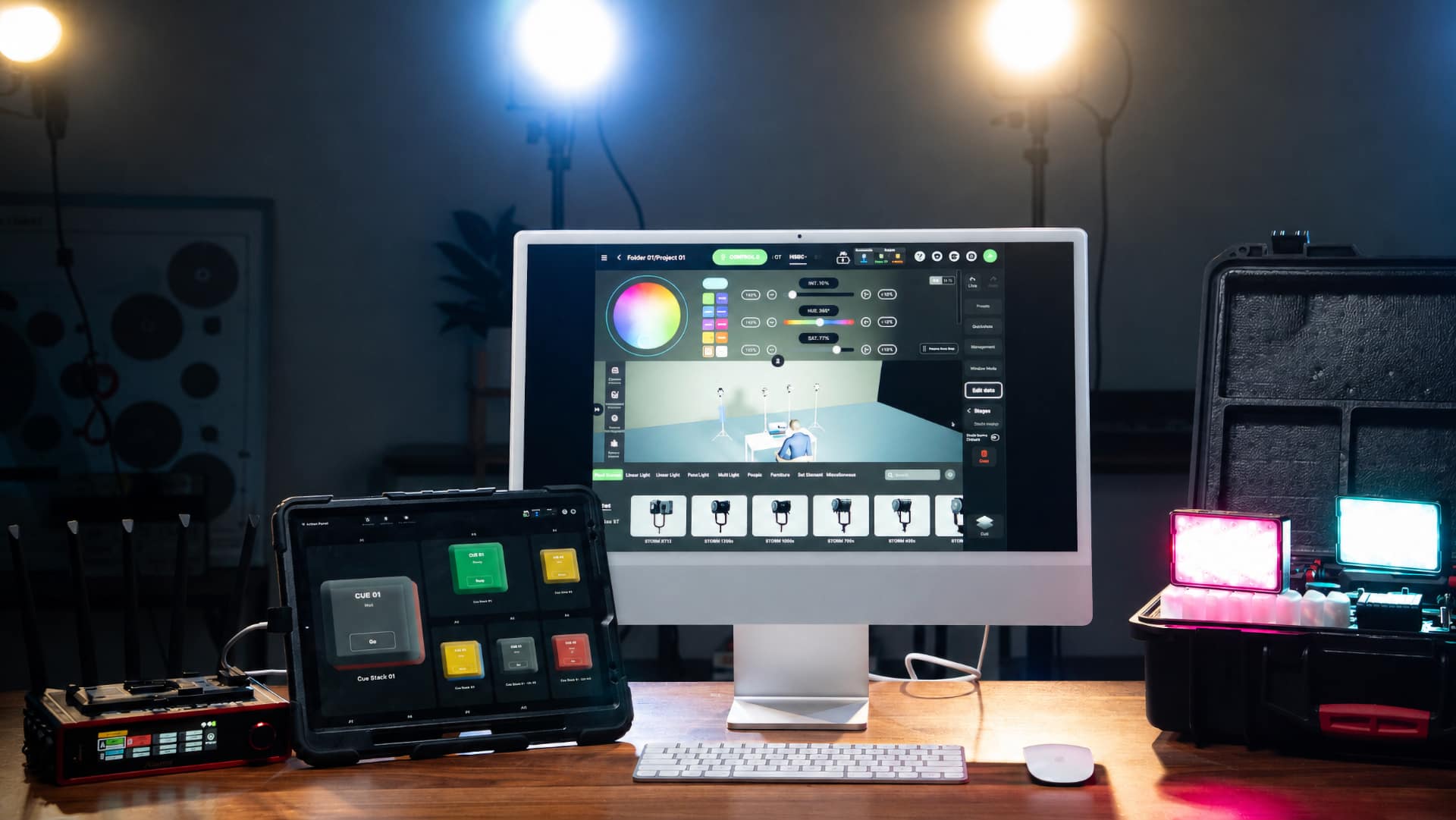
Aputure has released Sidus Link Pro 2.4. It looks to be a major update to the professional lighting control app that introduces Action Panel and, in what is going to be a very popular move, brings the app to macOS for the first time.
Action Panel is a dedicated full-screen view that lets users assign cues and Quickshots to large, customizable "Go" buttons. The view can be locked with a passcode to hide the full programming interface, making it suitable for handoffs between the person who builds a lighting setup and the operator running it on set.
The update also extends Sidus Link Pro to Mac, where users can plan and design lighting systems using Diagram Master, 3D Visualizer, and Fixture View before switching to iPad for on-set execution. Keyboard shortcuts are supported on both platforms, allowing navigation between Stage, Cue Stacks, Layout View, and 3D Visualizer, with the ability to edit, label, and fire cues from the keyboard.
Version 2.4 adds support for Quickshots on Cue Masterss, allowing saved Bluetooth looks to be assigned alongside cues and triggered from the Action Panel buttons.
Sidus Link Pro 2.4 is available now for iPad and Mac. Action Panel is included in the Pro plan at $9.99/month or $99.99/year, while the MAX tier adds support for 4 universes of control. aputure.com/pages/compare-sidus-software
Tags: Production Lighting Aputure

Written by Andy Stout
Advertisement
Advertisement
Advertisement
Advertisement
Advertisement
RedShark is a multiplatform online publication for anyone with an interest in moving image technology and craft. With over 50 contributors worldwide, full-time developers, editorial, sales and marketing staff, it is the go-to site for informed opinion and know-how for the quickly changing video, film and content creation industries.

RedShark 2020 @ All rights reserved.

Comments