3 minute read

Apple Creator Studio's November update, free to existing subscribers, puts MotionVFX inside Final Cut Pro. Logic Pro, Keynote, Pages, and Numbers gain beta AI assistants.
While everyone was primed for Apple hardware releases today, much more unexpected was a new version of Apple Creator Studio for Mac, iPad, and iPhone. Apple’s creative apps used to be updated with fairly glacial slowness, but Apple seems to have kicked things up a gear now that it has Creator Studio subscriptions to sell. Creator Studio only went on sale in January this year, and this will be the fourth update to hit the App Store.
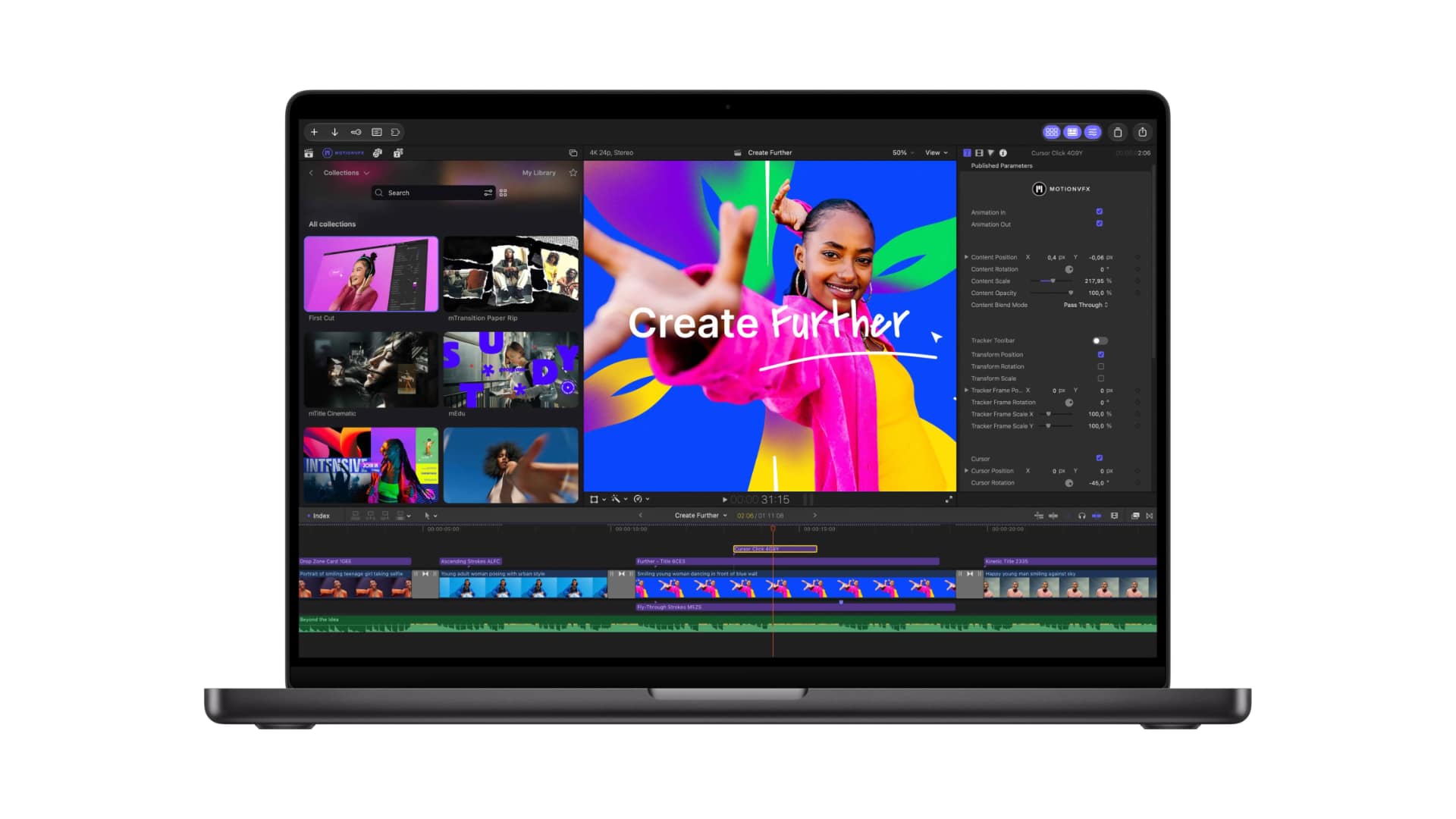
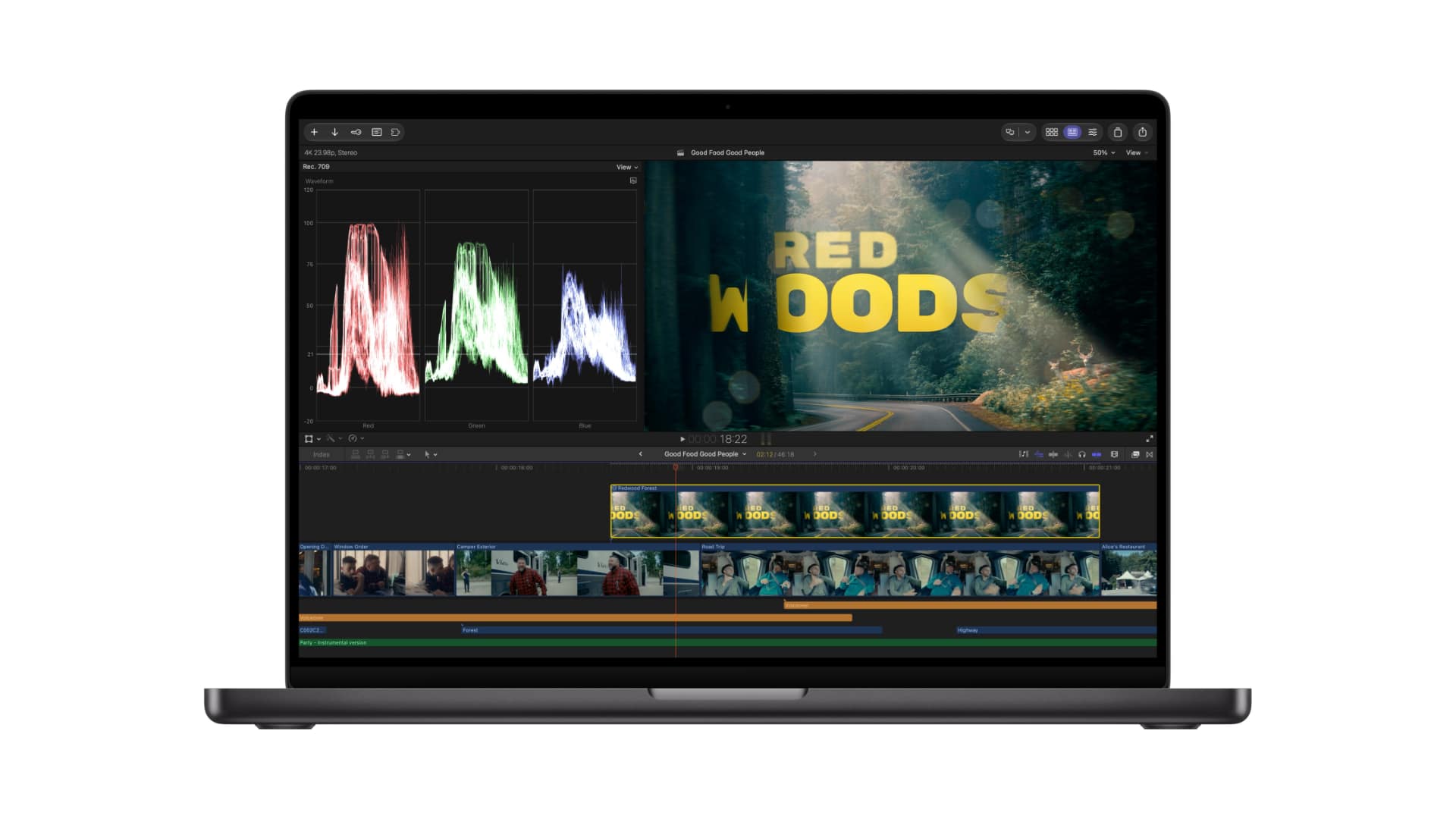 Final Cut Pro for Mac probably gets the biggest update across the range, and now includes built-in MotionVFX, following Apple’s purchase of the company back in March. This adds thousands of elements, including effects, plug-ins, transitions, templates, titles, graphics, and tools for rotoscoping, tracking, and color grading. Also, any image on the timeline can now be opened in Pixelmator Pro and saved back to the project automatically.
Apple is less front and center with AI tools than some rivals, but all the same, Final Cut Pro adds AI image generation from text descriptions. Elsewhere it gets more keyframe easing options, the ability to disconnect clips from the primary storyline and place them anywhere on the timeline, and 23 new transcription languages.
The Content Hub, an Apple-curated library of stock videos, photos, and backgrounds, now includes video assets and is available in Final Cut Pro. No word yet on its size, but it’s interesting to see Cupertino expand on what it contains.
In the wider app portfolio, Motion adds built-in MotionVFX plug-ins for color grading, 3D camera tracking, and one-click selection, plus image generation from text descriptions, round-tripping to Pixelmator Pro, keyframe easing, a Displacement filter, and an interactive demo project. Compressor can encode Cinematic mode video recorded on iPhone 18 Pro and iPhone Duo.
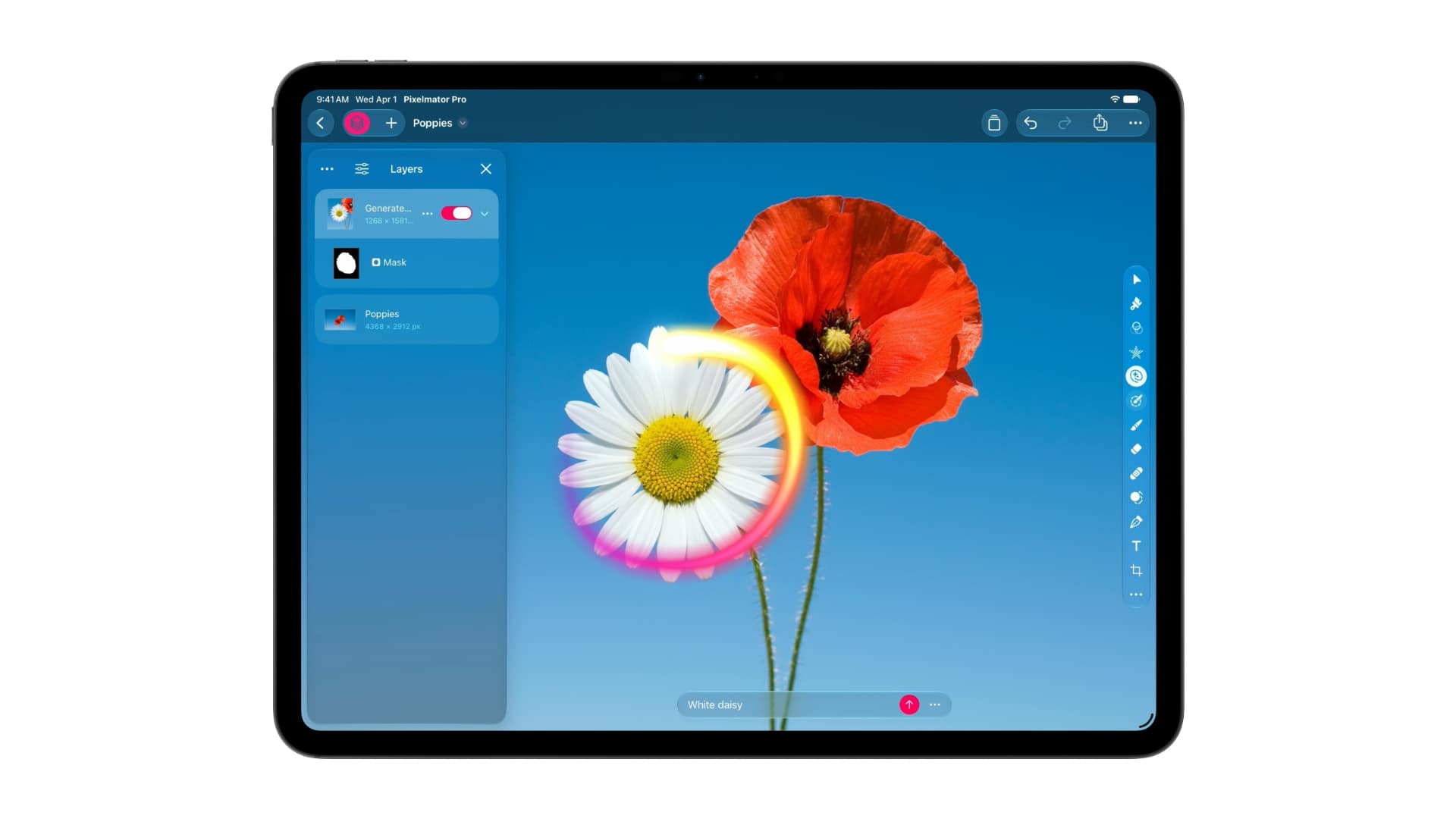 Pixelmator Pro itself unsurprisingly adds Generate Fill, which realistically sees it playing catch-up with rival image editing software. This edits a user-selected area from a text description, matching lighting, perspective, and the texture of the surrounding area. Built-in Super Resolution upscales the generated content. Generated elements can be merged into existing layers or inserted as new layers with masking.
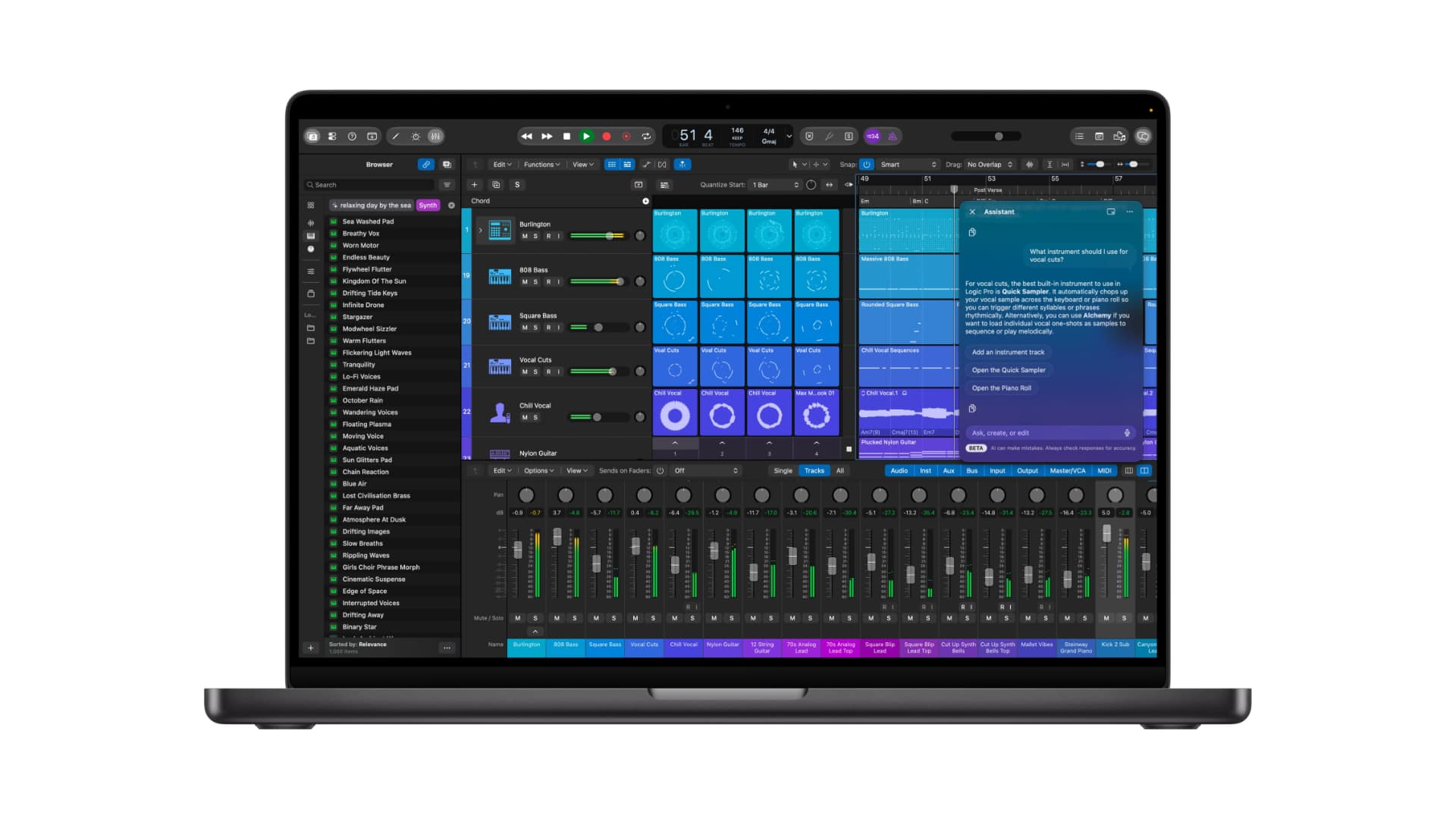 Logic Pro for Mac and iPad gets a Liquid Glass design, while Logic Pro for Mac adds an assistant in beta, powered by Apple-built models and OpenAI, for navigating production workflows, starting a song, setting up a vocal track from a single prompt, or refining a project. It also gets a redesigned Browser covering loops, instruments, effect patches, and a Splice library.
Music understanding, an on-device audio analysis tool, classifies and tags added sounds, so users can search the whole collection or drag in a loop to find matching audio, which should save time wading through libraries of sounds. Stem Splitter can also now isolate, replace, or rebalance drum parts without the original multitracks. A new Producer Pack from Sergio George includes his piano sound and Latin jazz and salsa loops, including percussion, brass, and basses. Voice Memo Studio Sound reduces room ambience and background noise in recordings from supported iPhone models, with the option to continue in Logic Pro.
And the more controversial members of the Creator Studio offering, the everyday productivity apps of Keynote, Pages, and Numbers, also get new features. This starts with an assistant in beta, built on Apple models and OpenAI, that understands document context. In Keynote it helps design, animate, and refine slides; in Pages it drafts, restructures, and fine-tunes text; and in Numbers it calculates, visualizes, and organizes data, recommends chart types with a one-tap preview, and builds custom tables using world knowledge.
Model Context Protocol (MCP) support lets external AI agents and tools read content, perform edits, and run automated actions. The Content Hub in Keynote, Pages, and Numbers adds stock video, and there are new templates and themes. Keynote adds support for Keynote Interchange Format (.keyx), an open JSON-based bundle format. Freeform adds text styles for formatting and reuse across boards, plus custom and preset board background colors. In December it will add image editing in Pixelmator Pro and generation of editable shapes from text.
 The update arrives on the App Store in November, free for existing subscribers. In the US, new subscribers pay $12.99 per month or $129 per year, with a one-month free trial. Customers who buy a new Mac or qualifying iPad can receive three months free. Education pricing for college students and educators is $2.99 per month or $29.99 per year. Creator Studio is a universal purchase, and up to six family members can share it with Family Sharing. One-time purchases on the Mac App Store are Final Cut Pro ($299), Logic Pro ($199), Pixelmator Pro ($49.99), Motion ($49.99), Compressor ($49.99), and MainStage ($29.99). Free versions of Keynote, Pages, Numbers, and Freeform remain available and come with every new iPhone, Mac, and iPad.
Tags: Post & VFX Audio News AI


RedShark 2020 @ All rights reserved.

Comments