
1 minute read
Advertisement
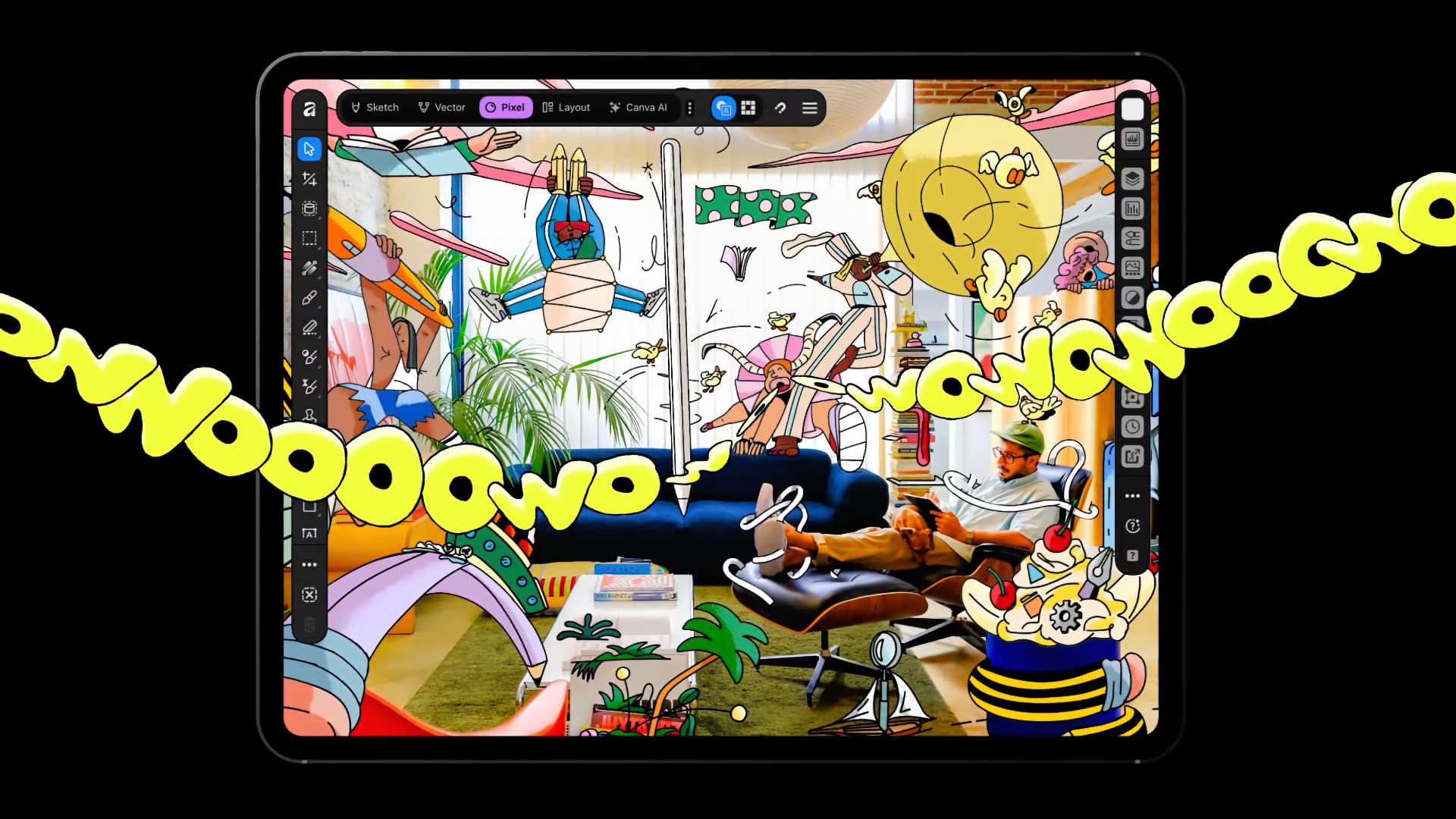
Affinity for iPad is free for individuals and combines sketching, vector, photo, and layout tools in one app.
Canva might be in some difficulty and relocating or laying off 22% of its workforce, but there's also new software to talk about. After being free on Mac and Windows since 2025, Canva's Affinity, an all-in-one app for professional design, photo editing, page layout, and sketching, has arrived on iPad. It's purpose-built for touch and, unlike most of its rivals, is a free download from the App Store.
The main caveat is that a Canva account is required to run it. The core tools are free for individuals, and Affinity's free tier contains a lot of functionality, so you only need to cross the company's palm with silver if you want the AI tools.
The app is built around Sketch, Vector, Pixel, and Layout studios. Sketch Studio includes over 350 editable brushes that respond to Apple Pencil pressure, tilt, and barrel roll. Photo tools cover non-destructive editing, composites, selections, and RAW development. Layout handles documents from short brochures to 500-page books, with print-ready output. The app works offline, and a single .af file holds a whole project and is shared with desktop.
Compatibility can be an Achilles' heel for software in this space, but Affinity seems to have it covered. It opens PSD, AI, INDD, IDML, PDF, SVG, and other formats, and exports to JPEG, PNG, WebP, PDF, SVG, EPUB, and INDD, with direct export to Canva. INDD and IDML imports preserve page structure, text frames, and basic styles, but GREP styles, anchored objects, and tables may need manual adjustment. Illustrator files need PDF compatibility enabled, and appearance stacks, masks, and advanced effects may flatten. Layered PSDs open with masks, groups, and adjustments in most cases, though smart objects and advanced filters may flatten.
Canva AI Studio tools such as noise clearing, blur rescue, and background removal need a Canva premium plan. Affinity says content in the app is not used to train AI features.
As it stands, some features from the desktop version are not in the iPad version at launch: Books, Batch, Data Merge, Quick Adjustments, the Info and Scope panels, macro recording, and Astrophotography Studio. Free updates are promised, so hopefully they will arrive soon.
Tags: Post & VFX Affinity

Written by Andy Stout
Advertisement
Advertisement
Advertisement
Advertisement
Advertisement
RedShark is a multiplatform online publication for anyone with an interest in moving image technology and craft. With over 50 contributors worldwide, full-time developers, editorial, sales and marketing staff, it is the go-to site for informed opinion and know-how for the quickly changing video, film and content creation industries.

RedShark 2020 @ All rights reserved.

Comments