
5 minute read
Advertisement
Adobe MAX 2026 is now on demand. Here are 13 sessions worth your time if you work in video, from the Opening Keynote to the latest Adobe Labs sneaks.
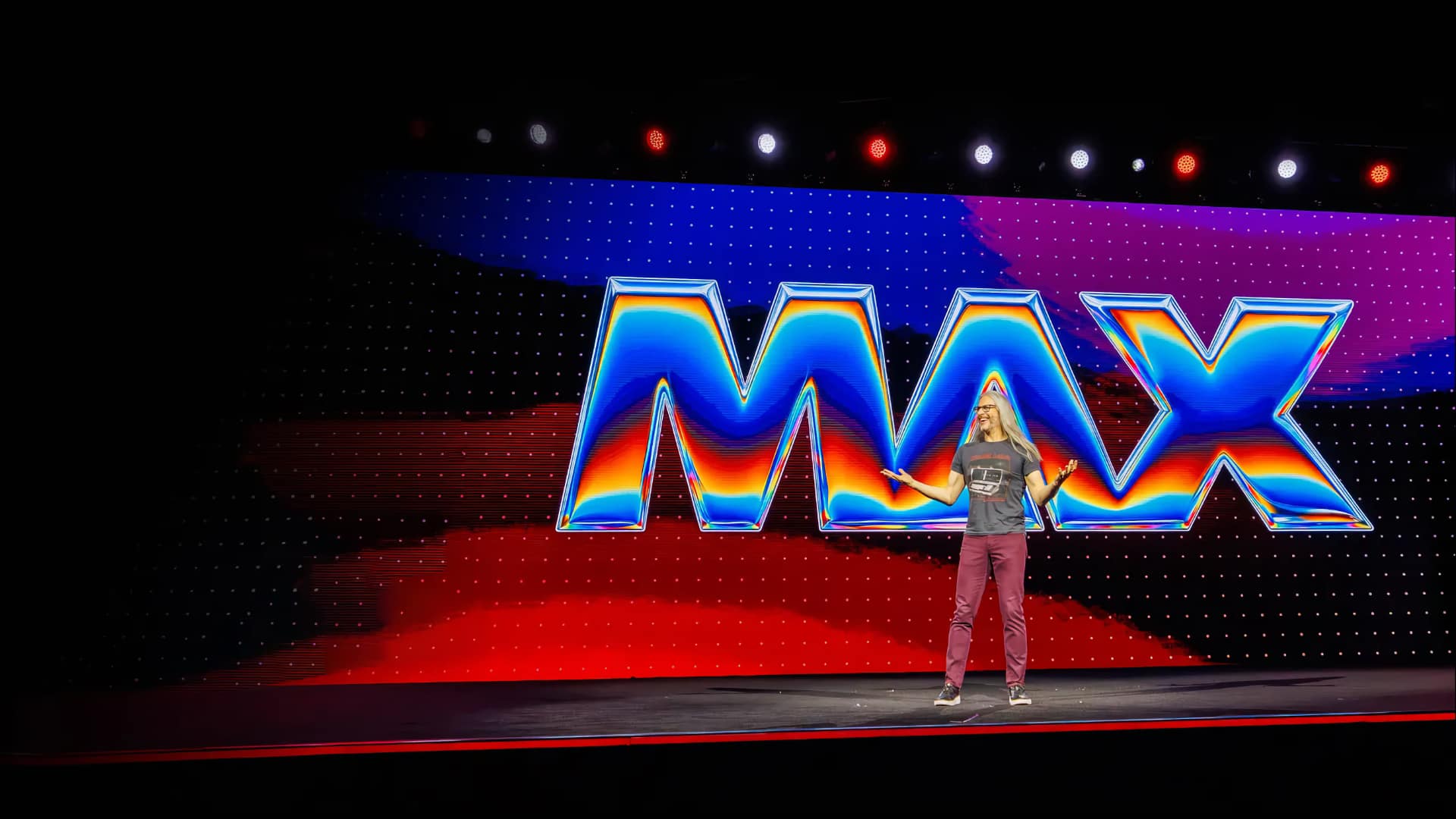
So, that is Adobe MAX over for another year. MAX 2026 in Miami featured the usual huge number of sessions and panels, many of which are available on demand via Adobe's sessions page. We have picked 13, a baker's dozen that matter to video professionals. Of course, given the sheer volume of content available, the list is not comprehensive. It leans toward editing, color, and the experimental projects from Adobe Labs, with a couple of broader craft and creator rights sessions added.
Nine of the 13 are available to watch now and run for just under six hours combined, though much of that is taken up by the Opening Keynote and MAX Sneaks. Three of the shorter sessions below (the Premiere and After Effects demo, Project Deep Brush, and Project Rinse Repeat) are also cut from the Keynote and Sneaks, so you can jump straight to them if you're running short on time. Sessions that list their runtime as TBA are coming soon.
Speakers: Shantanu Narayen, Chair and CEO, Adobe; Anil Chakravarthy, President and incoming CEO, Adobe; and 10 more
Adobe's typically bravura main-stage opener brings together creative professionals and creators, who share workflow demos and videos, with Adobe executives discussing how to advance creativity and craft. Anna McNaught, Elise Swopes, and Paul Trani are among the Adobe evangelists on the speaker list. The Premiere and After Effects demo from this keynote is also available as its own session (number 4 below).
Key themes: Creative Cloud · Workflow demos · Executive vision · Creator tools
Runtime: 153 minutes
Speakers: Terry Crews, award-winning actor and co-host; Kelsey Slay, Design Evangelist, Adobe; and 10 more
Sneaks is always box office at MAX and offers a first look at what Adobe's Labs teams are working on. The speaker list includes researchers such as Alberto Tono, Hyeonho Jeong, and Yiwei Hu. The individual projects are also published as shorter clips, and two of them, Project Deep Brush and Project Rinse Repeat, are covered at numbers 12 and 13 below. We've got the full Sneaks write-up on what was shown.
Key themes: Adobe Labs · Experimental tools · Future features
Runtime: 90 minutes
Speaker: Vinnie Hobbs, Film Editor, VH Post
Vinnie Hobbs's credits include award-nominated projects for Kendrick Lamar, Beyoncé, and Nicki Minaj. Here he looks at how design inside the timeline gives an edit its impact. Drawing on high-pressure music video and commercial workflows, he covers rhythm, composition, contrast, and visual hierarchy, including when to strip an edit back and when to push density. It is pitched at beginner and intermediate editors.
Key themes: Pacing and rhythm · Composition · Visual hierarchy · Music video workflows
Runtime: TBA
Speaker: Dacia Sáenz, Strategic Development Manager, Adobe
Sáenz is always good value at MAX, and here she tours new Premiere and After Effects features while making a film about life on the ocean. She removes a stray crew member from a shot, uses the AI assistant to mark interview questions, cleans up boat audio with stem separation, generates B-roll in the timeline, grades footage in the new Color mode, and animates text in After Effects.
Key themes: AI assistant · Stem separation · Generative B-roll · Color mode
Runtime: 11 minutes
Speaker: Karina Anglada, Strategic Development Manager, Adobe Pro Video
Anglada shares her tips for quick color correction in Premiere's Color mode: moving through clips efficiently, applying adjustments with precision, building looks you can reuse, and setting up color management so you start from the right place each time. It is a beginner-level session that uses traditional techniques rather than AI features.
Key themes: Color mode · Color correction · Reusable looks · Color management
Runtime: 18 minutes
Speaker: Chris Hansen, Sr. Solutions Consultant, Adobe
Hansen takes a raw clip from rough cut to share-ready video in real time using Premiere's AI-assisted tools. The session covers text-based editing, automatic reframing for social, generative fixes for tricky shots, and one-click audio cleanup. Adobe pitches it at beginner and intermediate users.
Key themes: Text-based editing · Auto reframing · Generative fixes · Audio cleanup
Runtime: 21 minutes
Speaker: John Knowles, Director, Editor, Designer, Trainer, Weirdsmobile Productions
Aimed at editors who have hit the limits of what they can do in Premiere, Knowles covers round-trip workflows between Premiere, Photoshop, and After Effects. Topics include designing Photoshop assets for motion, moving between apps with Dynamic Link, using motion tracking, parenting, and advanced keyframing in After Effects, and building revision-ready workflows with Render and Replace.
Key themes: Round-trip workflows · Dynamic Link · Motion tracking · Render and Replace
Runtime: TBA
Speaker: Rich Harrington, Omnichannel Strategy and Workflow Solutions, Fujifilm North America Corporation
Harrington follows a look from capture to output across stills and video. It starts with Fujifilm Film Simulations in camera, continues into Lightroom Classic and Adobe Camera Raw with Camera Matching Profiles for RAW photos, and ends in Premiere with LOG footage graded using Film Simulation LUTs. The aim is to create a matching look across photo and video from the same shoot.
Key themes: Film Simulations · Camera Matching Profiles · LOG and LUT workflow · Stills and motion
Runtime: TBA
Speaker: Martina Flor, Lettering Designer, Author and Educator, Studio Martina Flor
Flor uses her Futuremaker artwork, created for Adobe's Creative Collective, as a case study in combining analog craft, digital design, and AI-powered tools in a single process. She looks at where AI can accelerate the work and where human judgment, taste, and craft still make the difference. It is a general-audience session.
Key themes: Creative voice · Analog and digital craft · AI workflows · Authorship
Runtime: 16 minutes
Speakers: Drex Lee, Creative Pioneer & Viral Filmmaker; Devang Aggarwal, Staff Product Manager, Consumer Apps & AI Ecosystem - Compute, Qualcomm
A live stage demo of shooting, transferring, editing, and delivering short-form content in real time. It covers one-shot camera moves on mobile, wireless ingest of high-bitrate footage, agentic AI for finding the clips worth keeping, and Snapdragon-accelerated AI features in Premiere, which Adobe claims can cut editing time in half.
Key themes: Mobile capture · Wireless ingest · Agentic clip curation · On-device AI
Runtime: 35 minutes
Speakers: Karen Robinson, SVP, Deputy General Counsel, Adobe; Kent Keirsey, Director, Product - Firefly & Agentic, Adobe; Fabiola Lara, Illustrator + Content Creator, @FabiolitaDraws
A timely conversation on copyright, attribution, and creator rights in the age of AI, with Adobe's legal and product leads and a working illustrator. Topics include public policy efforts to protect creators, how creators, platforms, and policymakers can collaborate on regulation, and how Content Credentials, which Adobe describes as tamper-resistant, can attach attribution and show a creative process.
Key themes: Copyright · Attribution · Content Credentials · Policy
Runtime: TBA
Speaker: Iliyan Georgiev, Senior Research Scientist, Adobe
This sneak centers on a model trained to separate images into physically decomposed layers, which then drive new painting tools. Generative AI works underneath, but Adobe says it is transparent to the artist. The applications shown include controlling paint placement, lighting-aware retouching, and lighting design.
Key themes: Adobe Labs · Layer decomposition · Lighting-aware control · Retouching
Runtime: 9 minutes
Speaker: Ridam Batra, Senior Computer Scientist, Adobe
Strictly a stills tool, at least for now, but a very cool one. Project Rinse Repeat brings copy and paste to edits themselves. You capture the work done in one region of an image and paste it onto others, where it adapts to each target. Every edit is recreated with real Photoshop tools, so the results are non-destructive and can be refined.
Key themes: Adobe Labs · Repeatable edits · Non-destructive editing · Photoshop
Runtime: 6 minutes
Tags: Post & VFX Adobe MAX
Written by Andy Stout
Advertisement
Advertisement
Advertisement
Advertisement
Advertisement
RedShark is a multiplatform online publication for anyone with an interest in moving image technology and craft. With over 50 contributors worldwide, full-time developers, editorial, sales and marketing staff, it is the go-to site for informed opinion and know-how for the quickly changing video, film and content creation industries.

RedShark 2020 @ All rights reserved.

Comments