2 minute read

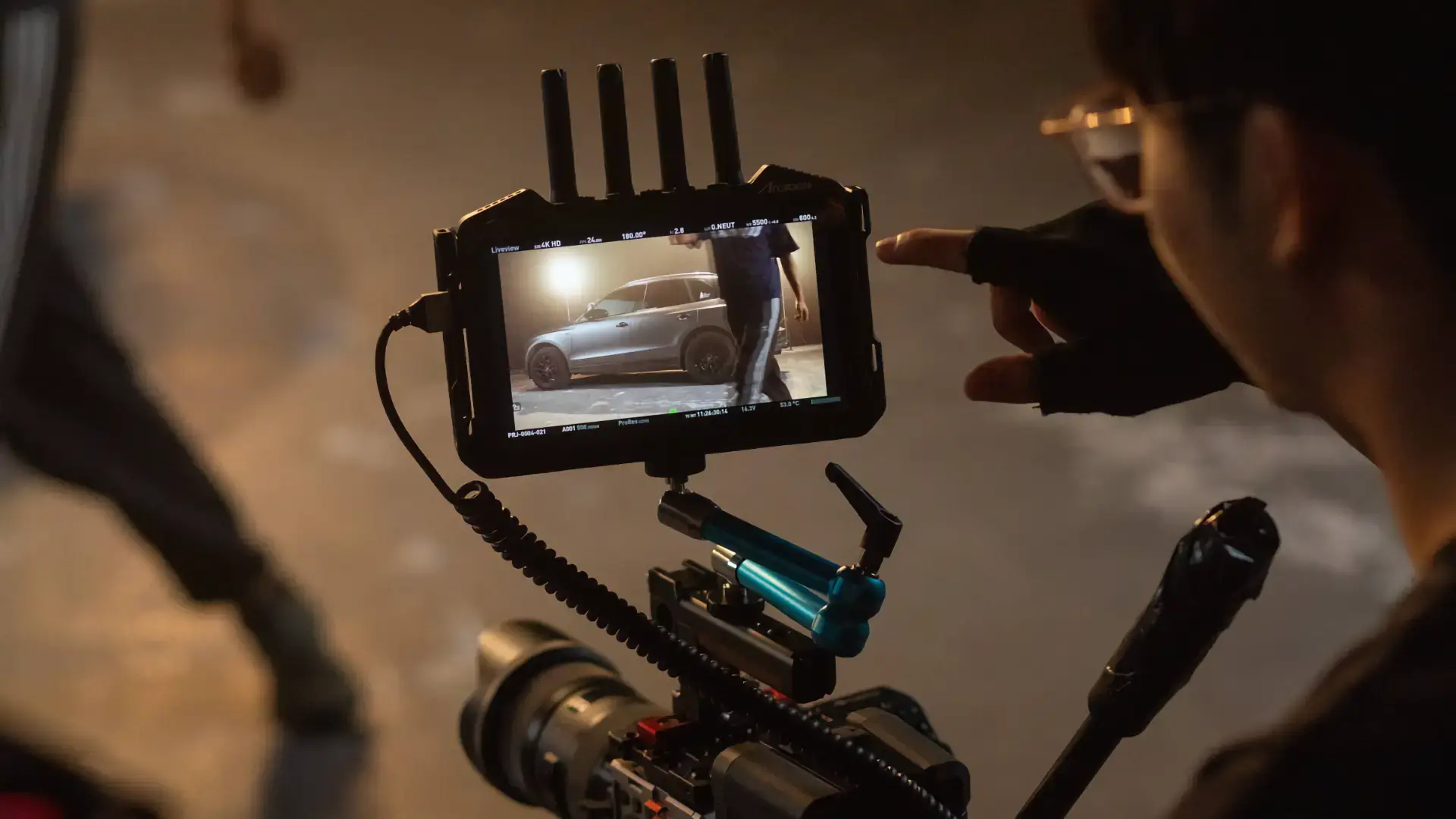
A major firmware upgrade has seen Accsoon add a new TX Mode to its CineView M7 Pro smart monitor, as well as new capabilities to both M7 models.
Accsoon has rolled out a major firmware update for the CineView M7 Pro smart monitor, bringing new TX capabilities to what was already a fully featured unit. Alongside this, the CineView M7 and CineView M7 Pro also get expanded wireless camera control, and several key monitoring improvements to further amp up on-set usability.
As you will have gathered from the fact that it's made a video about it, the headline feature of this update is TX Mode, available exclusively on the CineView M7 Pro. Users can now reboot the unit into a transmitter configuration directly from the Mode settings menu. Both H.265 or H.264 can be used depending on the capabilities of the receiving devices.
Accsoon says that in TX mode, the M7 Pro can transmit its video feed to up to four receivers, including other M7 Pro units in RX mode, CineView Master 4K receivers, and smart devices running the Accsoon SEE app (H.264 only), essentially making it a flexible node in a whole production ecosystem.
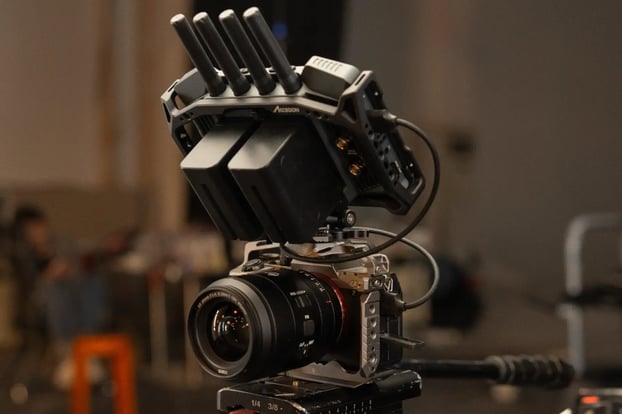 Camera Control has also been upgraded in this update across both the M7 and the M7 Pro. Users can now connect to supported cameras wirelessly, either through a camera’s built-in hotspot or an on-set Wi-Fi network.
The feature now supports Sony FX3 and FX30, with FX6 in beta. A new Camera Control Method switch has been added, allowing operators to choose between “USB” or “IP” connections manually. When connecting via IP, users can enter required login credentials directly within a new Remote Connection Panel.
For supported cameras such as the FX3 and FX30, the app can now automatically detect and connect to camera hotspots — no manual credential entry required.
Supported controls include:
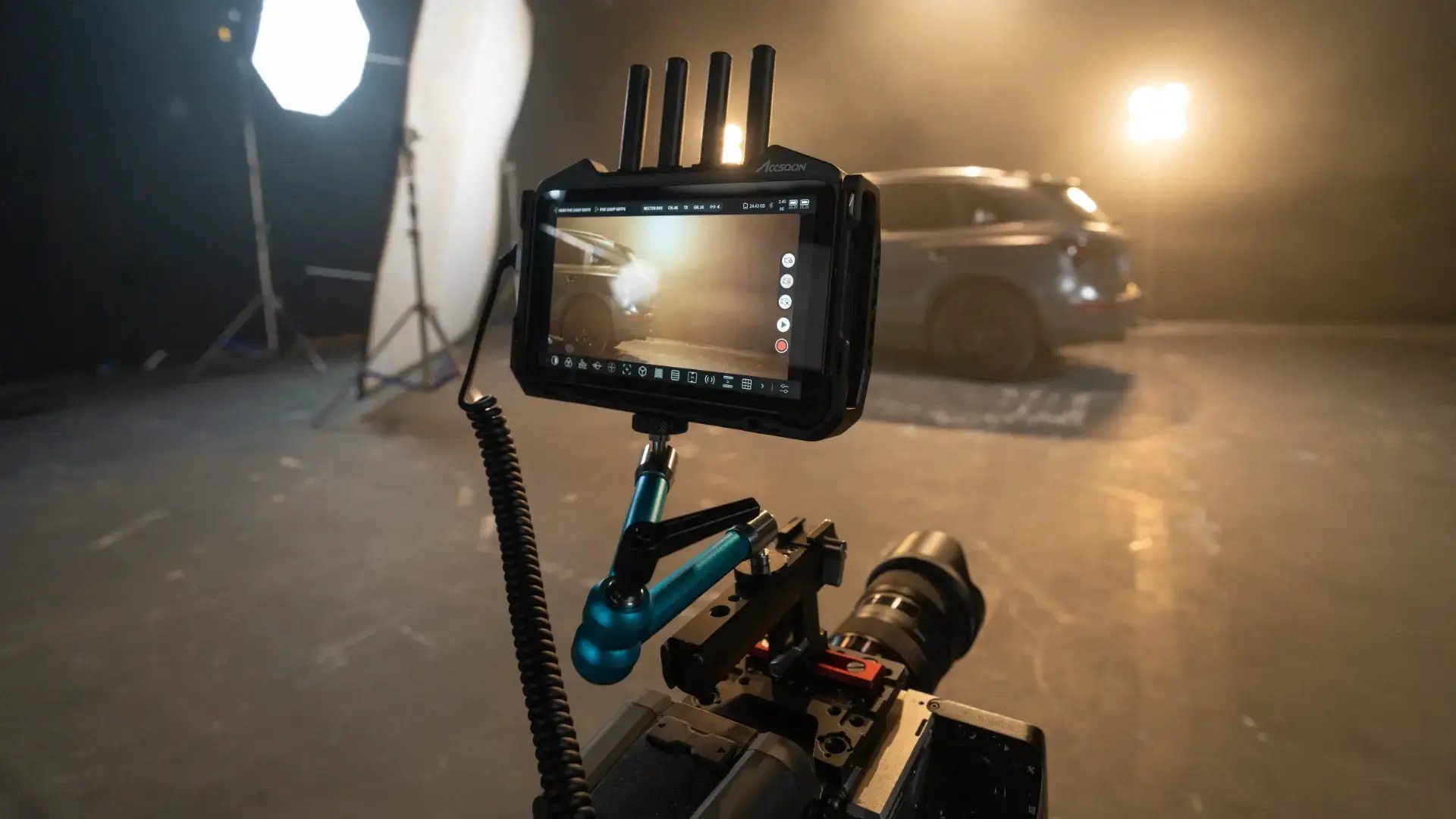 The firmware also introduces several important monitoring refinements aimed at improving on-set workflow and accuracy. According to Accsoon, these are all the new features:
The update also brings a series of under-the-hood performance enhancements:
The firmware update is available now for CineView M7 Pro and CineView M7 users. Firmware update packages can be downloaded here: https://accsoon.com/download-center/#cineview-m7-pro
Tags: Production Monitors Firmware Accsoon CineView M7 CineView M7 Pro


RedShark 2020 @ All rights reserved.

Comments