2 minute read

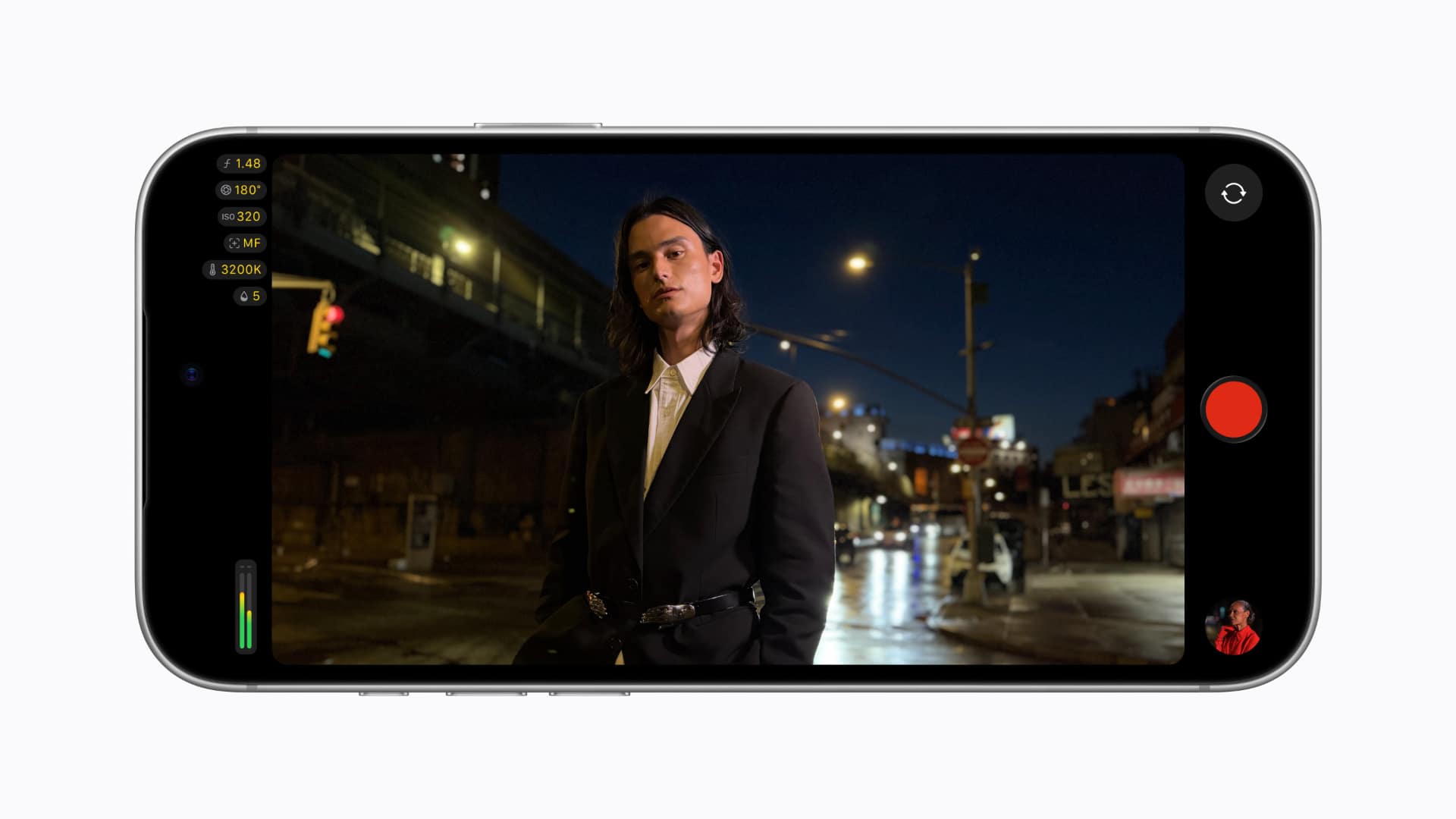
Final Cut Camera 2.4 adds a redesign and variable aperture control on iPhone 18 Pro. Final Cut Pro 12.4 can now edit its Cinematic mode footage.
Let’s start with Final Cut Camera 2.4, which adds a whole new design to the app as well as support for variable aperture on iPhone 18 Pro. It is a free update, available as of now.
The redesign, presumably a consequence of Halide co-founder Sebastiaan de With joining the Apple team, gives access to shutter angle, ISO, and white balance, along with customizable overlays, including false color and clipping indicators, and improved focus peaking with sensitivity control. A new tally light indicates when recording is underway, and a two-finger tap clears the viewfinder.
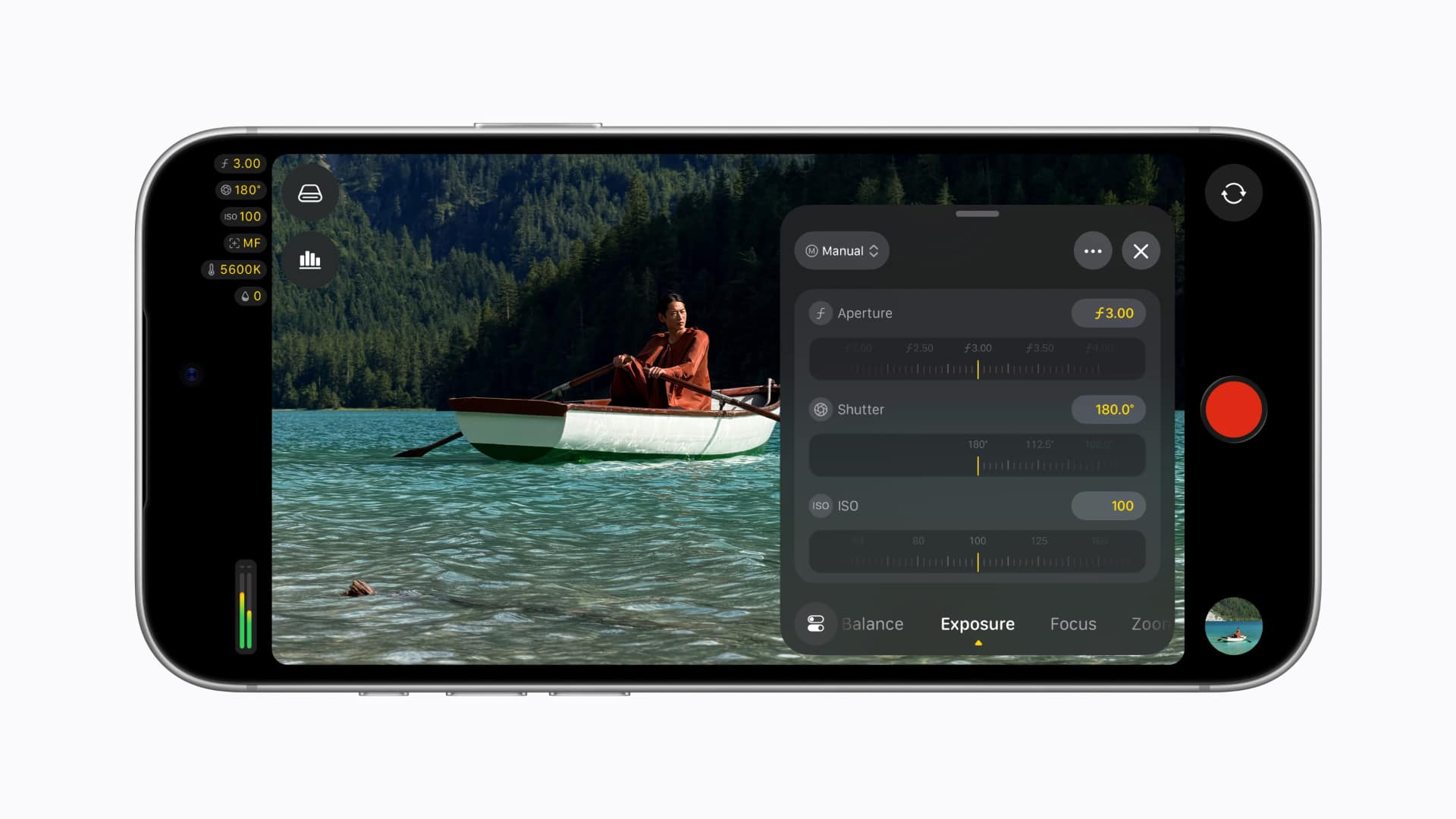 As everyone knows, iPhone 18 Pro's new Fusion Main camera has variable aperture. As you would expect, Final Cut Camera leans into this rather heavily and now provides easier access to manual aperture settings, shutter priority, and aperture priority modes. Cinematic mode effects are also now available for regular video, including ProRes and Apple Log footage.
Away from the iPhone 18 Pro specifically, as part of the upgrade to running on iOS 27, the app adds RGB Parade and histogram scopes, clean SDI out using an HDMI-to-SDI converter, and genlock offset to compensate for image artifacts from a recorded display or for latency differences between the iPhone and other genlocked cameras.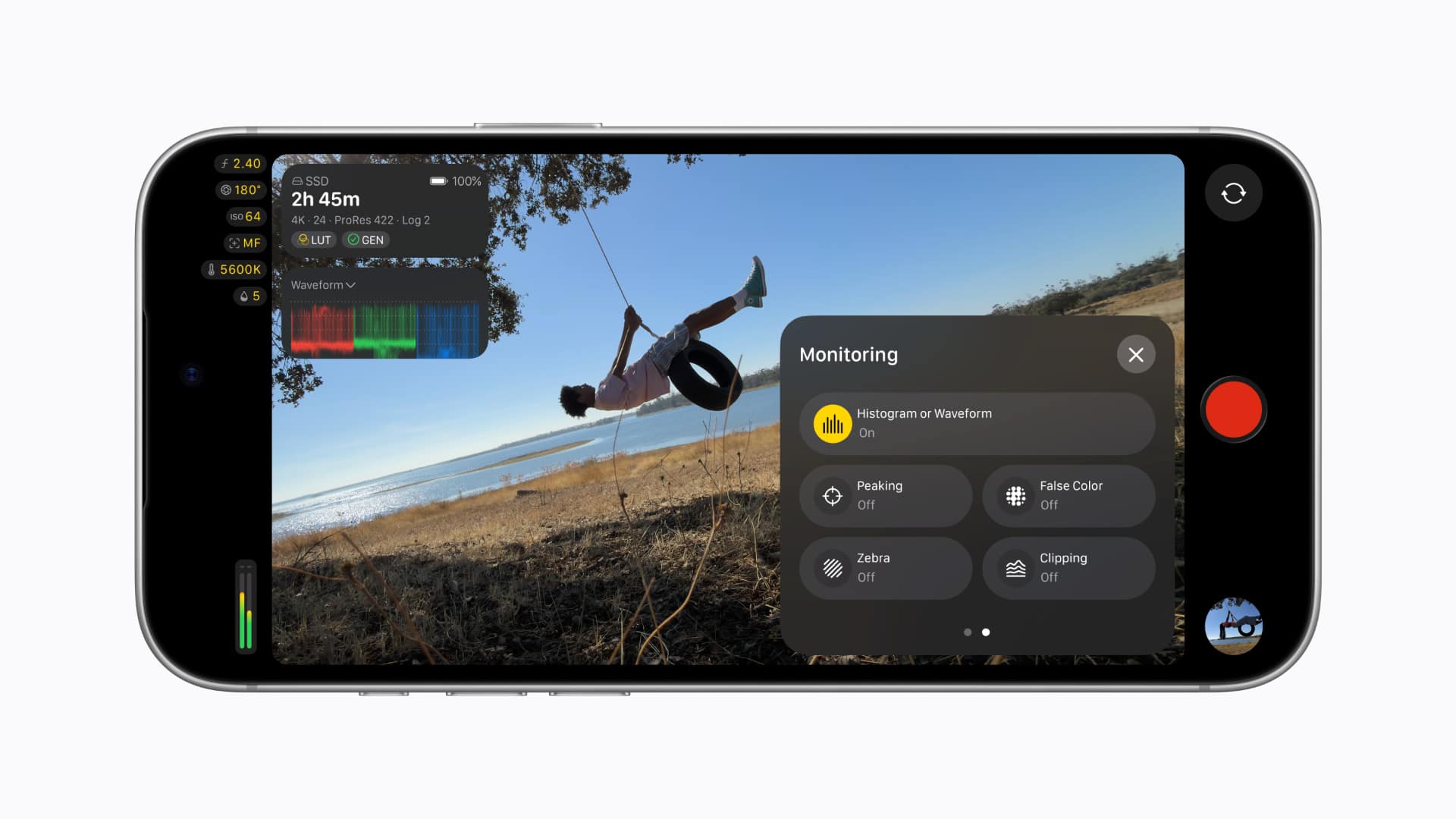
On the Mac, Final Cut Pro and Motion add new ways to apply those Cinematic mode effects to video captured natively on iPhone 18 Pro. Editors can adjust focus points and depth of field directly in the Final Cut Pro timeline, which is a neat trick. Compressor converts video with Cinematic mode effects back into the previous Cinematic mode format, and adds new HEVC and MPEG-4 export presets for social sharing.
Here’s the full changelog for Final Cut Pro 12.4
Tags: Post & VFX Apple Final Cut Pro Final Cut Camera mobile photography


RedShark 2020 @ All rights reserved.

Comments