4 minute read

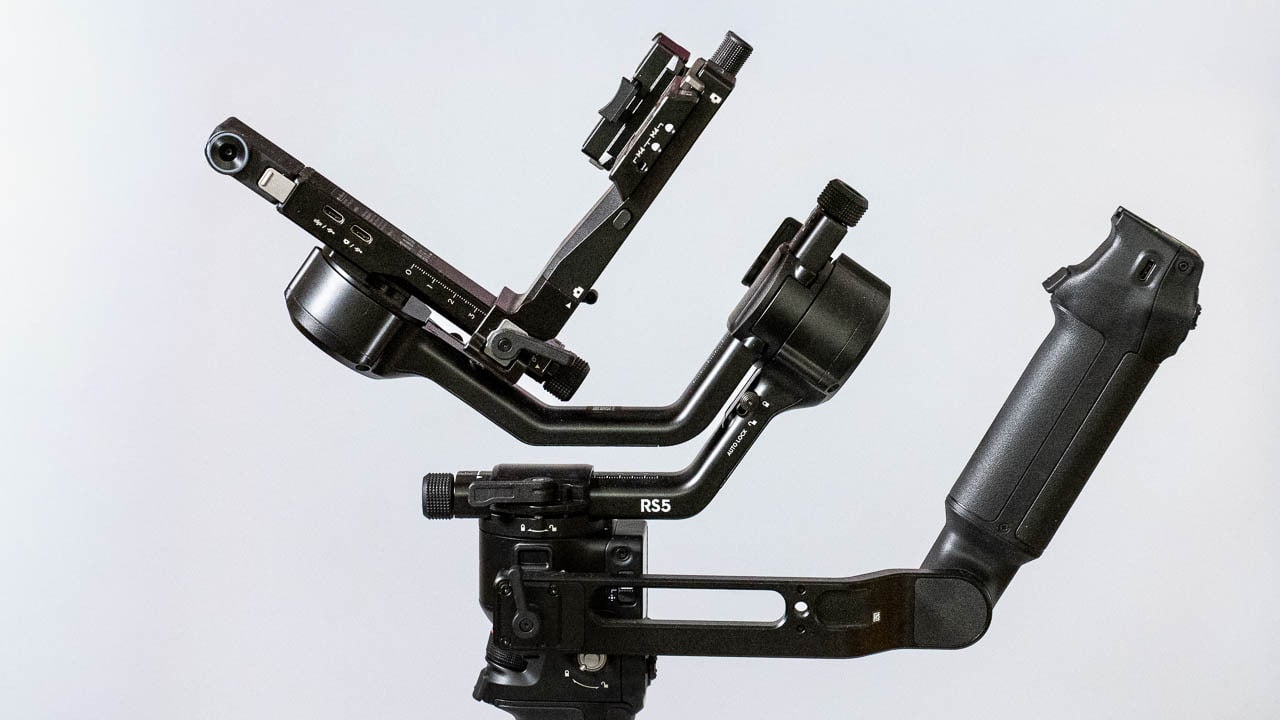
DJI’s new RS5 gimbal promises to make pro-level stabilisation easier than ever. But does its smarter tracking and faster charging justify the upgrade from the RS4?
Once upon a time, if you wanted to move a camera around in 3D space there was only one option on the table; a Steadicam. As anyone who has used a Steadicam will tell you, they are generally large, very expensive, and can take years of practice to reach a point where you can realistically charge clients for using one.
Gimbals, on the other hand, make life pretty easy. They are simple enough for anyone to use and get great results from, and they are much less expensive than a full-blown Steadicam system. The DJI RS5, which we’re looking at today, costs $569 for the base system that can carry up to 3kg of weight. I still find it staggering that it’s possible to have this level of gear for that sort of price. Video and text review below!
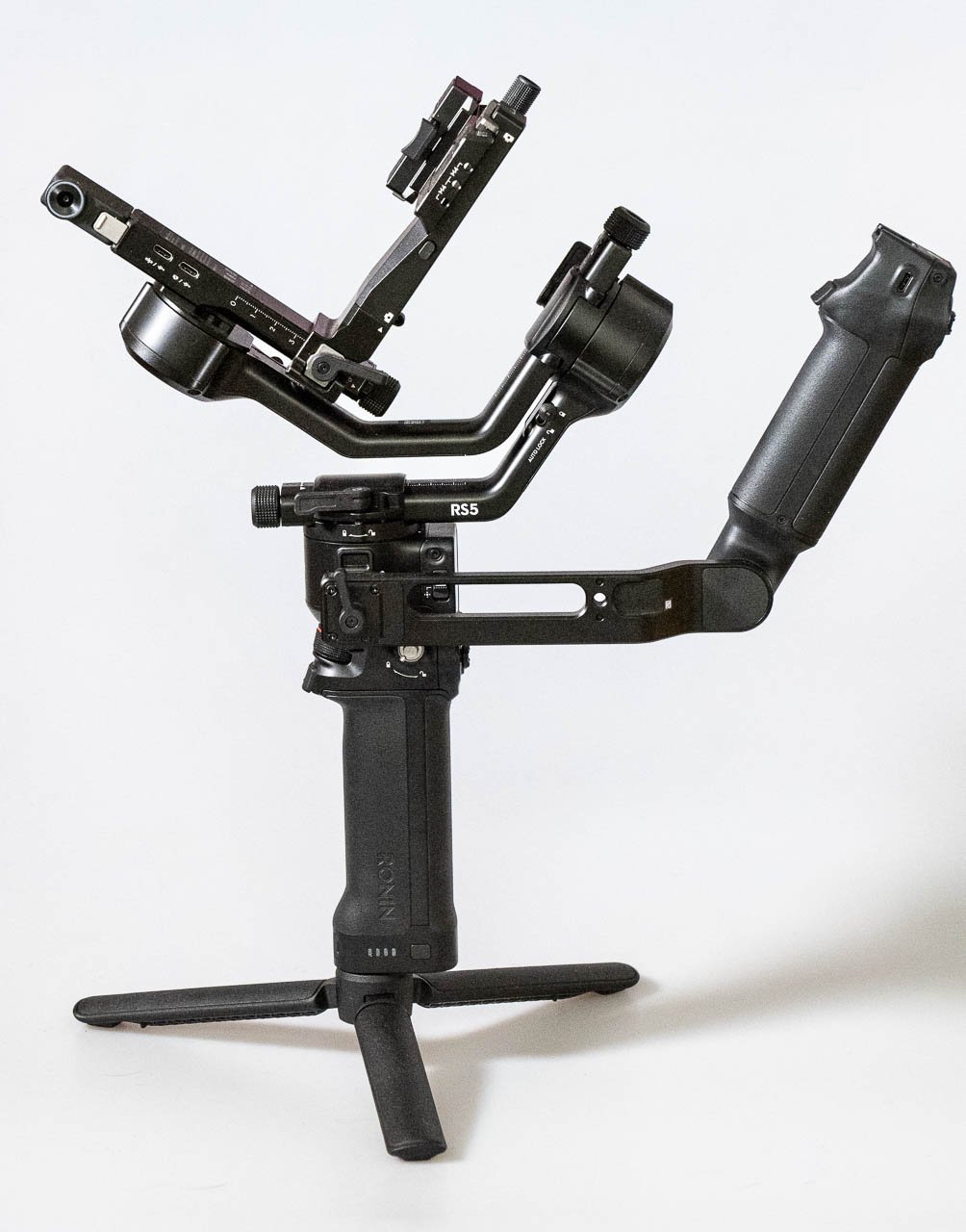
From a power perspective, the battery life on the RS5 has been improved noticeably from the RS4. The new gimbal can achieve 14 hrs of standby time (with the DJI RS BG33 Battery Grip) compared to 12 hrs on the RS4. Charging times have also been improved, with the RS5 being capable of reaching full capacity within an hour. This is an improvement of 1.5 hrs.
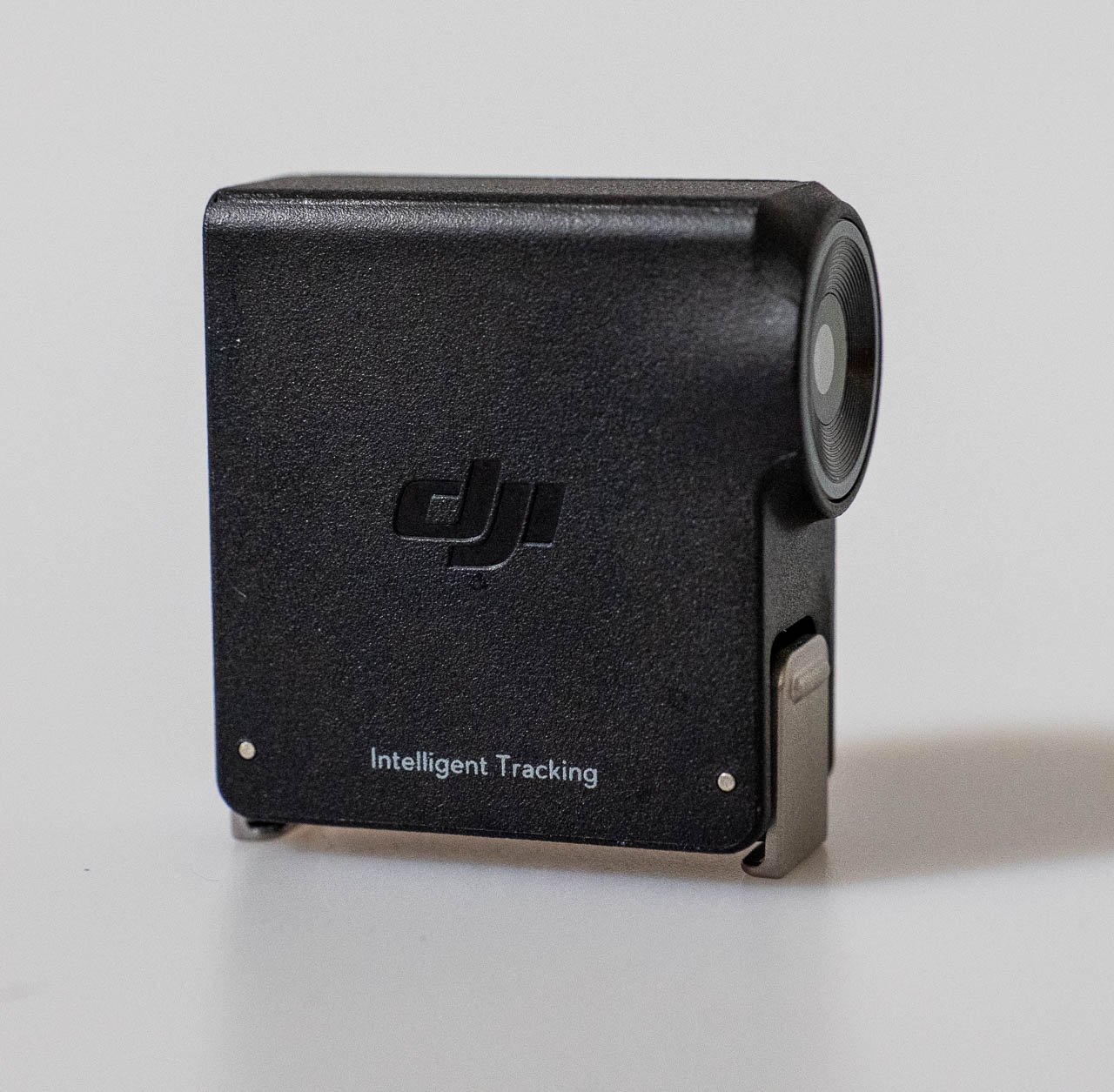
The RS5 has improved tracking abilities with the optional Enhanced Intelligent Tracking Module. The tracking module is a tiny, self-contained camera that mounts on the side of the rig. Users can then use the gimbal’s LCD display to select what to track. The main improvement here over the previous generation is that the tracking module can now follow pets and any other object you care to think of, while the previous model could only track people. More on this later.
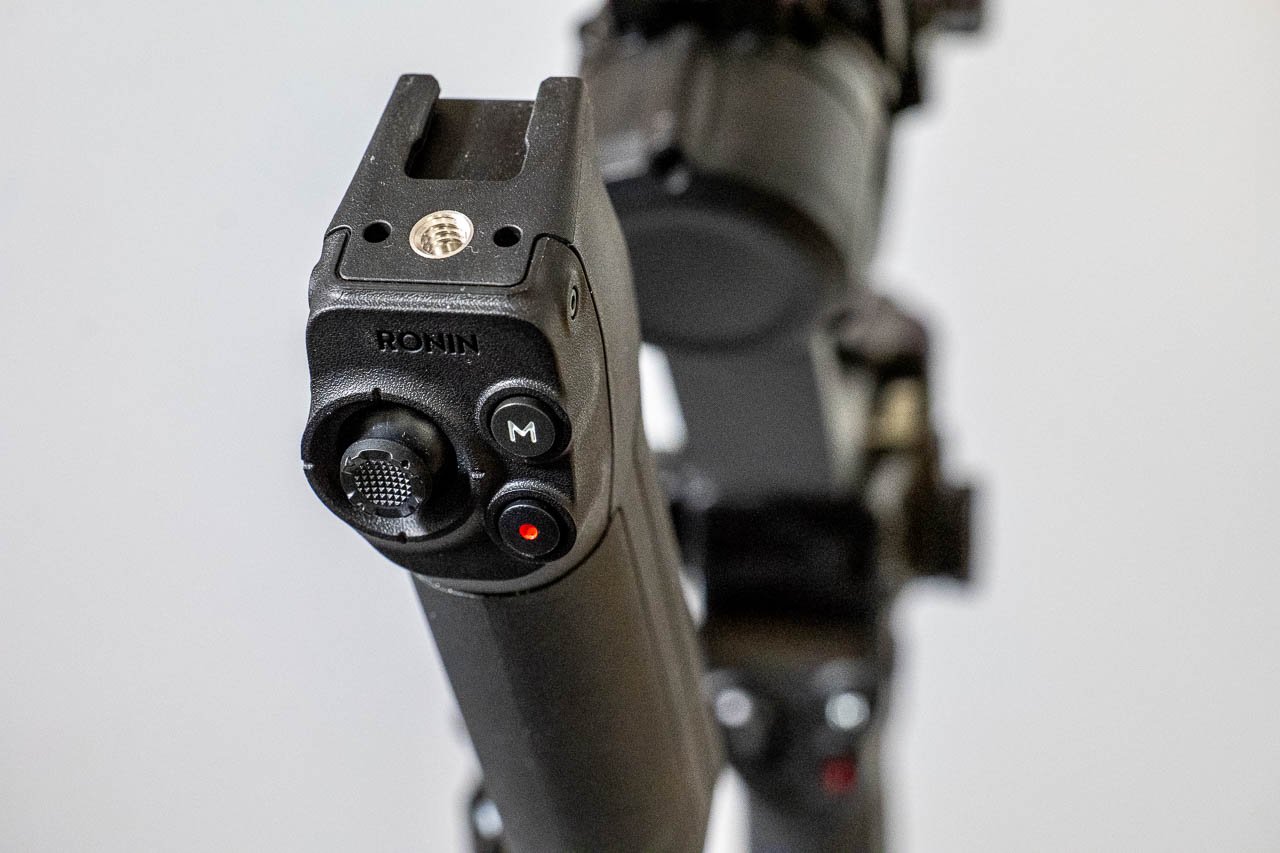
There is now an optional electronic briefcase handle, which is used for low mode operation, allowing joystick control over the gimbal’s position, as well as record triggering, and operating mode selection.
There are other improvements too, such as the fifth-generation stabilization algorithm and a third-generation vertical shooting mode.
Most of my stabilization experience comes from Steadicam operation, and so my gimbal experience is more limited in terms of the models I have used. For the main part I’ve used gimbals from Zhiyun, so the RS5 is my first experience of using any of the DJI models.
I’m pleased to say that setting up the RS5 was an absolute doddle. Balancing the camera was extremely quick, made even easier by the inclusion of fine control adjustment knobs, which allow for very precise balance positioning.
I tested the gimbal with a Panasonic S1, which isn’t exactly the lightest of mirrorless cameras. Despite the S1’s age, it is still compatible with the RS5’s USB control system, allowing adjustment of the iris from the control handle and start/stop record triggering.
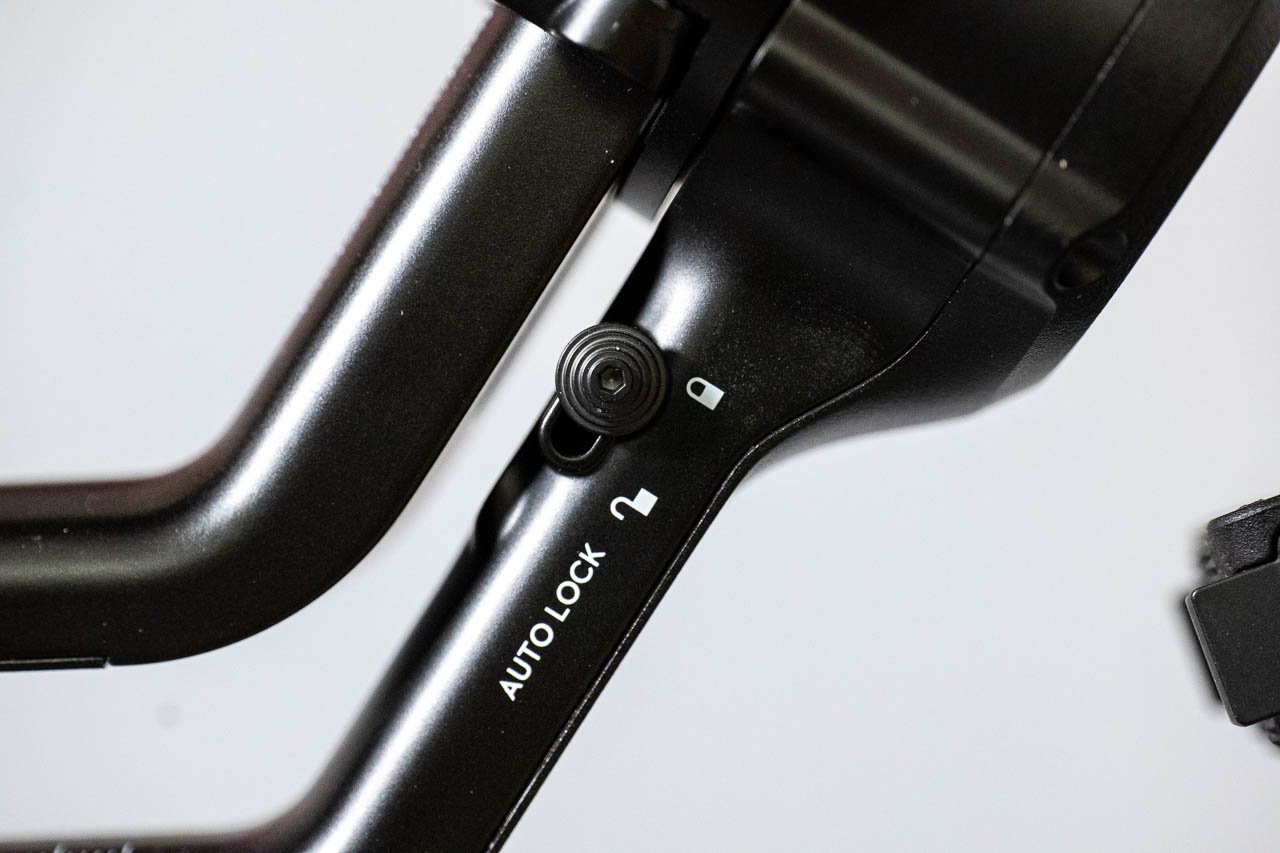
One of the things that I’ve found annoying about using gimbals in the past is the need to keep locking and unlocking the different axes before powering up. The fiddly little switches are often difficult to find, and more often than not I end up forgetting to unlock one of them, causing the gimbal to enter a safety mode.
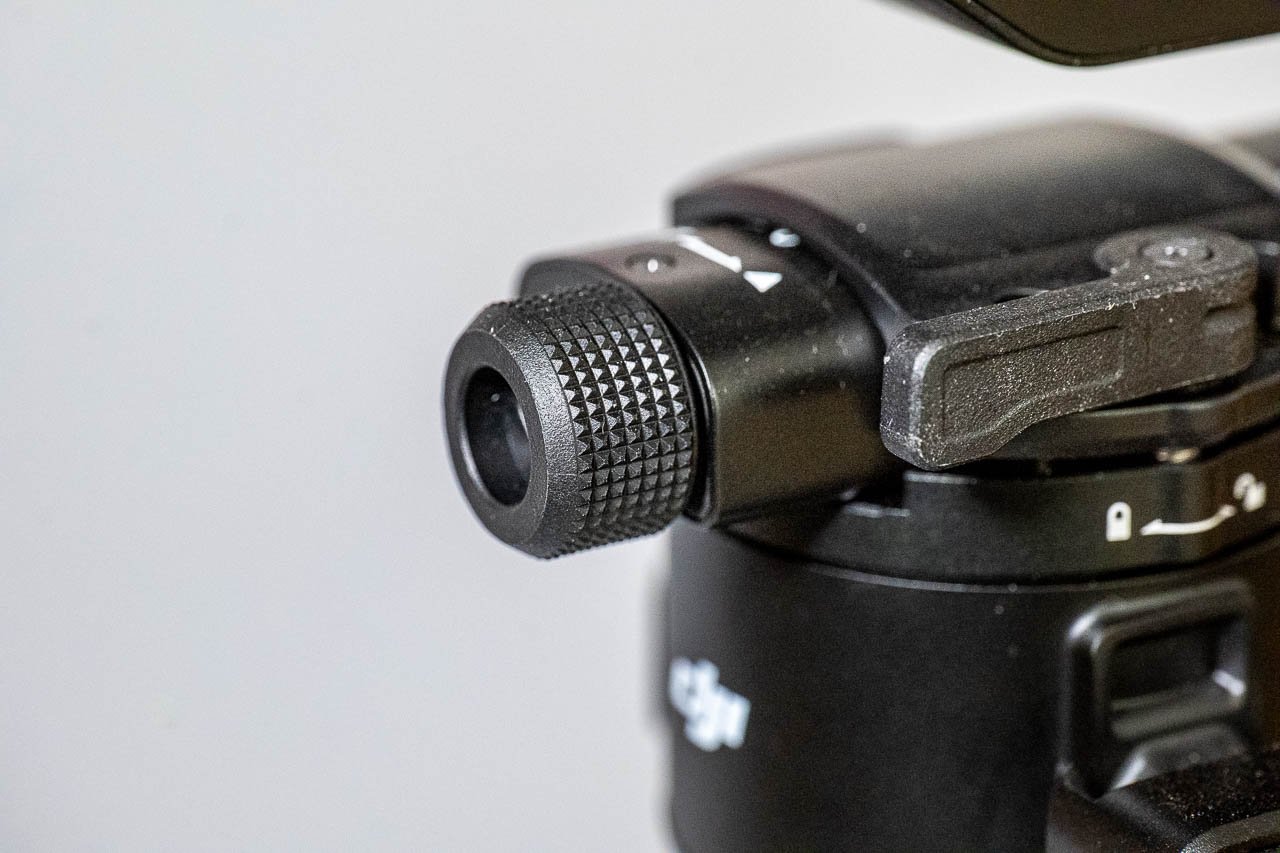
There are no such issues with the RS5. While you can manually lock and unlock the different axes if you want, the gimbal will in fact do the job for you. Power the gimbal on, and each of the lock switches automatically unlocks the system. Press the power button once while the system is on places the gimbal into sleep mode with all of the axes locked into position. Holding the power button down for a couple of seconds turns the entire system off, and again the different axes are locked into position automatically.
This system featured on the previous DJI gimbals, but it’s the first time I’ve experienced the system for myself, and it really makes using the system a much more pleasurable experience than before.
Moving from high mode to low mode while operating the gimbal is seamless thanks to the positioning of the briefcase handle. Users will easily be able to from ground level to head height very smoothly.
A neat little feature that the RS5 has is a Z-axis indicator. One of the reasons you need to use a special kind of walk with a gimbal is to reduce 'walkiness' or bobbing in the shot. The Z-axis indicator shows you in realtime how smooth your walking motion is. This is a useful feature to have, particularly when practicing technique, since it will give you an indication of how smooth your motion is without needing to play back the footage.
Worth mentioning is that operating a gimbal like this for any period of time is physically taxing on the arms. So, if you are planning on long periods of use, I’d recommend getting an additional support rig such as an EasyRig.
The tracking module is also very intuitive to use. A quick swipe left on the LCD screen takes you to the tracking module view, where you can double tap on a person, or drag a box around an object you wish to track.
If you are self-shooting, all you need to do is stand in front of the gimbal and hold your palm up, and the gimbal will begin to track you.
There are a few limitations to the intelligent tracking, however. The first is that animals or people need to be fairly slow-moving, otherwise it’s easy to lose them, even if you put the gimbal into its fastest and most responsive mode. The second is that it works best with a wider focal length. Using the system with longer focal lengths can result in things being mis-framed. This is possibly as a result of the tracking camera being a much wider angle of view than your main camera lens.
That said, in the right circumstances the auto tracking can be useful. There are two modes you can use. The first keeps the tracked object in the centre of the frame, while the second lets you set up the framing you want, and the gimbal will attempt to keep the composition as you set it. For example if you were walking alongside a person and you wanted to keep them in the right hand side of the frame.
How much of a benefit you’ll get from the tracking module will vary depending on your precise use case. It will work much more effectively for pre-choreographed shots than it will for on-the-fly filming.
The DJI RS5 has demonstrated to me how far gimbal technology has come. The ease of setup, much faster charging times, and the auto locking capability make it one of the most intuitive systems of its type that I’ve used so far.
It’s not a lightweight system, particularly with an S1 mounted on it, but if you want a gimbal that can take a wide variety of payloads then I an certainly recommend giving the RS5 a closer look.
The RS5 is available now for $569 for the base system (the price seems to have changed since I made the video below) or $719 for the combo bundle, which includes the electronic briefcase handle and the Enhanced Intelligent Tracking Module.
Tags: Production Review Gimbals Stabilisation DJI DJI RS5


RedShark 2020 @ All rights reserved.
Comments