4 minute read

Building Empire. Documentary editor Dilesh Korya shares how decades in the cutting room have shaped his workflow, from managing rushes to shaping emotion frame by frame.
With eminent historian, and now Traitors alumni, David Olusoga’s new series Empire starting on the BBC last night, this case study from Blackmagic on how he edits felt timely. Come for the insights into workflow, stay for his 12 top tips on documentary editing gained from three decades at the coalface. Ed.
I’ve been a full-time film editor since 1998, mainly on people-based documentaries for the BBC, Channel 4 and ITV across arts, history, politics and observational stories. I used to cut natural history, but faces, and the messy honesty of people talking, pulled me in. When an expression lands on the right frame, it hits harder than any aerial.
I didn’t start here. In the 80s, I studied mathematics and accountancy, dropped the degree, and turned to film. I graduated in 1991, spent the 90s making shorts, then moved from London to Bristol in 1997. With a family to support, I took a full-time editor job and I’ve been busy ever since.
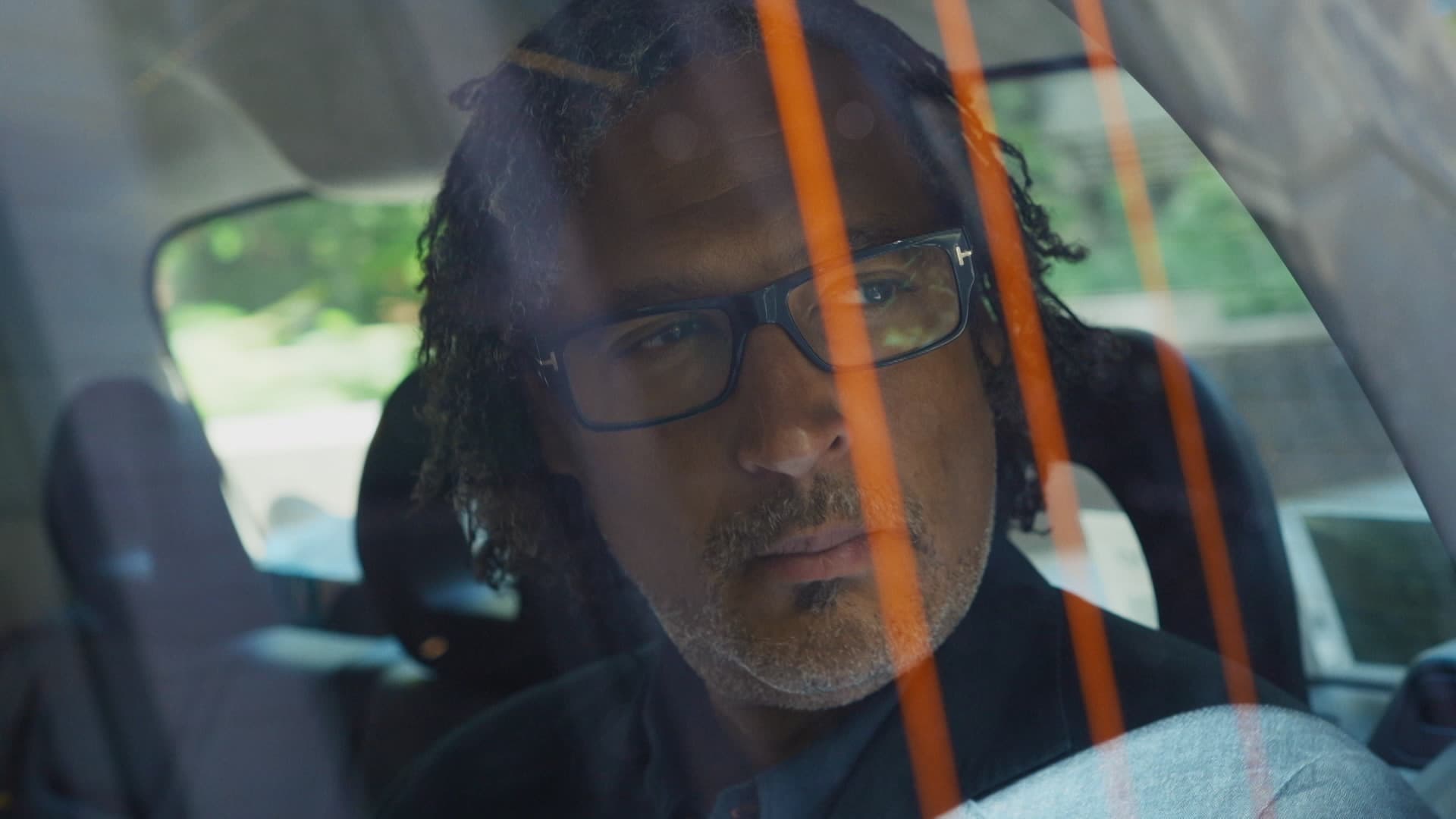
You might have seen Amol Rajan Goes to the Ganges on BBC iPlayer, or Union and Empire with David Olusoga. I enjoy the trust: cutting, choosing music, designing graphics and shaping ideas across a series. If something in episode one can return in episode four, I seed it early and let it grow. Here’s how I set the work up to make that happen.
Give me the rushes and the brief, then let me build the first pass. The team comes back, sometimes panics, sometimes grins, and then we talk. The cut becomes a negotiation: what story do we want to tell, and what are we willing to lose to make it land?
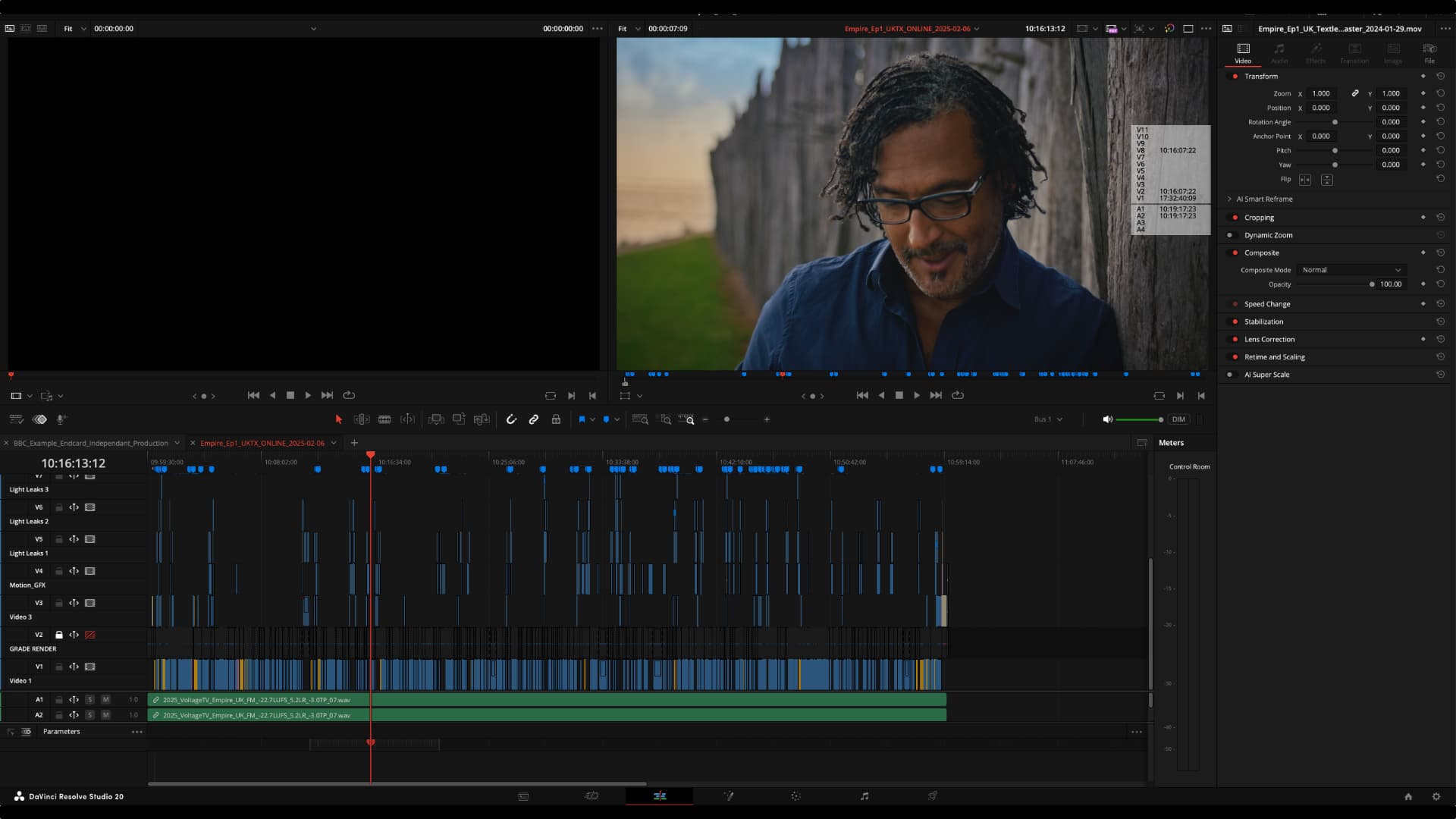
When I start a job, I set the future version of myself up first. I leave camera clip names as they came off the card and put scene, shot and take in metadata. Then I build Time-of-Day timelines for each shoot day so source timecode runs from first slate to last—the day plays like a single film strip. From there I spin out scene timelines: every take for the scene in one continuous reel, gaps closed. I work from those reels rather than bins. Skimming a long timeline is quicker than hunting lists, and your eye catches lucky moments you’d otherwise miss.
Once the rails are down, I build an assembly: scenes in script order, slates and false starts trimmed, sound loud enough to think. Keep moving. The only goal here is flow. Then I duplicate and push into the rough cut, deciding what we reveal and what we hold, where temp music earns its place. Every scene has to pull its weight. If a sequence nudges the film sideways from the emotional through-line, it’s gone, no matter how nicely it was shot.
Another duplicate takes me into the fine cut: frame accuracy, trims, J- and L-cuts, a little atmos laced across picture edits to keep them invisible, keyframed dips under dialogue, and a touch of EQ where it helps. I want the cut to carry the feeling. People ask how I decide what to drop. I put shots next to each other. Logic helps, but emotion makes the call. Does shot B continue shot A or ruin the flow? Yesterday, we dropped a beautiful scene because it broke the drive. Pretty isn’t the same as right.
On a one-hour doc, getting to the first rough usually takes three to four weeks of nine-hour days. A rough-pass polish might take a week; a fine-cut pass, two or three days. Six weeks is a typical TV schedule—seven to nine if I’m also building graphics. I bring the director in when there’s a coherent rough. Execs and commissioners come later, when fresh eyes help rather than derail. Picture lock: we call it when time and money say stop.
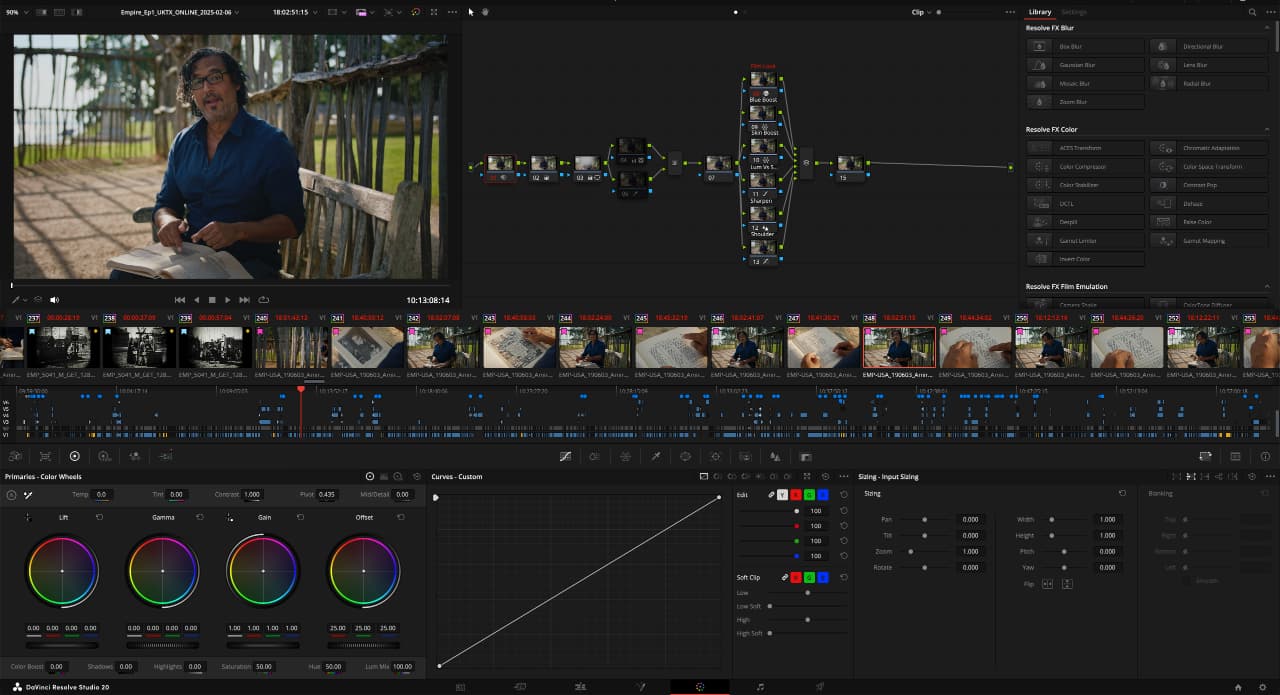
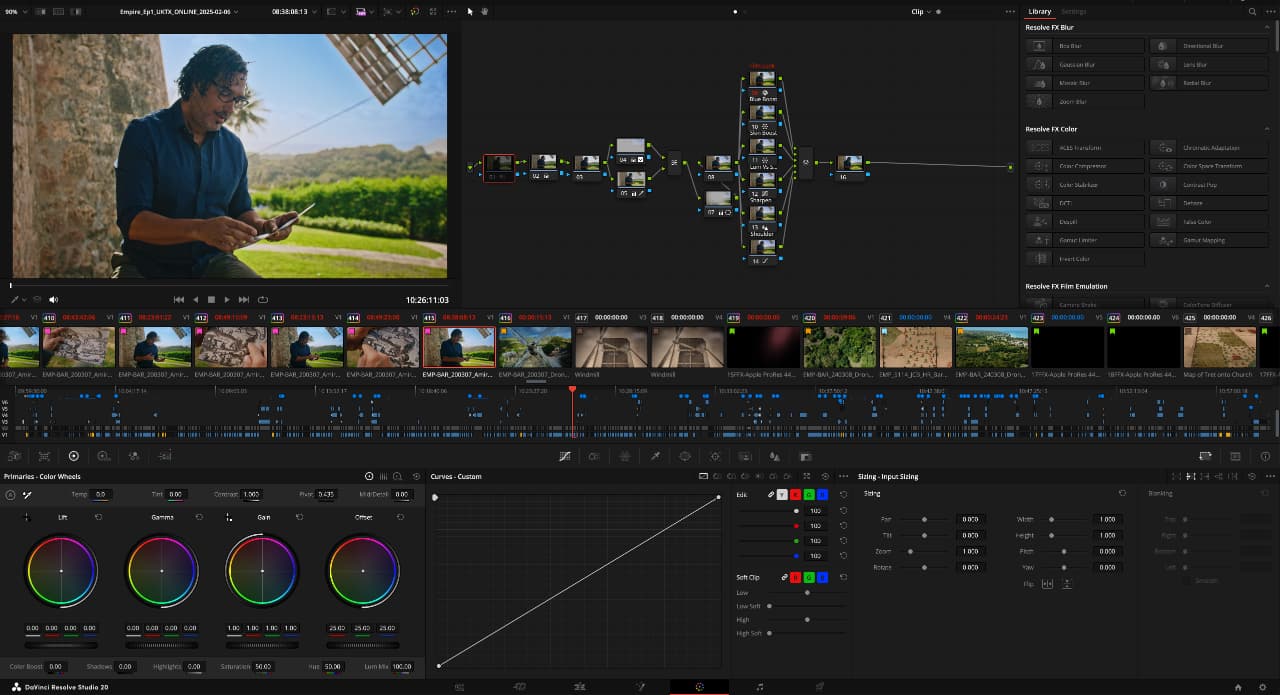 For Empire, which starts in November and is presented by David Olusoga, I worked alongside the team at Doghouse Post Production. Empire began years ago with material cut in Avid, so for the second series, we converted the media and timelines for series one, and I re-cut them in DaVinci Resolve Studio to bring everything up to date.
I kept a rushes reel open beside the working cut so I could quickly compare takes and stay in long runs to feel the performance before trimming. Multicams were synced and adjusted where needed. DaVinci Resolve’s transcription tools helped in a practical way, as I could search for a phrase during a pass and land on the right section without breaking the flow.
The material included rushes from earlier shoots, so my task was to keep a consistent feel across different shoots. I let interviews run, used overlaps and atmos to smooth cuts, and kept the edit timeline responsive using proxy media. I worked in a simple two-timeline setup for speed. For graphics, I built the needed elements and updated them as needed. If shots changed during grading, I swapped in new versions. The schedule stayed the same; I brought the director in at rough cut, with execs and commissioners reviewing later.
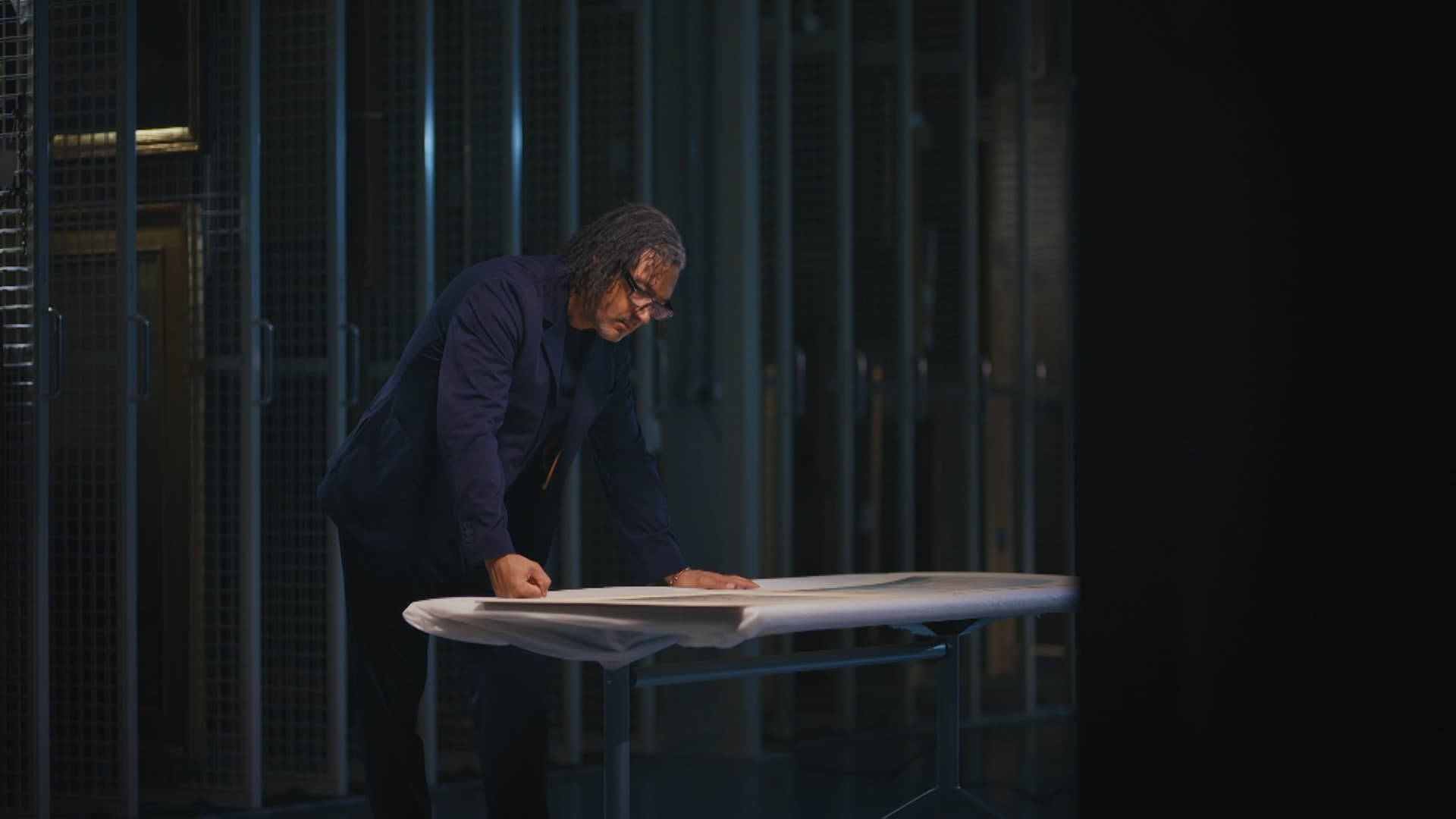 Resolve transcription has paid for itself many times over. A one-hour, three-camera interview is transcribed, exported to text, paper-edited by the producer, and then conformed back to a timeline. That saves days. Day to day, I lean on a small set of shortcuts: split, ripple delete, select forward, link toggle, and fast navigation. Speed buys me more time to think about the story.
If I were starting now, I’d cut everything: shorts, promos, community films. DaVinci Resolve is free and your phone shoots decent pictures. I’d find a local post house, take any assistant scheme going, and sit in real suites. Learn how media is named and moved. Ask questions that show you watch like an editor. A mentor once told me – “Your life runs on two tracks: the job that pays the rent and the work that feeds the passion. Keep both alive until they meet.” Mine took a decade. Worth it.
Tags: Post & VFX Editing DaVinci Resolve


RedShark 2020 @ All rights reserved.

Comments