2 minute read

Adobe’s August 2025 After Effects update introduces easier ways to stagger animation timing, paste text formatting only, manage HDR color consistency, and benefit from workflow streamlining, including automatic app relaunch.
Plenty of interesting new features in the very latest version of Adobe After Effects.
First off, 25.4 allows you to quickly offset layers and keyframes. Just hold Command + Option on macOS or Ctrl + Alt on Windows, then drag your layers to create staggered layer or keyframe animations in the Timeline panel. The first layer selected stays in place, while the last layer moves the full distance dragged. All layers in between are evenly spaced in time between the first and last.
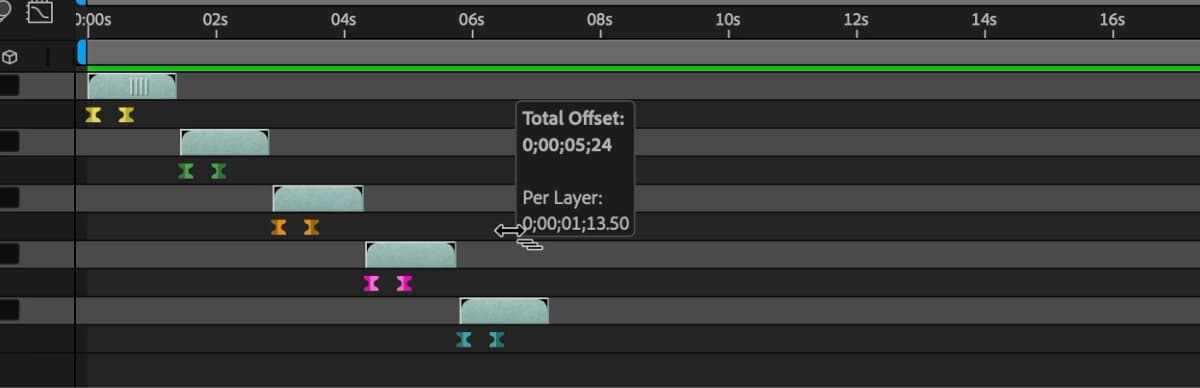
Handily enough, you can even offset keyframes using the same method; just select keyframes across multiple layers, then hold the keyboard shortcut and drag to stagger their timing across layers. Not having to manually adjust layers of keyframes in the timeline to achieve the same effect could be a proper time-saver.
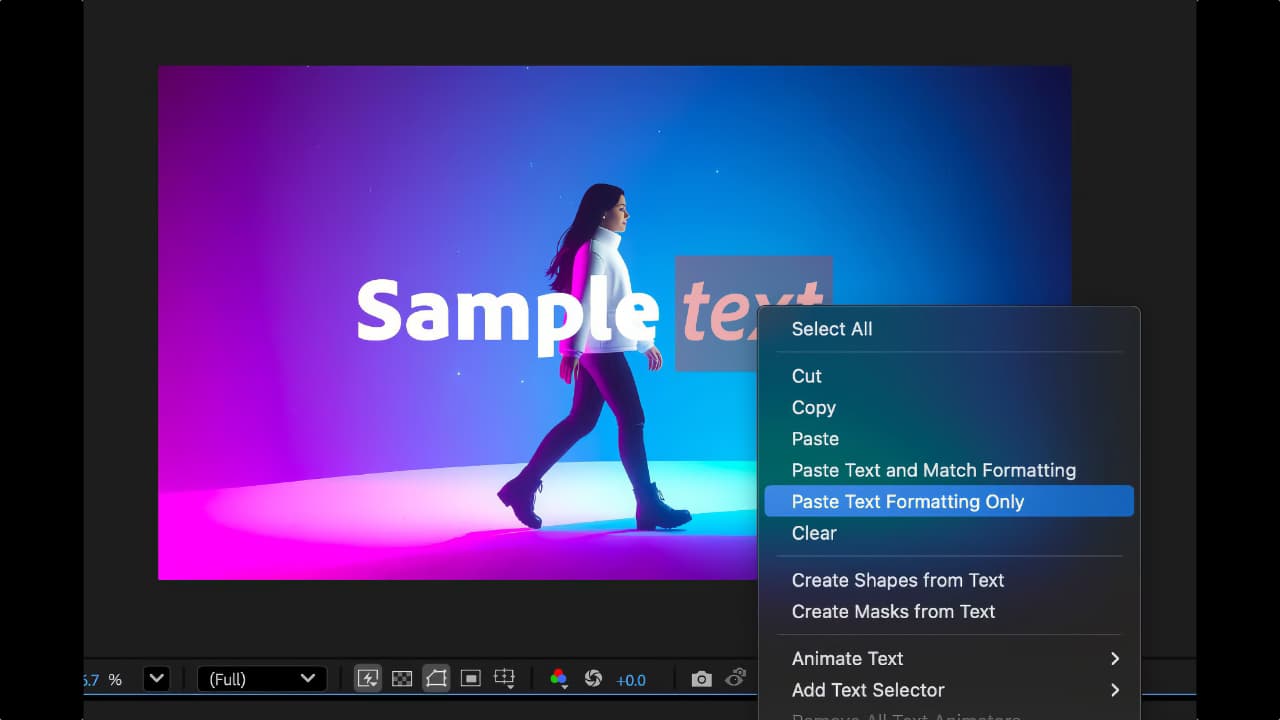
Elsewhere, the new Paste Text Formatting Only feature allows you to paste a copied formatting, such as font, size, color, and style, without changing the actual text. Instead of manually matching text styles across layers or within a single text layer, you can use this feature to quickly apply formatting from one text element to another. This can help maintain a consistent design and save time, especially in large projects with many text layers where the content varies but the styling needs to stay the same.
25.4 also lets you import and export HDR content by using CICP (Coding-Independent Code Points) metadata. This helps ensure that colors and brightness levels stay consistent from editing to final output, no matter where the content is viewed. Additionally, if you are working in a HDR compatible color space, you can now export your composition to PNG sequence with embedded HDR10 metadata.
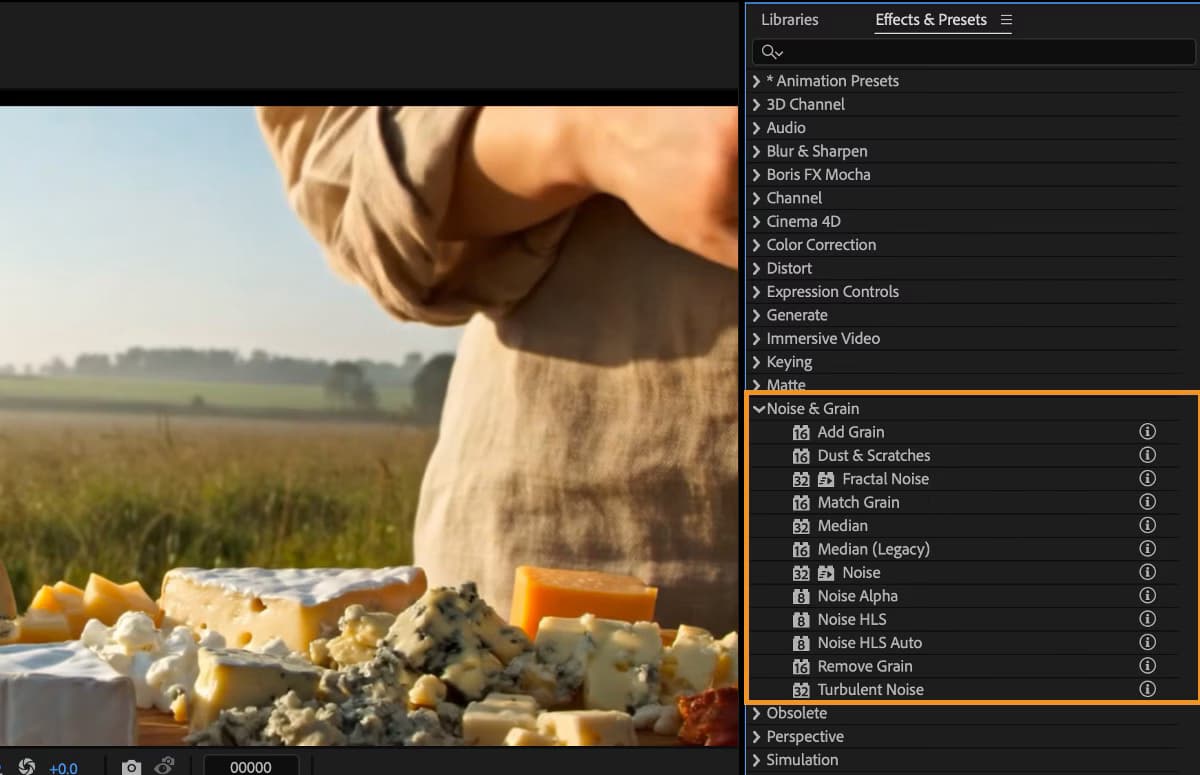
And for those still on the AE learning curve, new Info buttons next to each effect in the Effects & Presets panel link to detailed resources, allowing you to quickly learn about an effect’s purpose and behavior, without interrupting your workflow.
Finally, After Effects now automatically relaunches when changes are made to preferences or features that require a restart. This applies to scenarios such as enabling logging, installing scripts or ScriptUI panels, using the Startup & Repair function, and toggling effects in the Effect Manager.
There’s some bug squashing too. Full list below.
Tags: Post & VFX Adobe Adobe After Effects


RedShark 2020 @ All rights reserved.

Comments