7 minute read

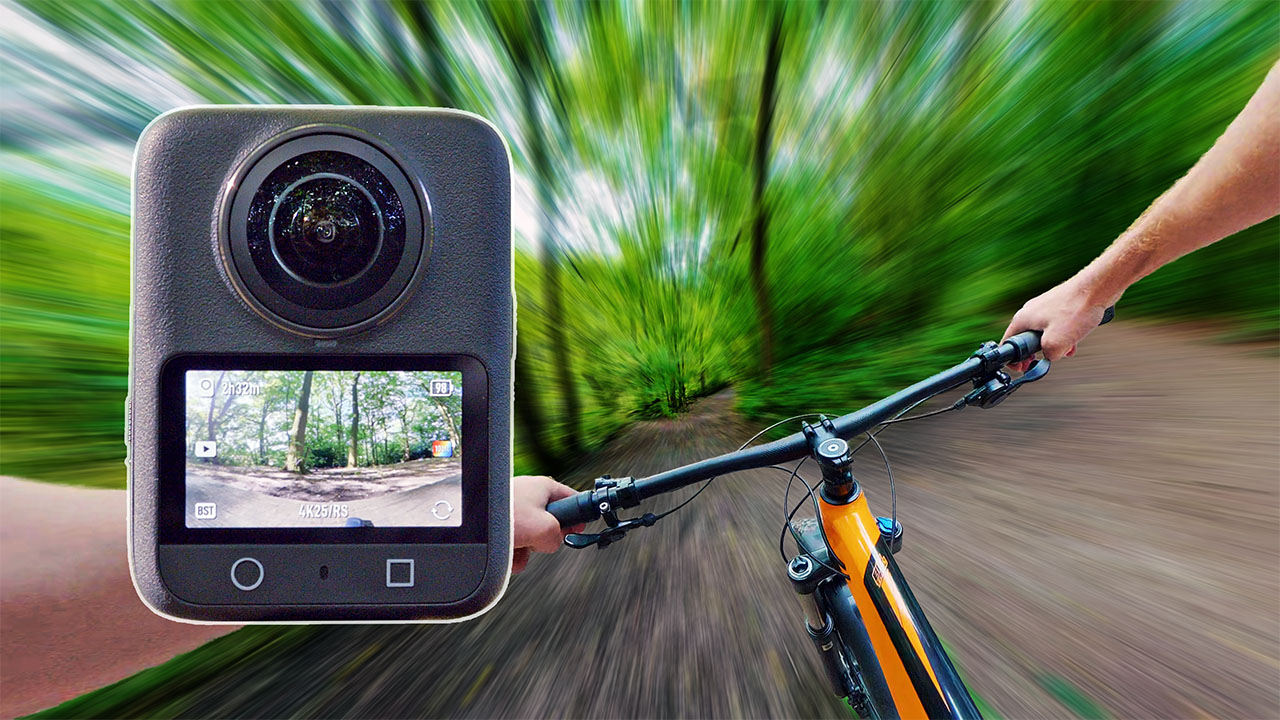
The Osmo 360 is DJI’s first foray into 360 cameras. With expectations sky-high, Simon Wyndham puts it through its paces to see if it can truly dislodge Insta360 from its position at the head of the pack.
Rumours that DJI was designing a 360 camera go back a long way, and it’s safe to say that with Insta360 dominating this particular market segment, a lot has been riding on its release. Insta360 has refined its 360 technology over many generations, so can DJI’s first gen design fulfil the myriad of expectations that are being placed upon it? Let’s take a closer look.
I don’t wish to dwell too much on the deep technicalities of the camera, but it is worth noting how the Osmo 360 captures an image compared to its rivals. A 360 camera captures a 180-degree spherical image from each side of the camera and then stitches them together to create the final 360 picture. So far, so straightforward.
However, most 360 cameras feature a rectangular shaped sensor, which means that a lot of the area at the sides of the chip are left redundant when the spherical image is projected onto it. But while those pixels are not being used to produce part of the image, they are still drawing battery power.
The Osmo 360 on the other hand features two square 1-inch sensors, so that much more of the sensor area can be used. Only the corners are left unused. This is better for battery life as well as for thermal performance. DJI claims that the camera can run for 100 minutes at 8k 30fps.
Another notable feature that sets the Osmo 360 apart from competitors is when it comes to frame rates. While the increase to 8k capture resolution across the board is very welcome, most other cameras are limited to 30 fps maximum. At the time of publishing, the Osmo 360 is the only 8k capable 360 camera that can record up to 50p at that resolution. The camera also features a single lens mode that can capture 4k at up to 120fps or 5k up to 60fps. If you lower the 360 mode down to 4K you can capture up to 100fps, although your resolution loss will be quite high once you’ve reframed the image.
So on paper at least, the Osmo 360 does appear to have some compelling technology behind it that should give it a leg up over some of its rivals.
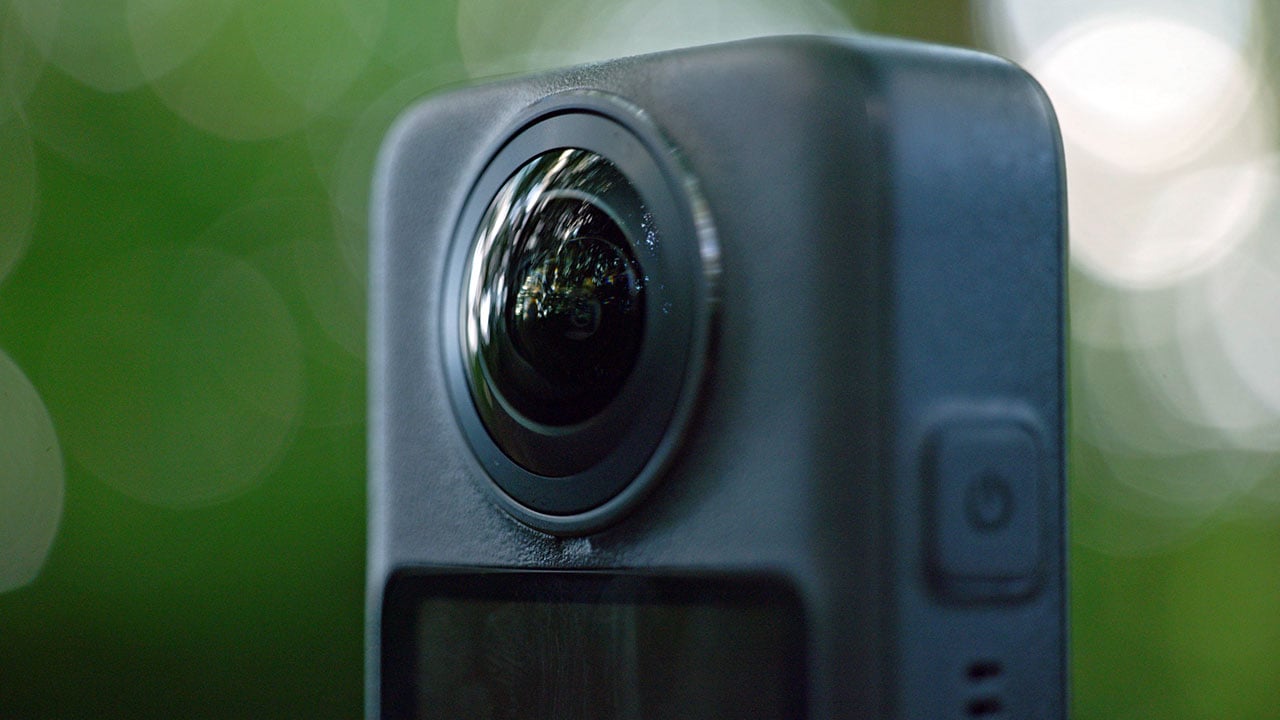
The Osmo 360 takes a different design approach from most of Insta360’s products in that it eschews the tall vertical form factor in favour of a shorter, square shaped body. The Osmo 360 is being marketed heavily as an action camera, so immediately I had high hopes for its use in that sphere, pardon the pun.
Tall and slim form factors like the Insta360 X5 work well for lifestyle shooting from a selfie stick, but they are much less practical for body mounting or attaching to a helmet. Having a square body like the Osmo 360 makes it much more comfortable to wear in those situations. But, there are some caveats to this, which I’ll come to a bit later on.
There is one very noticeable omission from the design of the Osmo 360, and that’s the lack of user replaceable lenses. Insta360 showed the way by featuring replaceable lenses on the X5, and in doing so it changed the game. GoPro’s Max 2 also has replaceable lenses. Because of the way the lenses protrude on a 360 camera, they are extremely vulnerable to damage. For a camera that's designed for action it’s quite an important feature to leave out.
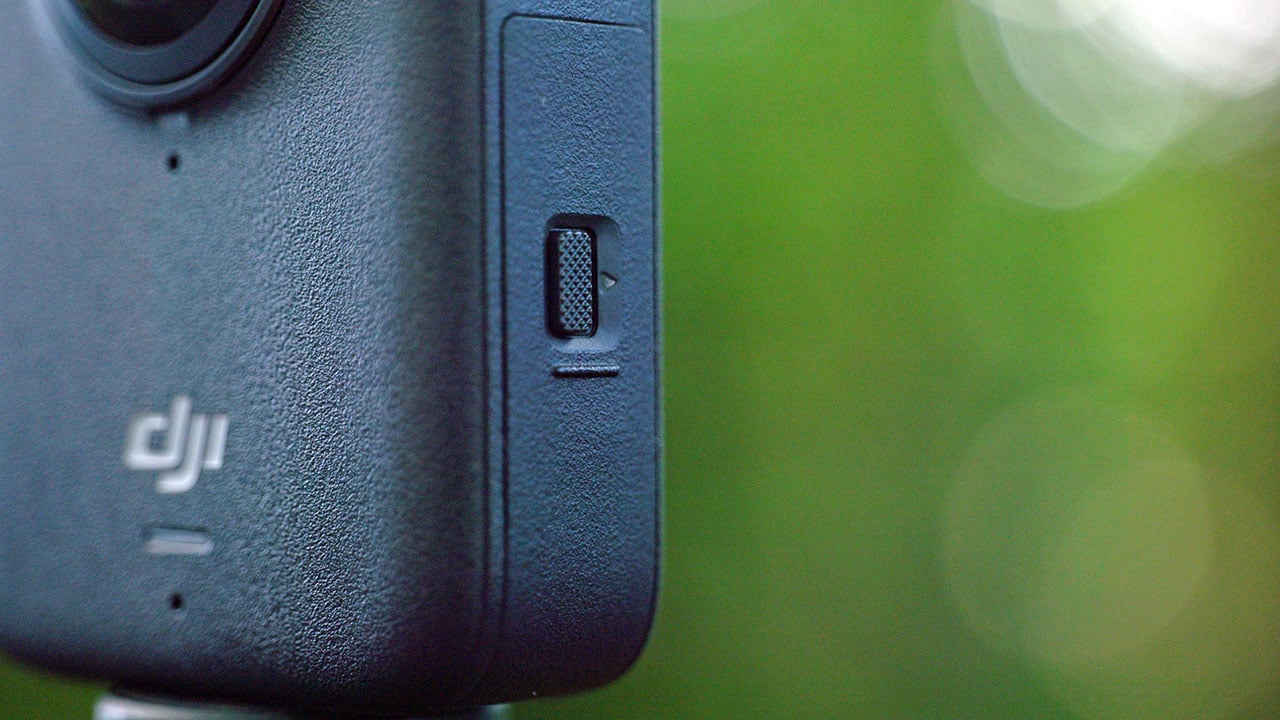
That said, the overall build quality of the camera is very solid. I was pleased to see a redesign of the battery compartment and USB doors from the Action 5 Pro. The new doors require that a latch is moved horizontally to unlock them, making them much less vulnerable to being accidentally opened.
The LCD display and interface is fast and responsive, even with wet hands. This is something DJI has excelled at with its previous cameras. So, while it’s not a surprise, it’s good to see these qualities continue.
For mounting the camera, the Osmo 360 uses DJI’s standard magnetic clip system. This is a solid design and is very convenient if you want to move the camera between different mounts. It would be good to see a 1/4” thread included as well, given that it’s a 360 camera that will often be mounted to a selfie stick. Although DJI does provide a magnetic mount that screws onto a 1/4” attachment and locks into place in alignment with any pole it might be attached to.
The Osmo 360 starts up quickly. When you first turn it on after a period of it being powered down, it can take a bit longer. But after that, power up times are almost instantaneous. The interface is pretty much the same as DJI’s other action cameras, so anyone who is familiar with those will instantly be at home.
As per other 360 cameras, you can pan around the shot using the LCD display so that you can check the visibility of any mount you might be using.
Battery life is excellent. In my tests I easily made 94 minutes in 8K 30p mode with no thermal shutdown. In fact I still had 20% battery left at that point. Recording had only stopped because the SD card had become full. If you already own an Osmo Action 5 Pro, you’ll be pleased to know that the Osmo 360 uses the same batteries, saving you needing to buy a new set.
One thing that I did find confusing with the firmware on the test camera is that sometimes frame rates could be inconsistent. For example, I can set the camera to 8k 24p in 360 mode, but I can only go down to 25p in single lens mode. It’s likely this is an accidental omission on the part of DJI rather than any technical limitation, so I hope to see 24p implemented in single lens modes in future firmware updates.
The Osmo 360 can record in 10-bit colour and D Log-M, which gives it a lot of potential when it comes to grading. It’s not all roses and light, however. I find that even when the sharpness is dialled down to a minimum, the image still looks a bit overly sharp and digital. Additionally, because the camera is performing an HDR tone mapping process to place more dynamic range within an image, this can cause artefacts to appear in some instances. For example tree branches or leaves against a deep blue sky can appear to have a white outline around them. The effect can be subtle such as in the image below, or it can stick out like a sore thumb in other circumstances.
This is also a problem that occurs on the Action 5 Pro, and I believe it's due to the highly complex tone mapping that is being performed. When the camera is placed into D Log-M, this processing really should be switched off to allow users full control over the image.
In standard colour modes I also find green shades in foliage often appear rather fluorescent in appearance. This is all subjective, of course, but I would prefer more of the colour science that we saw in previous cameras like the Action 4.

It’s not all negative. The Osmo 360’s large 1-inch sensors mean that it has absolutely stellar performance in low light, even without using the camera’s dedicated Super Night mode. I was very pleased to see that unlike the Action 5 Pro, it’s possible to dial down the sharpness and noise reduction settings in Super Night mode as well as in the standard video modes.
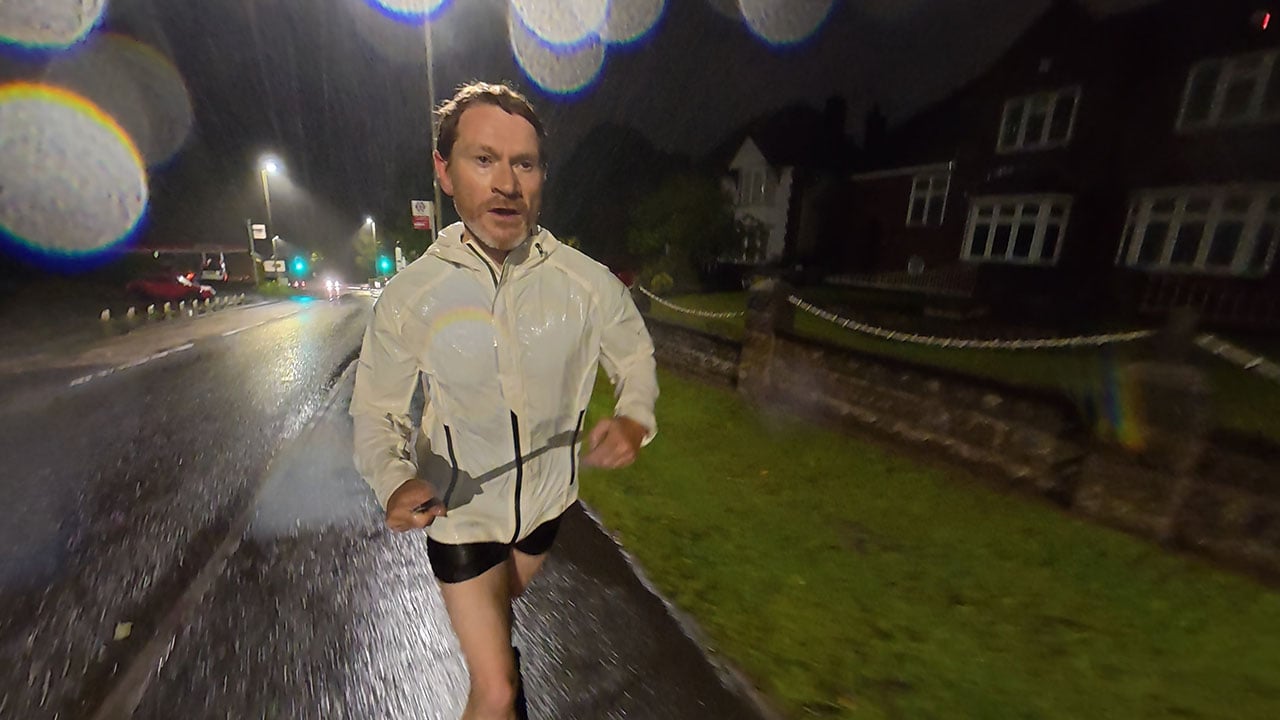
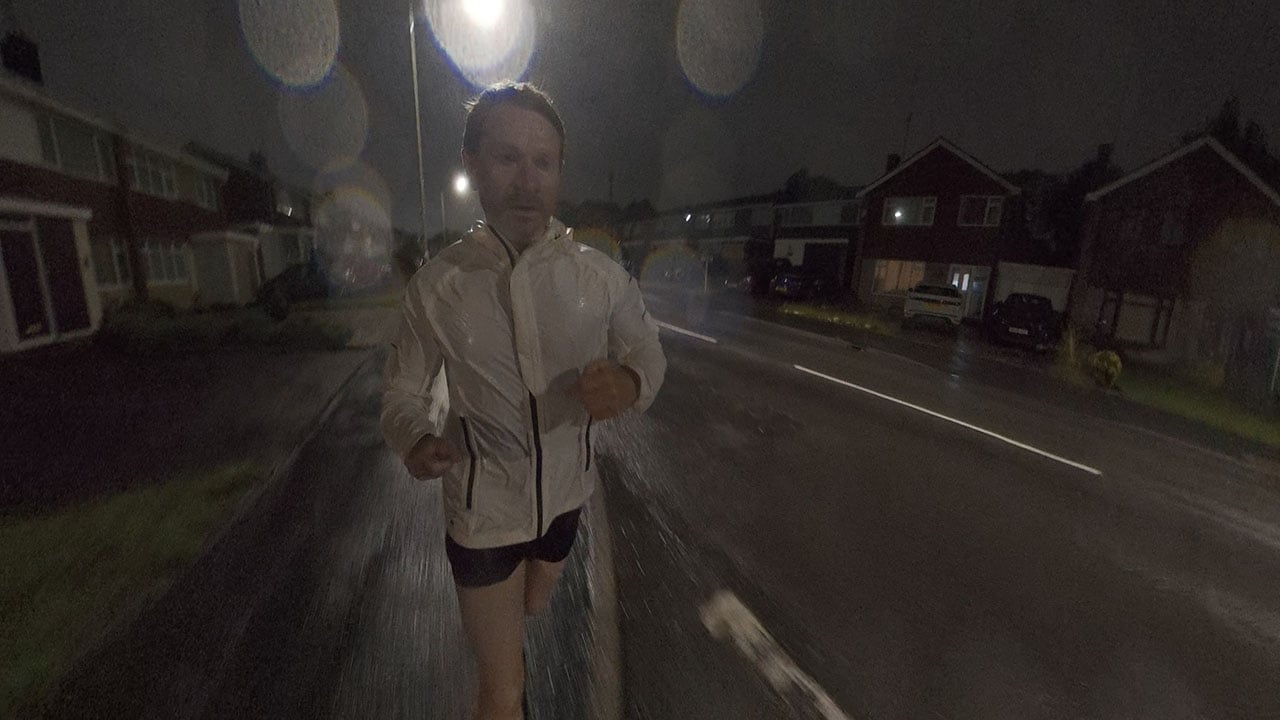
Recording in Super Night mode yields an image in low light conditions that really shouldn’t be possible. I went for an early morning run in driving rain with only street lighting. The results looked great. There was a little bit of motion jitter from the stabilisation, but that was due to an error on my part since I forgot to turn on the option to eliminate this.
I know a few running channels on YouTube where the presenters will often run in the early morning, either in the dark or during dawn. The Osmo 360 would be ideal for these sorts of situations, particularly when combined with DJI’s superb wireless mic systems.
Detail wise, the Osmo 360 produces a highly detailed image, and DJI’s desktop studio software does a great job of reframing the image with minimal stretching effects at the sides, even with it set to a wide FOV.
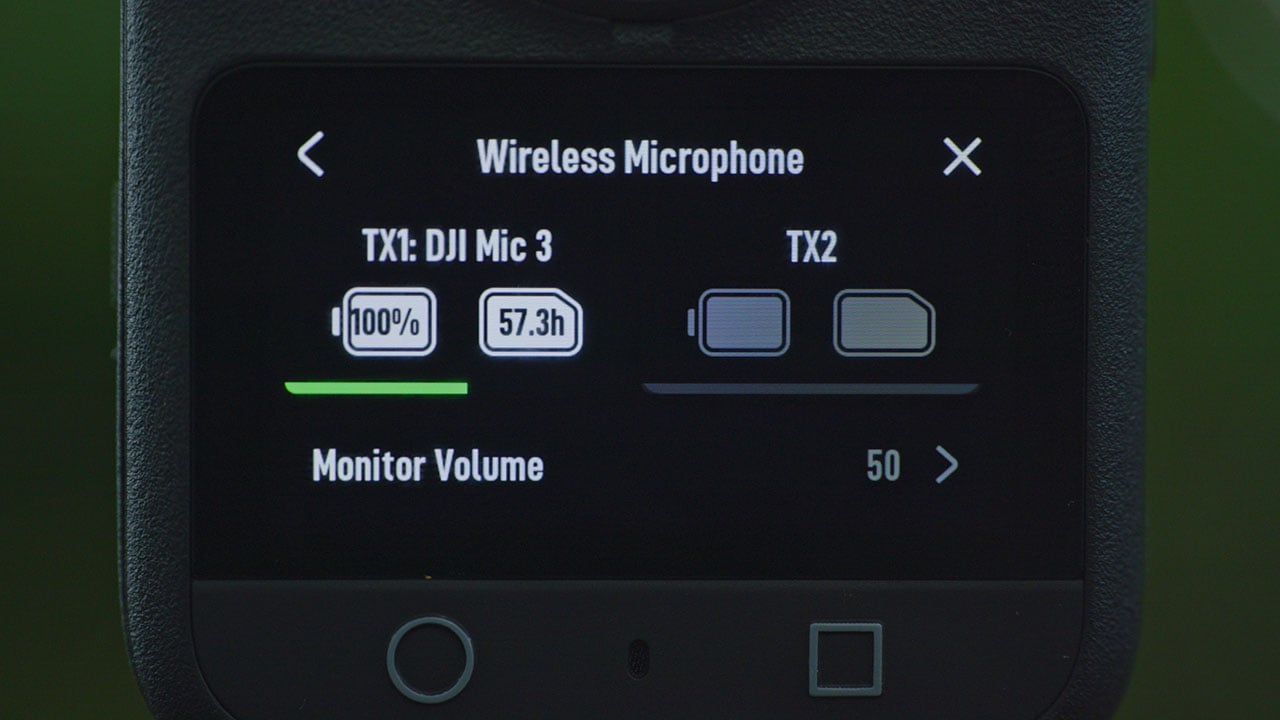
Audio is another area that the Osmo 360 excels at. It’s compatible with all of DJI’s different wireless mic systems, and once paired it connects instantly upon each power on. When it's combined with the 32-bit float recording backup of the DJI Mic 2 and 3, there’s the potential for some incredibly high quality audio, with connections to multiple microphones possible.
The internal audio recording is pretty good, depending on distance and the environment, though it has some way to go to match Insta360’s wind filtering abilities. Insta360 now incorporates a physical wind filter into all its latest cameras, and when these are combined with digital noise filtering the results are very good indeed. When I put the Osmo 360 into “Smart” mode for wind noise reduction, I didn’t find it particularly effective, with my voice being drowned out by wind noise even at fairly close distances.
That said, if I wanted to record myself talking to camera, I would always use one of the wireless mic systems connected to it instead. Although sometimes you might be in a position where this isn’t possible or you simply don’t own one.
The Osmo 360 is a well built camera that has some great on-paper specifications for a first attempt at making such a device. As a 360 camera for lifestyle, vlogging, and low impact activities it will work very well, particularly in combination with the DJI Mic systems. But, it is being marketed heavily as an action camera, and so given how I would intend to use it I need to draw many of my conclusions from that.
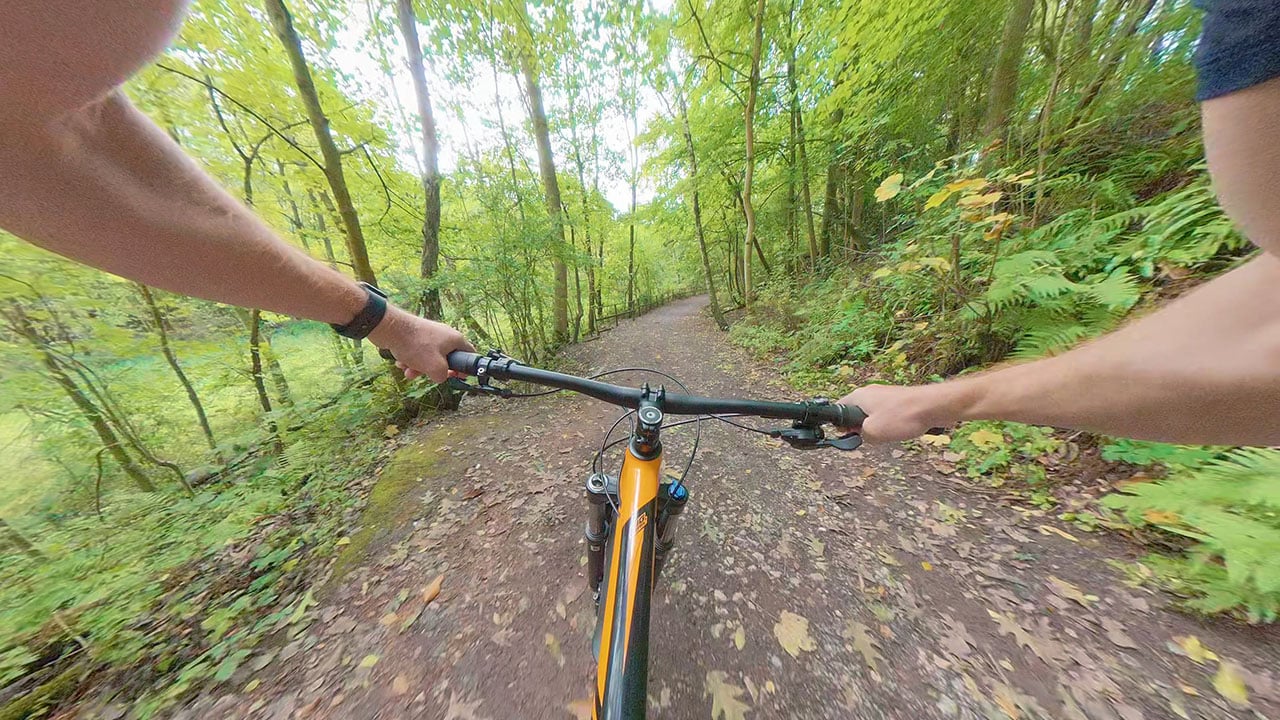
360 cameras give by far the best POV view of any camera. The flexibility you have in post for the widest, most immersive first person perspective is unmatched by traditional action cameras. But, 360 cameras are usually unwieldy to mount onto a helmet. Insta360’s X5 can be mounted horizontally with the use of an additional bracket, but you still very much know it’s there due to how wide it is in that orientation.
The Osmo 360 is much better suited to helmet attachments, but it's extremely vulnerable to damage. The fact that the lenses aren’t user replaceable means that it’s not a device you would really be comfortable putting in harm's way. Unfortunately this restricted my testing quite considerably. I’ve heavily damaged multiple review cameras in the past few years, and it would only have taken one sharp rock to have completely halted my testing of the Osmo 360. As a result, I didn’t really use it doing the activities that I would have liked to.
I know that DJI will take these criticisms as intended, as constructive feedback as to what can be changed in the next model. But for now, I can’t really recommend the Osmo 360 for high impact sports use. However, for other lower impact situations, low light shooting, slow motion, and places where you need the best audio quality, the Osmo 360 will suit those uses very well.
The DJI Osmo 360 is available now and is priced at $549 for the camera alone, or in different bundles suited to different use cases ranging from £$589 for the Motorcycle Handlebar POV Combo, up to $759 for the Vlog Combo.
Tags: Production Review Cameras Action cameras 360 video 360 cameras


RedShark 2020 @ All rights reserved.

Comments