
2 minute read
Advertisement
We don't use words such as game-changing lightly, but Adobe's three year examination and invention of color grading for editors really does move the goalposts, and the live demo shows it off to great effect.
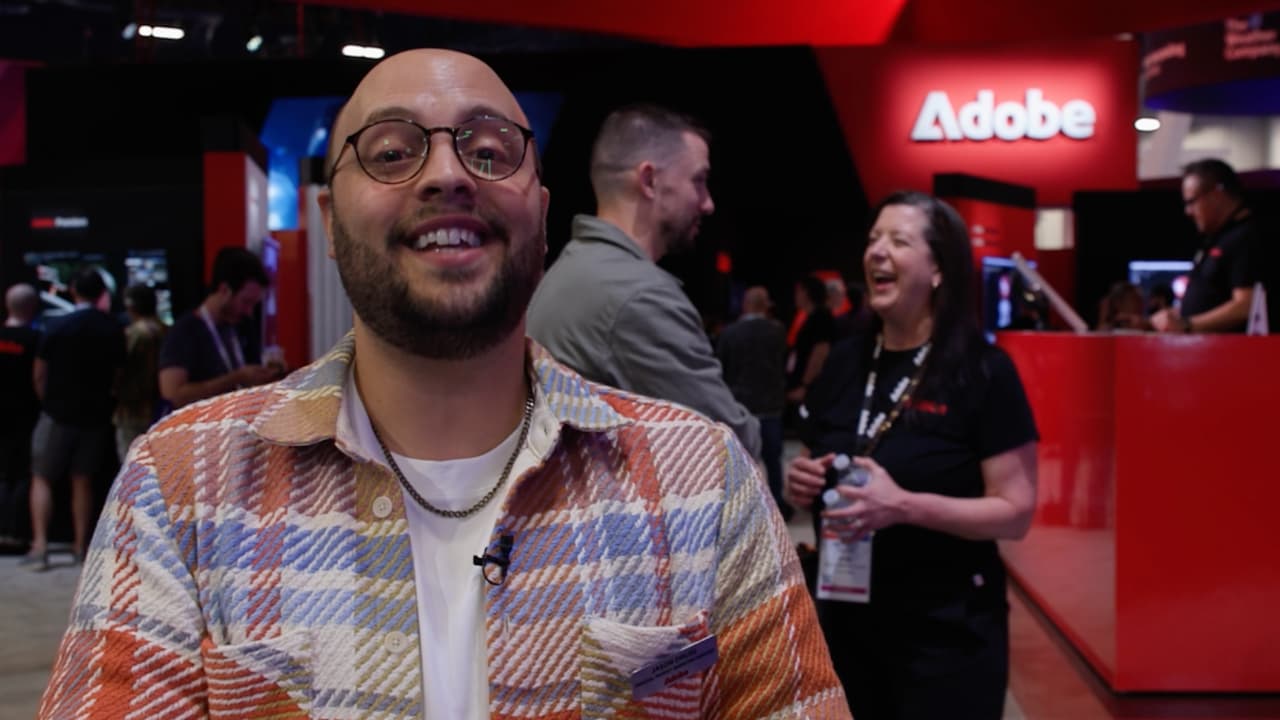
Adobe Senior Project Manager Jason Druss always gives excellent overviews of the latest additions to Adobe Premiere, but his enthusiasm for the new Color Mode in the latest Premiere beta features is off the scale. And, justifiably as well. Color Mode reads well on paper, but seeing it in action is a whole new ball of wax.
As Druss says, "These are not your granddad's color correction controls."
You could almost make up an entire feature simply of Druss' enthusiastic soundbites, but here are two that encapsulate his feelings on the new features.
"This is a complete reset, not only for what color is in Premiere, but what color can be for video editors."
"By the time we ended up wrapping private beta, there wasn't one user who wasn't absolutely in love with this new way of working."
The Color Mode interface centers on a large program monitor and a vertical clip grid displaying every clip in the timeline. Controls are bidirectional. Contrast, for instance, is adjusted by moving the mouse up and down, with the pivot point shifted left and right. A heads-up display overlays real-time video scopes and numeric tool values during adjustments, and a dedicated texture and sharpness HUD allows critical decisions to be made without the need to study the monitor directly.
Pretty much everything that you can think of regarding working with color has been reexamined, and changed. Grade management uses a new category called Operations, which sit at three levels: clip, group, and sequence. Styles replace LUTs as the primary look-management tool, built from individual modular color effects called Modules that can be stacked and saved (Adobe ships more than 90 film emulations covering negative and print stocks). A Contrast Kit module provides advanced contrast density curve control, and hue isolation tools automatically surface the most prominent hues in each clip. And adjustments applied to a group affect all clips in that group simultaneously, with full transparency at every level.
It's powerful stuff and, in the hands of someone like Druss, it looks like fun. But that's one of the whole points about it. You don't have to spend thousands of hours learning it to get good results; they're available in days not years.
"If you're new to pro color grading, this system is actually going to help you learn how to be a better colorist as you work," Druss says. No wonder we gave it one of our RedShark NAB 2026 Awards.
Oh, and there's Object Matte in After Effects 26.2 to briefly talk about too, which combines Roto Brush and three other tools into a unified AI-assisted rotoscoping system. About 1 minute in for AE users.
Tags: Post & VFX Adobe Adobe Premiere NAB 2026 Color Mode color grading

Written by Andy Stout
Advertisement
Advertisement
Advertisement
Advertisement
Advertisement
RedShark is a multiplatform online publication for anyone with an interest in moving image technology and craft. With over 50 contributors worldwide, full-time developers, editorial, sales and marketing staff, it is the go-to site for informed opinion and know-how for the quickly changing video, film and content creation industries.

RedShark 2020 @ All rights reserved.

Comments